

Not a big fan of YouTube's short videos in your feed and want to get rid of them? While there's no official way to disable YouTube Shorts, there are a few workarounds to hide them from appearing in your feed . We'll show you how to do this on your iPhone, Android phone, and desktop.

Use the YouTube mobile website to disable Shorts.
A convenient way to remove “Shorts” from feed is to use the YouTube mobile website on your phone. On the website, you have the option to hide the “Shorts” section for 30 days, which you can’t do on the app .
To do this, launch browser on your phone (Chrome, Firefox, Edge, Safari, or any other browser) and open m.youtube.com. On the website, sign in to your Google account.
Once you are logged in, access the “Shorts” section. In the top right corner of this section, tap the “X.”.
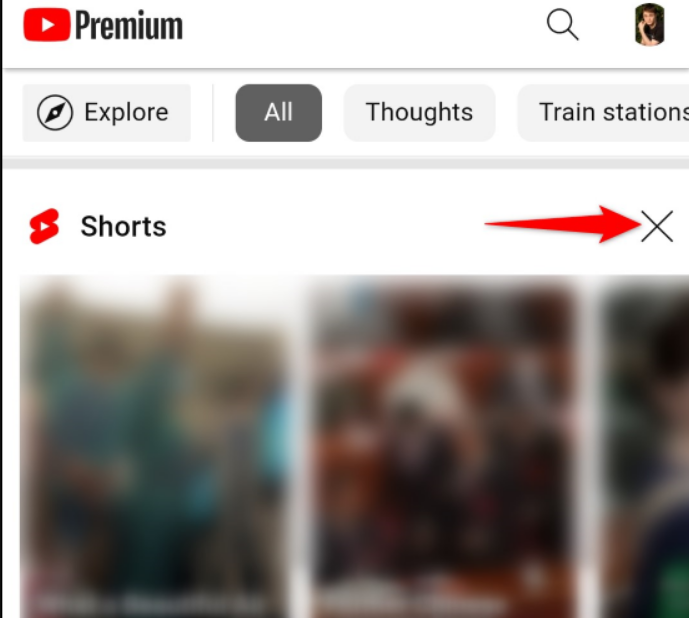
Once you tap the “X,” YouTube will hide the section and state that the shelf will remain hidden for 30 days.
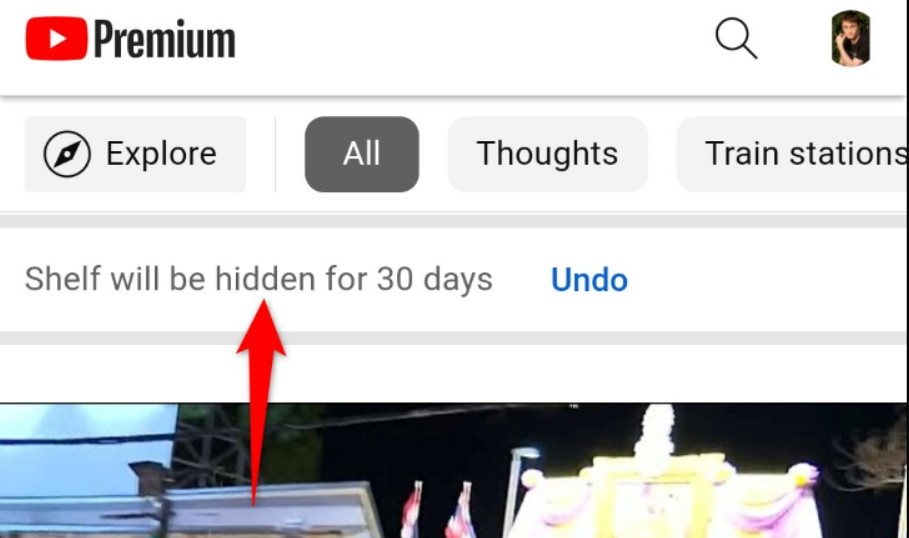
And that's it. When you start watching those Shorts again, tap the “X” again and the section will hide for another 30 days.
Turn off Shorts on the YouTube mobile app
The YouTube iPhone and Android don't offer the ability to remove Shorts, but you can mark your Shorts as "Not Interested" to temporarily remove them from feed . Unlike the method above, there's no guarantee that your Shorts will remain hidden for any number of days.
To use this method, launch YouTube on your phone and go to the “Shorts” section. In the top right corner of a short video, tap the three dots and select “Not Interested.”
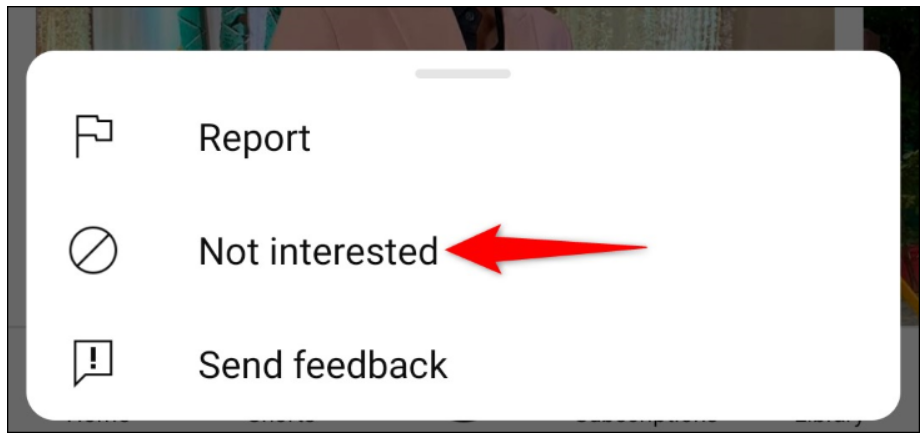
Repeat the above step for each video in the “Shorts” section. Once you do this, YouTube will temporarily hide the “Shorts” section from your feed, and that’s it.
If you start watching Shorts again, simply mark them as “Not Interested” to get rid of them.
Removing Shorts from the YouTube Desktop website
If you're a desktop user, getting rid of Shorts from the YouTube desktop site is as easy as selecting an option. You can click an option that hides Shorts for 30 days, and when that time period is up, you can click the option again to remove Shorts for another 30 days, and so on.
To do this, launch your computer's web browser and open YouTube.com. On the website, make sure you're signed in to account .
Find the “Shorts” section on the website. In the top right corner of the section, click the “X.”.
YouTube will hide the section for 30 days, and you're good to go.
This will get rid of those videos from your feed. Enjoy watching YouTube!
Information source: howtogeek.com
