

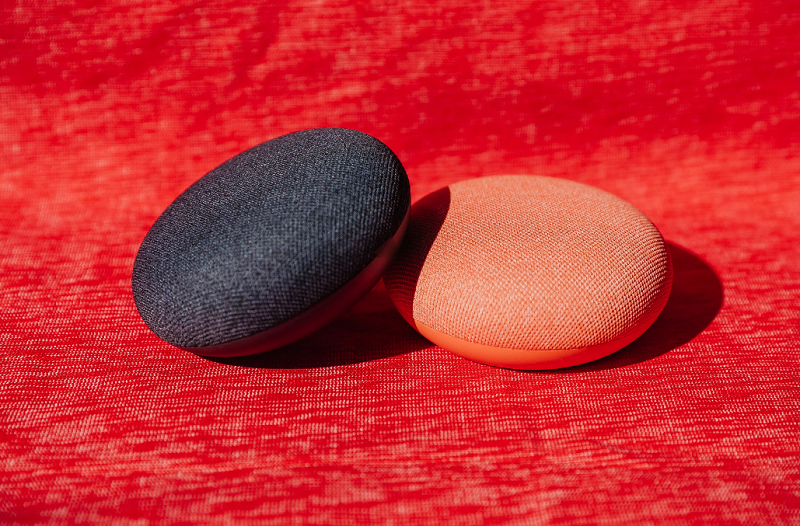
Putting two Google Assistant smart speakers in a stereo is a great way to enhance your smart home audio experience. If you need to separate two speakers from a stereo to move them to new rooms or upgrade, here's how to do it.
Before proceeding, you may need to reassign the devices to your home or new rooms and reconnect the speakers to your Google account once they're separated.
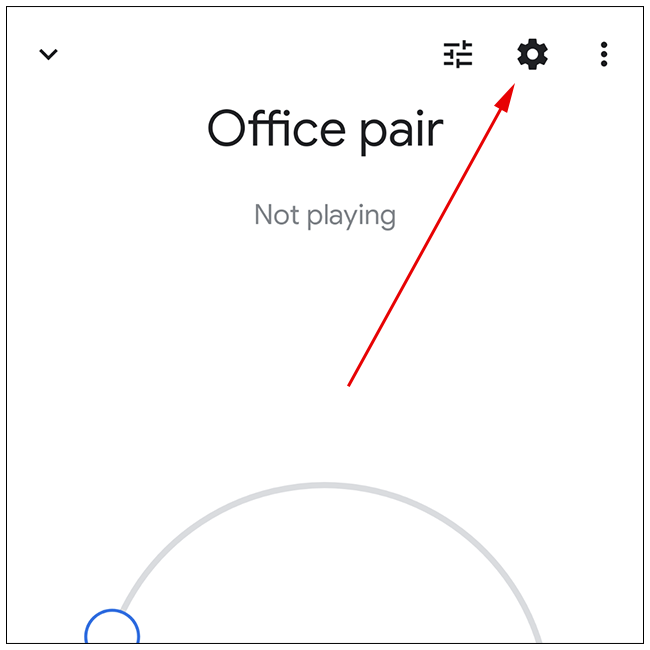
To unpair your Google Assistant smart speakers, first select the pair you want to unpair in the Google Home app on iPad , iPhone, or Android . From there, tap the gear icon in the top right corner
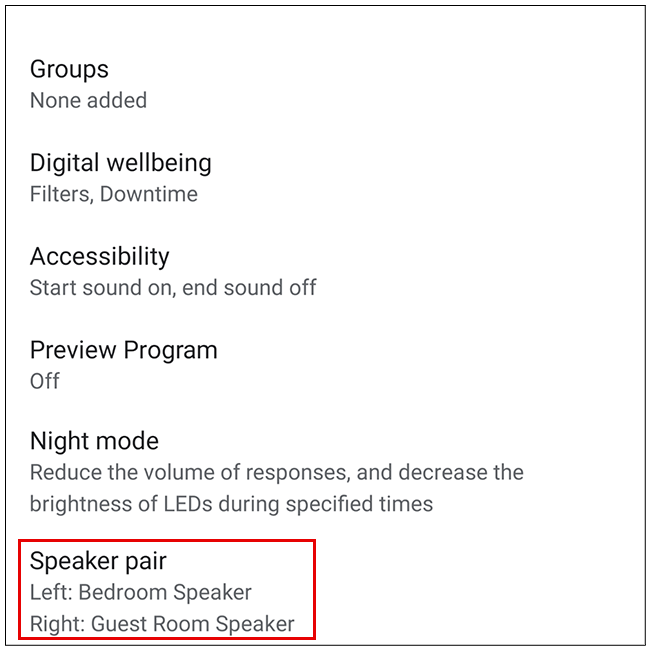
Then, scroll down and select “Speaker Pair.” You will see the names of the two individual speakers that were paired.
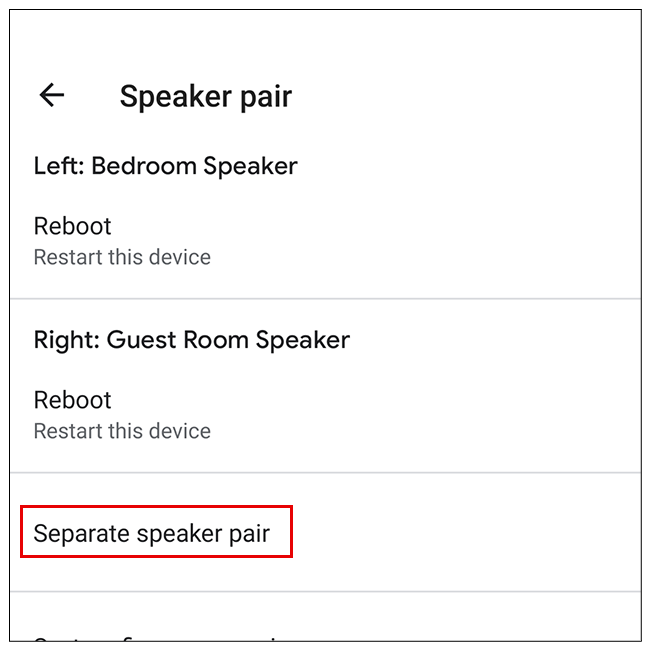
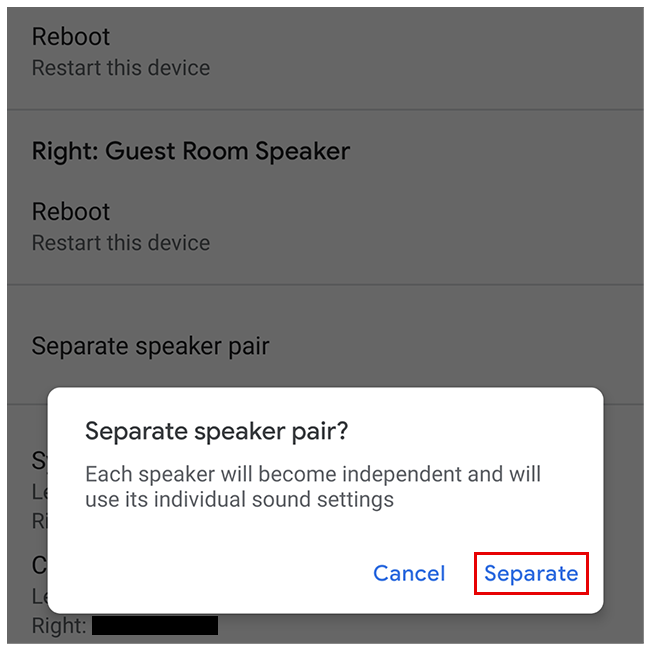
Tap the “Separate Speaker Pair” option.
A pop-up message will appear confirming that you want to separate the two smart speakers. Finally, select the “Separate” option.
The split is ready! You can always change your speaker settings or recreate a new pair of Google Assistant smart speakers to enjoy stereo sound.
Source: howtogeek.com
