

OnePlus OxygenOS is quite popular thanks to its Android functionality and some useful tweaks on top. What also adds to the popularity is the developer support that the operating system has. OnePlus has made multiple tweaks to differentiate the operating system from Android, but not all of them are useful. One such tweak is the company’s aggressive battery optimization setting which closes apps that you might want to keep open in the background. What doesn’t help this case is that even if you manually disable these settings for each individual app, it can later revert to the default settings. There have been many reports about this issue from many users.
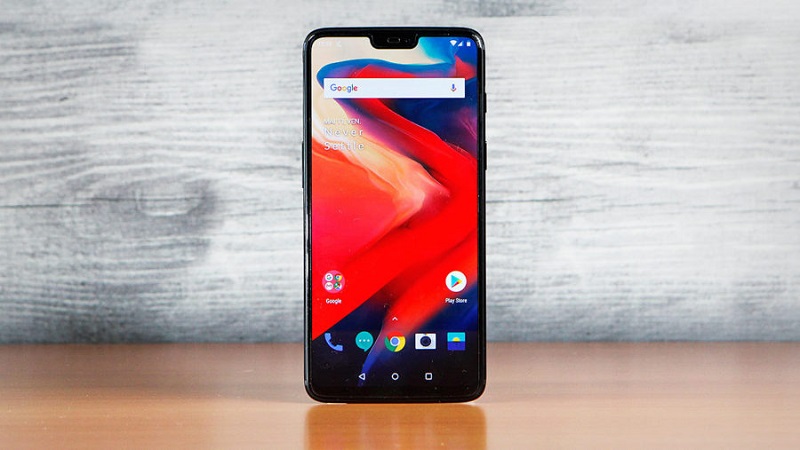
This seems more like a bug from OnePlus intentionally causing OxygenOS to behave this way. Despite numerous reports of this issue in OxygenOS on both Android Oreo and Pie, OnePlus has yet to fix it.
According to a report, if you have changed the setting to “Don't optimise” in Settings > Apps > Special app access > Battery optimisation, the OS will randomly change the “Optimise” setting, sometimes after a firmware update. Another way to access this setting in older versions of OxygenOS is to go to Settings > Battery > Battery optimisation. This has been observed on OnePlus phones running Android Pie after a reboot and on most other OnePlus devices after a firmware update. Similar issues have been reported multiple times by OnePlus Forum users, as well as XDA forums, on both Android Oreo and Android Pie.
This may seem like a minor issue, but combined with an aggressive background app management, it can be really annoying. This mainly affects apps (like Tasker, WhatsApp , etc.) that are expected to keep running in the background. It can cause any such app to not behave as intended and can cause issues with receiving messages, performing automatic backups, and running automated tasks. Some members of the Gadgets 360 team have also encountered the issue, with apps like Slack not receiving your messages immediately. Users later discovered that the “Battery optimisation” setting had been changed from “Don't optimise” back to “Optimise”.
As Android Police notes, as more apps are updated to target API 26 and background execution limits, more apps that need to run in the background will use “annoying persistent notifications” to stay active. For now, the report says, it appears that the only way for certain developers to avoid persistent notifications is to ask users to whitelist the app for battery optimization, which OnePlus owners can’t reliably do at this time.
