

Google 's Googlebook laptops have officially hit the market, bringing with them a major revelation that the company chose to make on the very day of their launch: Googlebooks with Intel processors may experience performance issues with some Android apps. The company admitted that while the entire Play Store is available, smooth operation is not guaranteed for every app on every model.
See also: Android Halo: Google's security capsule for AI agents

Until now, Google has repeatedly emphasized that Googlebooks provide access to "the entire Play Store," along with smart features for interacting with Android smartphones and tablets. The company clarified that "the vast majority of Android apps work smoothly on both Intel and Qualcomm models," however, "a small number of complex apps or games require some optimization by developers to perform optimally on Intel platforms."
The Googlebooks were released in the United States on October 4, 2026 , with prices starting at $899. The first models come from Acer, ASUS, Dell, HP , and Lenovo. Of these five models, three — the Acer Googlebook 14, ASUS Googlebook 14 , and Lenovo Googlebook 15 — use Intel Core Ultra Series 3 (codenamed Panther Lake), while the Dell XPS Googlebook and HP Googlebook 14 are based on the Qualcomm Snapdragon X Elite, which uses Arm.
Googlebook and the architectural difference Intel vs Qualcomm
The problem is fundamentally architectural. The vast majority of Android apps are designed and tested primarily for Arm processors , as that's the architecture that almost all smartphones use. The Qualcomm Snapdragon X Elite also follows the Arm architecture , so the Dell and HP models have inherently better compatibility with the existing app ecosystem. In contrast, Intel processors use the x86 architecture , which requires additional work for apps that include native libraries, graphics engines, or performance-sensitive code.
Googlebooks are designed to run Android apps natively, unlike Chromebooks which use a virtualized Android environment. This theoretically reduces some of the performance issues associated with running mobile software on a laptop, but it doesn't eliminate the differences caused by processor architecture. Apps written exclusively in Java or Kotlin can be ported relatively easily, while games and apps that use native C/C++ components, custom graphics engines, or hardware-specific libraries require significantly more work.
Google has introduced special labels in the Play Store to help users understand the level of optimization of each app: “ Made for desktop” , “Optimized for desktop” and “Better on the website” . These categorizations are intended to distinguish between apps that are simply installed and those that are designed for laptop screens, keyboards, mice and trackpads. This approach is reminiscent of the compatibility labels that Valve uses for the Steam Deck .
See also: Googlebook: The first 5 laptops from Acer, Asus, Dell, HP, Lenovo

Googlebook: What this means for users and developers
For casual users who use productivity apps, streaming services, social networks, and lightweight utilities, the problem may be invisible. The biggest risk is for users who buy an Intel Googlebook expecting every Android game or demanding creative app to perform like a native desktop program. Possible symptoms include lower frame rates, longer boot times, graphical glitches, missing features due to unsupported native libraries, and poor keyboard or mouse behavior. Also, layouts designed for mobile phones may not scale properly on laptop screens.
For developers, Googlebooks add another target environment to their list, beyond smartphones, tablets, Chromebooks, Windows , and Macs. They may need to provide both Arm and x86 native libraries, test their apps on Intel and Qualcomm Googlebook models, support large screens and window resizing, add keyboard and mouse controls, and optimize graphics and power consumption for fanless laptops. This cost will be higher for games, video editors, emulators, and augmented reality apps.
It’s worth noting that Google hasn’t specified how many apps are experiencing performance issues, nor has it named specific apps that may be experiencing issues. This lack of transparency makes it difficult for consumers to make informed purchasing decisions. Googlebooks reportedly support around 20,000 games at launch, and Google has committed to up to 10 years of platform updates.
From a technical perspective, it's important to understand three levels of compatibility: first, installability — the app can be downloaded from the Play Store ; second, functional compatibility — the app opens and performs its basic functions; and third, optimized performance — the app behaves smoothly with the laptop hardware, desktop display, keyboard, mouse, and corresponding processor architecture. Google 's initial marketing emphasized the first category, while later clarification acknowledged that the second and third are not universal.
In the broader competitive landscape, Googlebooks enter a market dominated by Windows PCs and Apple Macs . Google 's strategy is to leverage Android 's vast mobile ecosystem to address a long-standing weakness of alternative laptop operating systems: limited availability of desktop apps. However, the fragmented launch with two different processor architectures adds additional complexity. Qualcomm -powered models may have an advantage with apps designed for Arm smartphones, while Intel models may offer broader familiarity with x86 PC software. This could lead to uneven reviews and user experiences between different Googlebook models.
See also: Apps in the Mac App Store can now drop support for Intel Macs
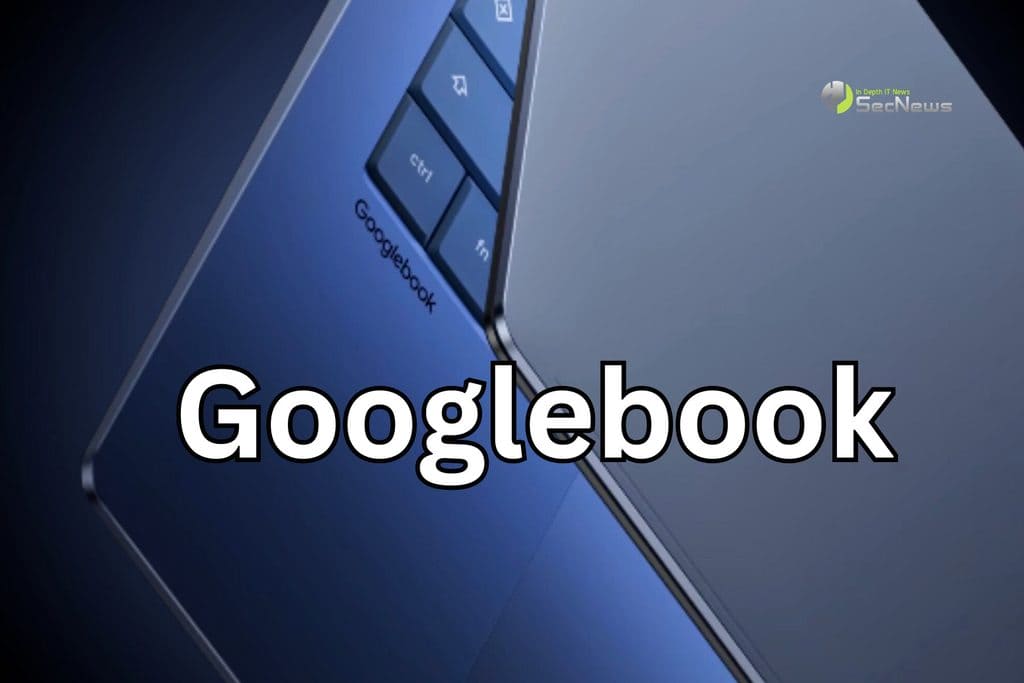
In conclusion, Google ’s admission on the day of the Googlebook ’s launch reveals a key limitation of the new platform: access to the Play Store does not guarantee uniform performance on every laptop. The company states that it works “hand in hand” with developers, Intel and Qualcomm to continuously optimize performance and expand compatibility. Consumers considering buying a Googlebook should check whether the applications they use frequently are labeled desktop-ready and whether the developer explicitly supports Intel or x86 devices . The Googlebook is an ambitious move, but the maturity of its ecosystem will be judged in practice.
