

Almost everyone agrees that the Windows 10 October 2018 Update is one of the most flawed versions of the operating system, while many are starting to consider it "the new Vista".
Among other things, a recently discovered bug causes notifications to be blocked in the Action Center.
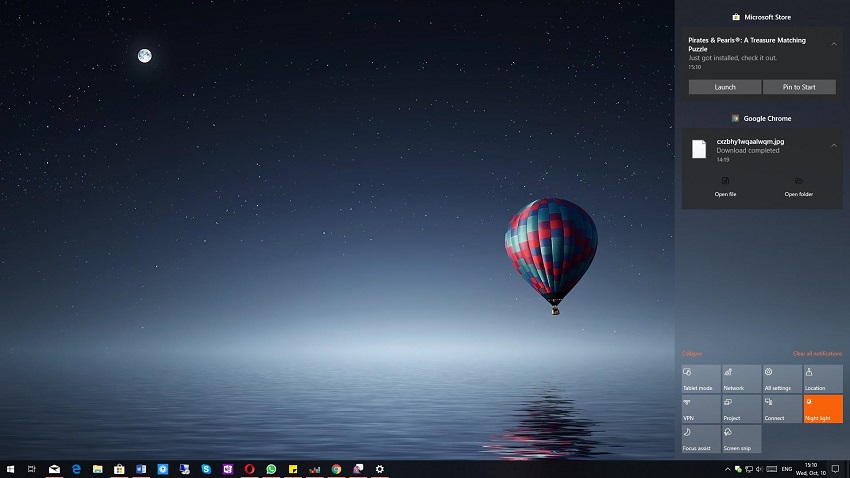
Below we have a way that may help you solve this specific error.
The first thing you need to do is check your current background apps settings in Settings. This means you need to enable the settings and navigate to the following path:
Settings > Privacy > App Permissions > Background Apps
The “Let apps run in the background” option should already be enabled, but it seems that Windows 10 version 1809 recognizes it as disabled for some reason. Just disable it.
Restart your computer to make sure your settings are saved, and then when you log back into Windows, enable the settings and follow the same path as before.
If the same feature is disabled, then your settings have been saved, so click the toggle again to turn it back on. This should essentially enable background apps, but a system restart is still required before the process is properly completed.
After doing the above, the bug in the Action Center should be resolved.
