

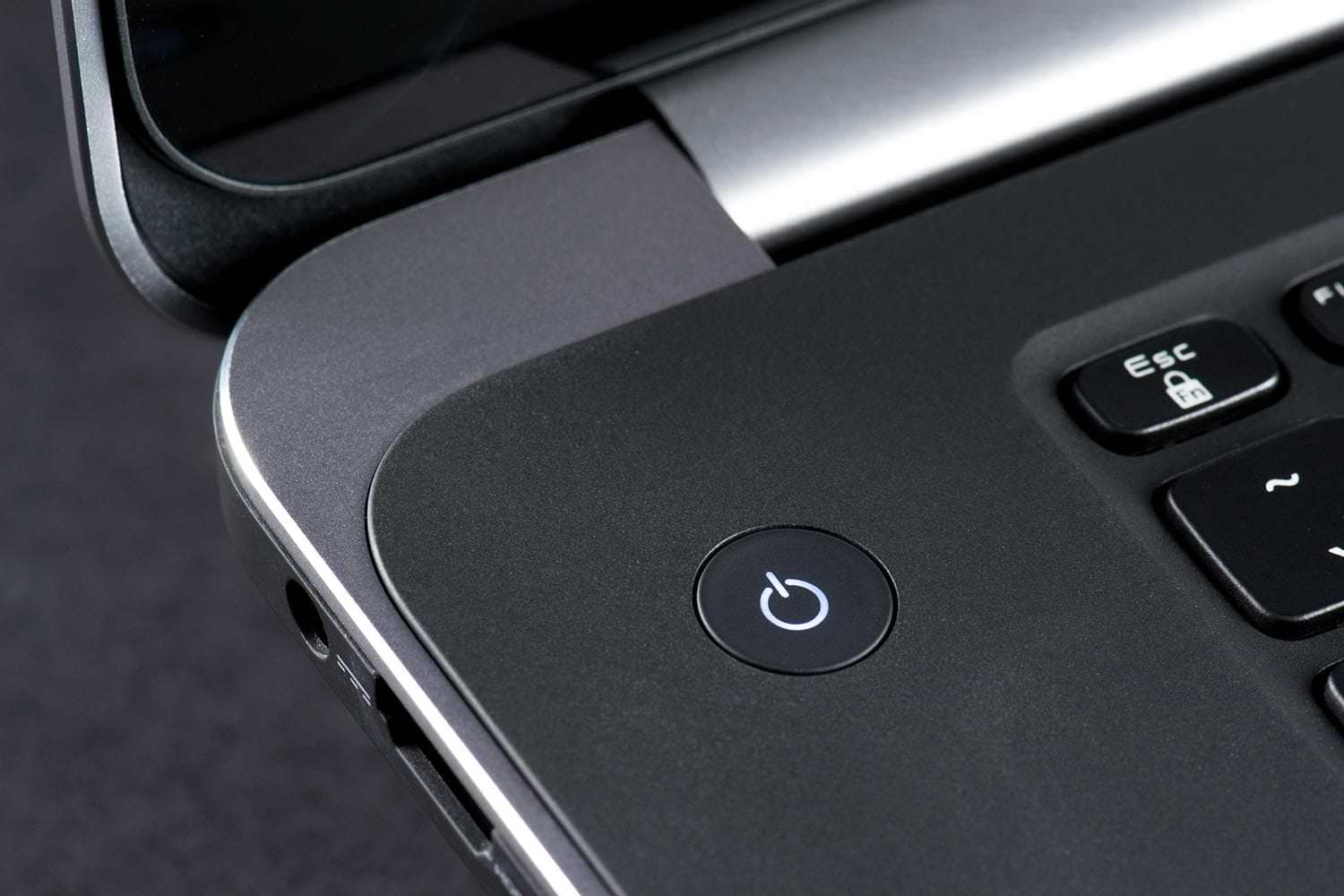
Should we turn off our computer when we no longer need it? Or is it okay to just close the laptop lid overnight?
There are many ways to shut down your computer or laptop: shutdown, hibernation, or sleep. But which is the right way? In order to find it, it's important to understand what each of these options does.
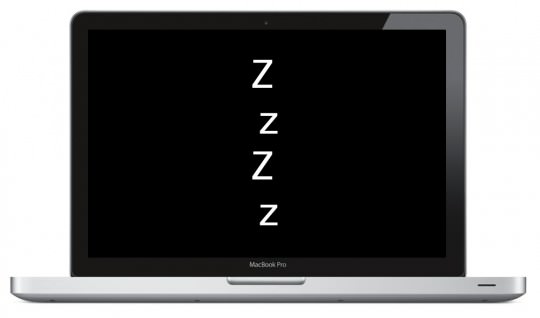
Sleep: Also known as standby. The computer enters a low-power state. The power supply is disconnected except for RAM. RAM maintains the state of the computer up to that point. Sleep saves any work, as well as the memory configuration, with low power and allows you to quickly resume your work at full speed. However, it uses more power than shutdown or hibernation. Data can also be lost in the event of a power outage. Therefore, it is important to save all your important documents and files first.
Shutdown: Most of us are familiar with this option. When your machine shuts down, it also shuts down the RAM and puts the machine in an off state. A computer that is shut down uses almost no power. However, when you want to use your machine again, you have to turn it on and wait for the hardware to boot up again and load everything you need.
Hibernate: This option is something between sleep and shutdown. In this case, your computer's memory is saved to the hard drive, specifically the contents of RAM. When you start it up, it allows you to continue where you left off. It allows you to save the state of your work, including all open programs and your data, to return to later. This state uses less power than sleep, but it takes a little longer than that. The power used by the machine is the same as when it is shut down.
But when should we make each choice?
Sleep: This is useful if you want your machine to start up quickly or if you're just going to leave it idle for a while. Applications stay open, power consumption is low, and you can quickly turn on your computer. It'll always be ready to use when you need it.
Shutting Down: When you are not going to use your computer for several hours, you can shut it down. Some computers or software may not function properly when resuming from hibernation, so it is better to shut down your computer instead. It is also a good idea to shut it down, or at least restart it, every now and then just to clear the memory and refresh it.
Hibernation: Saves more power than sleep. Hibernate your computer only if you are not going to use it for an extended period of time – when you go to bed at night, for example. This will help save power and battery life. You will not be able to run any programs while your computer is in hibernation. While hibernation is beneficial over modein that it saves more power, it does take longer for the machine to start up compared to sleep.
Therefore, we conclude that depending on what we want to do at a given moment, it is very important to know how to make the right choice. This will not only help save energy and battery, but will also help keep the computer components in good condition for longer.
