

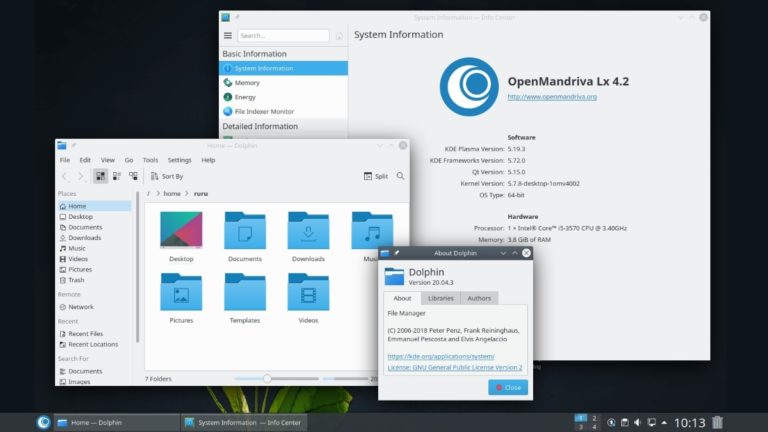
Earlier this month, a new version of Mageia OS, the most popular distribution based on Mandriva Linux, was released. A few weeks later, a new Alpha version of OpenMandriva, another operating system based on Mandriva Linux.
The new Lx 4.2 release comes with some significant improvements to the core-components of the system. In addition, many of the operating system packages and applications have been updated to the latest versions. However, the main purpose of the new release is to discover and fix all the bugs before the stable version is released.
What changes does OpenMandriva Lx 4.2 contain?
In the latest version of the operating system, almost all the core packages have been updated. More specifically, the Lx 4.2 version contains Linux Kernel 5.7.8, system 245, LLVM/clang 10.0.1, ggc 10.1 and glibc 2.31. In addition to these packages, the operating system now comes with Xorg 1.20.8, Wayland 1.20.8 and Mesa 20.1.
Another important change is the improved appearance of the system. In other words, OpenMandriva Lx 4.2 includes the latest version of the KDE Plasma Desktop, known as 5.19.3. In addition to the improved interface, the new version contains KDE Frameworks 5.72.0 and all applications from the KDE Bundle 20.04.
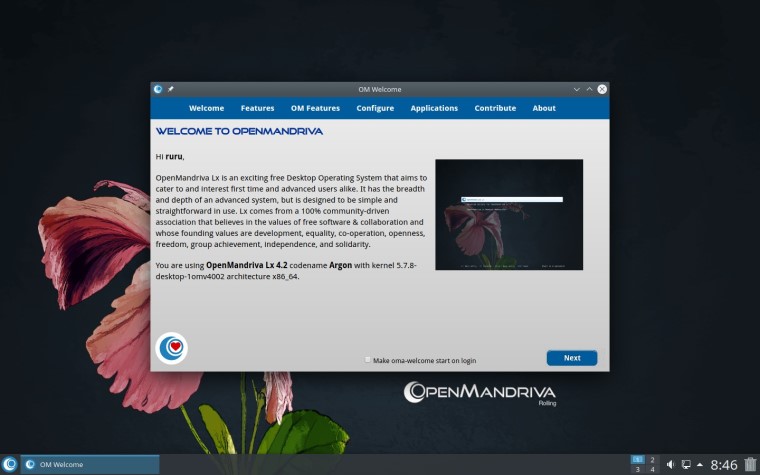
Here is a list of the updated applications in OpenMandriva Lx 4.2:
- Digicam 7.0
- Calligra Suite 3.2.1
- LibreOffice 7.0.0
- Firefox 78
- Chromium 83
- VLC 3.0.11
- Kdenlive 20.04.3
- SimpleScreenRecorder 0.4.2
In case you want to know more details about the system changes, you can go to the official page of the operating system.
Download and install OpenMandriva Lx 4.2 Alpha:
If you want to install the operating system, you must first download the installation file, which you can find here. Then, create a Bootable USB using the ISO file you just downloaded. What's left to do now is to boot from your USB device.
