

Apple designed iOS 14 with several new features that improve the way AirPods work on iPhone and iPad, bringing features like 360-degree audio, automatic device switching, battery notifications, and various headphone modes for those who need help with sounds and frequencies.
Let's take a closer look at all the new features Apple added to AirPods in iOS 14.
360-degree sound (AirPods Pro)
When Apple announced 360-degree audio during the Worldwide Developers Conference, it was a feature that caused a lot of surprise and sounded like something out of a science fiction movie.
With this feature, Apple uses dynamic tracking of the position of the headphones and iPhone to deliver a cinematic surround to AirPods Pro. Using directional audio filters and fine-tuning the frequencies received by each ear, 360-degree audio can deliver sounds anywhere in space for an immersive audio experience when watching TV shows and movies.
This feature is able to leverage the gyroscope and accelerometer in AirPods Pro and iPhone to track head movement and device position, compare motion data, and reposition the sound field on the fly so it stays oriented to the iPhone even when your head moves.
Implementing 360-degree audio on the AirPods Pro requires a firmware update that hasn't been released yet, so this is a feature we won't be able to test until iOS 14 becomes publicly available.
Automatic device switching
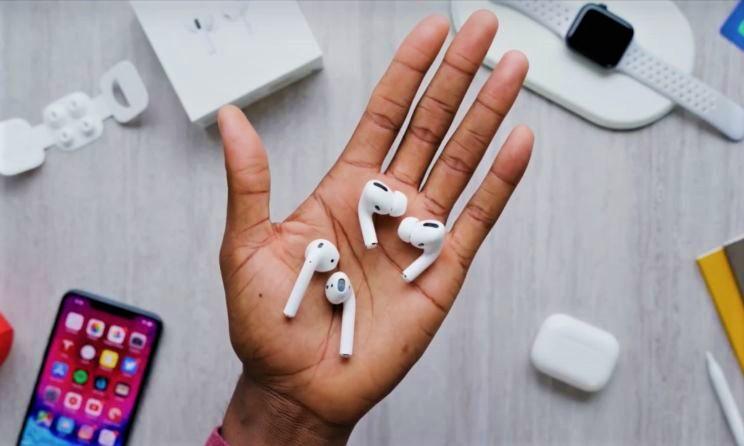
AirPods and AirPods Pro already feature quick and easy device switching for devices you're signed in to with iCloud account, but iOS 14, iPadOS 14, tvOS 14, watchOS 7, and macOS Big Sur make it easier to switch devices.
With the updates installed, AirPods and AirPods Pro automatically switch between your devices that are on the same iCloud account. So if you're listening to music on your iPhone but switch to watching a video on your Mac, AirPods will seamlessly connect to your Mac.
Automatic device switching requires an iCloud account and works on iPhone, iPad, iPod touch, Mac and Apple Watch with the latest software versions. Automatic switching works with AirPods Pro and second-generation AirPods, as it is not compatible with the first-generation AirPods. It also works with Powerbeats, Powerbeats Pro, and Beats Solo Pro.
Battery notifications
If your AirPods battery is running low, your iPhone or iPad will let you know with a notification so you can charge them before they leave you.
Optimized charging
To maximize AirPods longevity, Apple added a new Optimized Battery Charging feature in iOS 14. Optimized Battery Charging allows AirPods to learn your daily charging routine and will wait to finish charging after 80% until they are needed.
Apple uses a similar battery optimization feature for iPhones and Macs to extend the overall battery life of the devices. Avoiding continuous charging of a battery while it is fully charged can better maintain the battery's health over time.
Accessibility features
Accessibility features on headphones are a feature for those with hearing impairments, and they are able to amplify sounds and adjust frequencies so that music, movies, calls, and audio are clearer and louder.
You can access headphone modes in the Accessibility section of the Settings app by tapping AirPods > Audio Accessibility Settings > Headphone Modes.
From there, you can access all the available options, such as tuning the sound for Balanced Tone, Vocal Range or Brightness, or adjusting the volume of soft sounds to make them louder.
Protecting your hearing
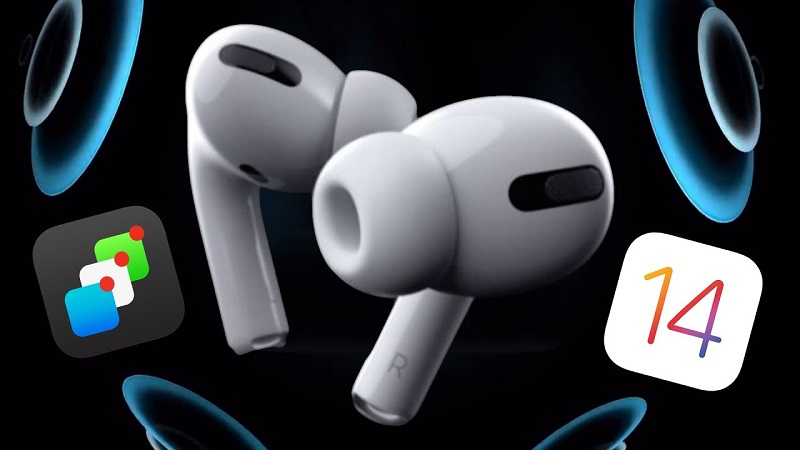
Apple has expanded its hearing protection precautions in iOS 14 and WatchOS 7, and your iPhone will now send notifications to your Apple Watch when you're listening to music too loudly, and it can reduce the volume of your headphones to a safe level once you've exceeded the World Health Organization.
Reduce Loud Sounds, a new feature in Sounds & Haptics, can be enabled to analyze the audio from your headphones and reduce sounds that exceed a certain decibel level, which you can set yourself.
These features work with AirPods and AirPods Pro, along with other headphone options.
Monitoring intensity in the control center
If you've added the "Listening" feature to Control Center when you're listening to music with your AirPods or other headphones, you can see a live volume level meter to make sure the decibel level is safe.
Just swipe down from Control Center and tap the ear icon to see live readings.
AirPods Pro Motion API
Apple has designed a Motion API for AirPods Pro that developers can take advantage of. The Motion API allows developers to access orientation, user acceleration, and rotation rates, which is useful for fitness apps and games
Developers API into apps that AirPods Pro owners can download.
