

Twitter today launched Night Mode for its website. We knew it was coming at some point, when a Twitter confirmed that they were testing the feature last month.
Today, it seems, the new feature made its appearance. 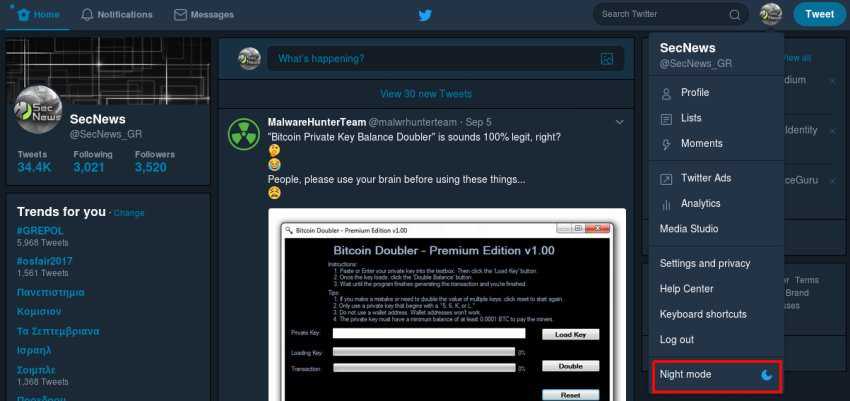
To access Night Mode on your computer, click on your profile picture in the top right corner of the screen and scroll down to the bottom of the drop-down menu.
See the image above.
The Night Mode option has a crescent moon icon, in case the name isn't enough for you.
The feature was initially only available to a small group – we assume to the Twitter for whom night mode would be essential.
Night mode has been available for Twitter's iOS and Android apps since last year. If you don't see the new feature on your computer yet, be patient and you'll see it soon.
