

Apple released iOS 18.4 and brought several new features including Priority Notifications to iPhones with Apple Intelligence.
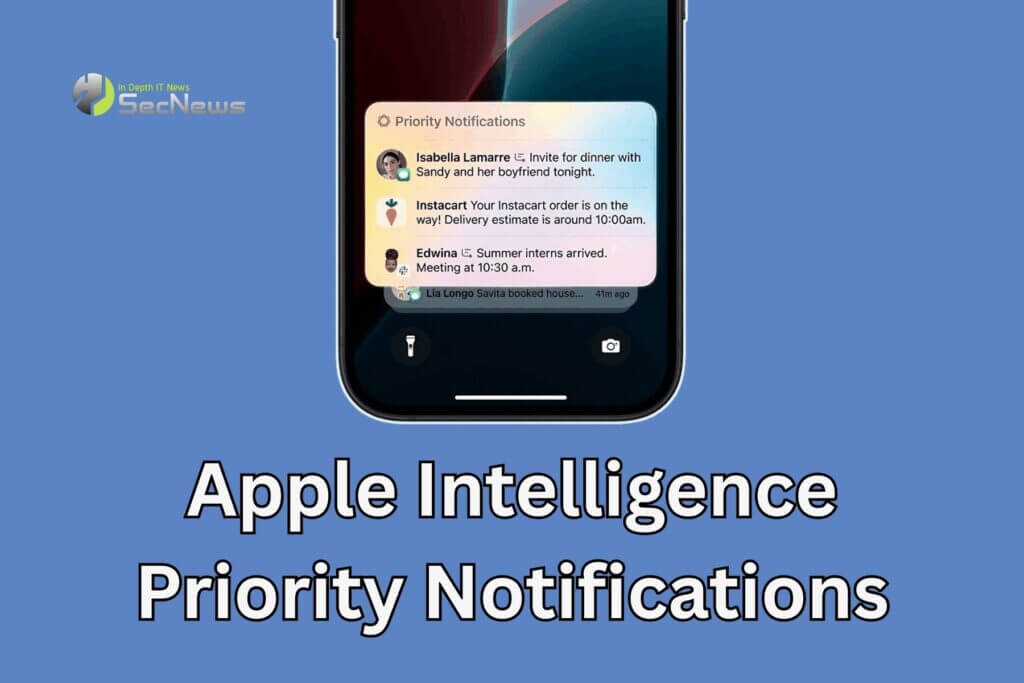
“Apple Intelligence can show you notifications that might be important, in a separate section on the Lock screen, so you can keep track of anything you might have missed,” Apple writes in the feature’s description. “You can also swipe up to see all notifications.”
See also: Apple Intelligence: Available on Vision Pro from April?
Those who turn on Priority Notifications will see message alerts from their friends and family near the top of their notification stack, so they'll see the most important notifications first.
The feature is disabled by default, so activation will have to be done manually, after downloading the iOS 18.4 update.
Apple Intelligence: How to enable Priority Notifications?
- Open Settings on your iPhone
- Tap Notifications.
- Select Prioritize Notifications.
- Tap the slider next to Prioritize Notifications.
See also: Apple Intelligence will support more languages from April
A drop-down menu will appear with all the apps that can receive Priority Notifications via Apple Intelligence. Each app in the menu will be enabled to send you these Notifications.
Keep in mind that you can choose which apps will send Priority Notifications. Enable as many as you want from the available list.
See also: Say goodbye to Apple AI – How to disable Apple Intelligence?
Priority Notifications are important because they help users avoid missing out on critical information while also reducing overall notification clutter. This means they can improve the overall user experience by helping to manage the flow of notifications. This is especially valuable in a digital world where we receive notifications from everywhere. It allows users to focus on what’s most important while staying informed about urgent matters.
Source: www.cnet.com
