

Microsoft began rolling out consumer Teams capabilities to iOS and Android earlier this year. As of yesterday, November 19, consumer Teams capabilities are also rolling out to desktop and browser users.
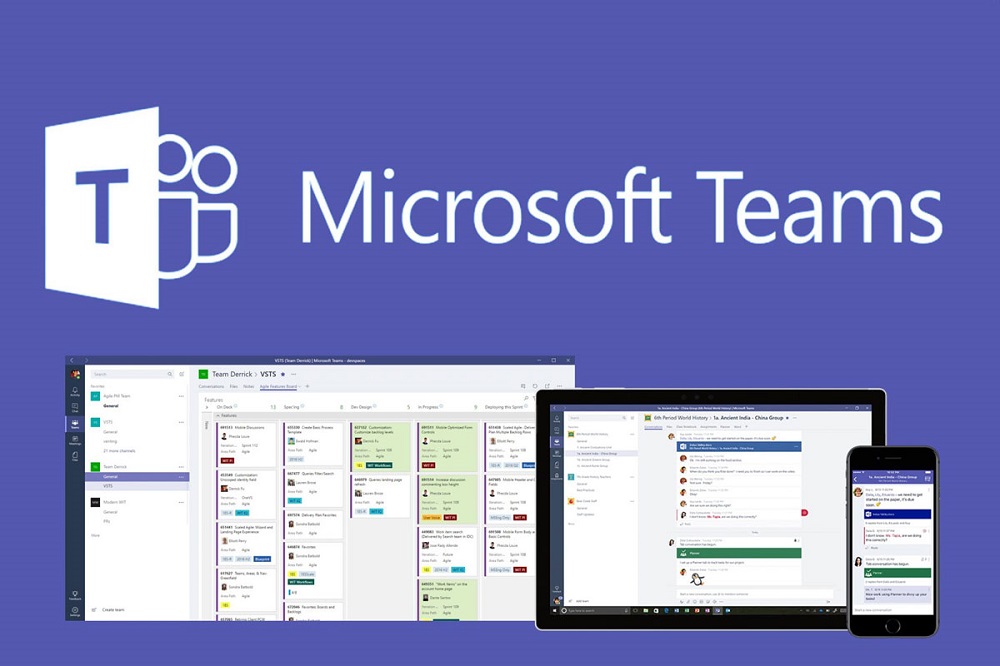
Microsoft has preview versions of the following features available in the Teams web and desktop apps:
- Start a personal chat or create a group chat with up to 250 people.
- Seamlessly sync existing conversations from a phone to a computer and continue conversations on the device of your choice.
- Talk all day long for free with friends and family via video or audio calls.
- Share video call invitations with anyone, even if they don't have Teams.
- View up to 49 people in one frame in Gallery view or Together mode.
- Upload and share photos and videos from your computer to any personal or group chat.
To access these Teams consumer features, users must download the Teams desktop app and sign in or create a personal Microsoft. Users also have the option to add a personal account to an existing Teams account. To use Teams features in a browser, go to this link and sign in or create a personal Microsoft account.
Microsoft also announced that it has added previews of more consumer features to the existing Teams mobile apps. Users have the option to chat with contacts on iOS and Android who don't have Teams installed on their phones by adding them to a group chat. Another new feature that was released allows users to provide updates/notifications about their physical location.
Just a reminder because many people don't know this: There is no separate consumer Teams app. Instead, Microsoft is adding consumer features to the existing Teams apps.
Source: zdnet.com
