

Nintendo accounts are essential for anyone using a Switch even if they don't play games online, as an account also allows you to download games and demos from the online store. To ensure the security of your account, follow these steps.
Two-factor authentication (2FA)
Perhaps the most basic step to securing your account is to enable two-factor authentication. A unique code will be sent to phone every time you want to log in, so no one else can access it. Log in to your Nintendo Account and click “Sign in and security settings.” Then, under “Two-step verification,” click “Edit” and follow the instructions to set up two-factor authentication.
Update your details
Keeping your information up to date is also an important factor in keeping your account secure. Nintendo will ask for accurate personal information in the event you need to recover your account from a hacker, so you should always use information that is up to date.
Use a strong password
Choosing a strong password is also very important. Using simple passwords like your date of birth is risky, as a hacker could learn this information online. The best practice is to use long passwords that include letters, both uppercase and lowercase, numbers, and symbols.
Do not share login details
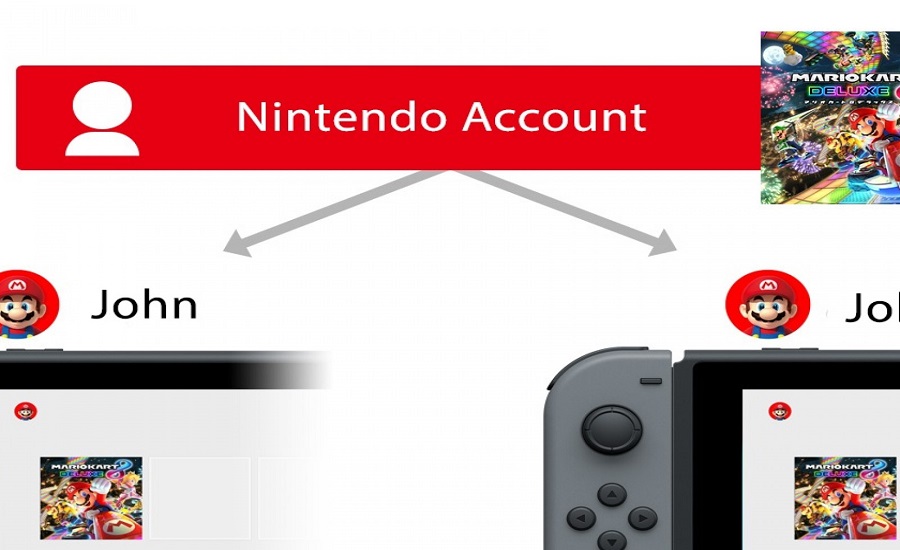
It can be tempting to share your login details with someone else, especially if you trust them. However, it is crucial to avoid doing so. Even if you completely trust the person requesting your information, you can't be sure that they will be as careful as you are about the security of your account.
Track your login history
One feature of Nintendo Accounts that you should use is “Login History.” This feature allows you to keep track of everyone who has recently logged into account . Using this feature regularly means you always know who is using your account so you can respond quickly in the event of a breach. The page also has a password change option so you can get around even faster.
