

This morning we published an alternative way to install the upcoming Windows 10 October 2018 Update …before its time.
We tested this method (not with the Media Creation Tool of version 1809, but with the tweak that uses the command line) and managed to install Microsoft's upcoming operating system. 
Let's see what's new in the October 2018 Update in Windows 10
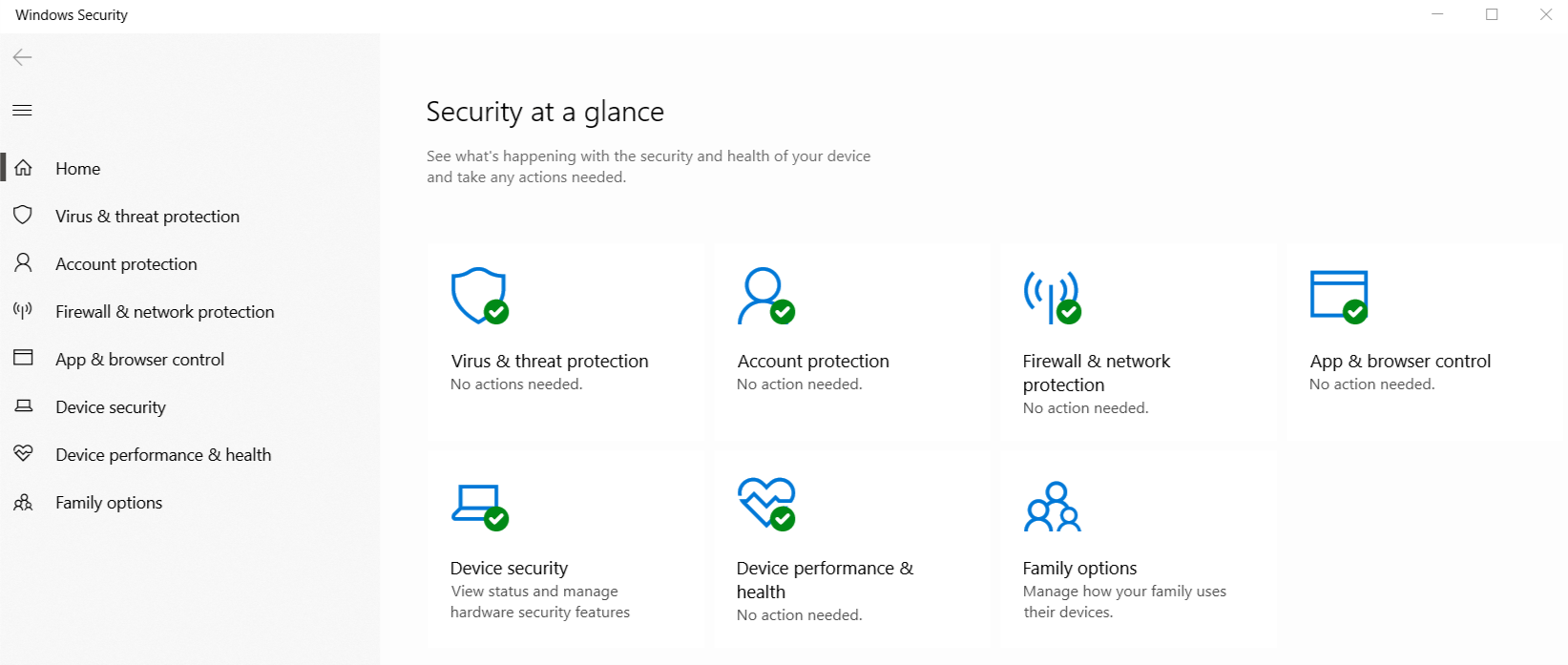
Windows Defender has become Windows Security
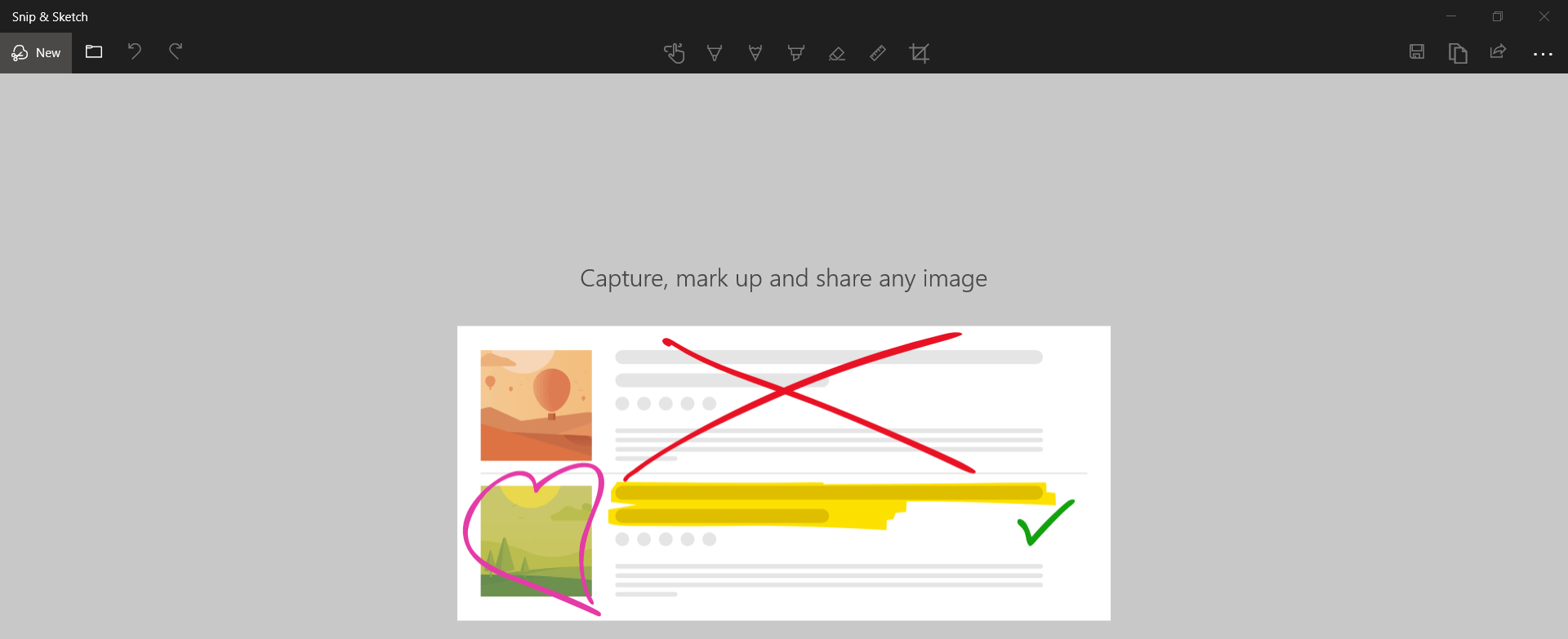
The Snipping Tool displays a notification that it will be removed and suggests using Snip & Sketch, which you see below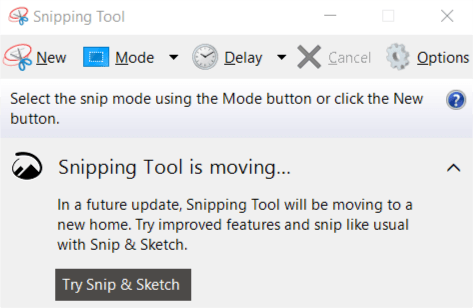
The Dark Theme has also been added to the File Manager (click to enlarge)

Font Installation for Everyone: Older versions of Windows only allowed administrators to install fonts. The October Update allows it for everyone.
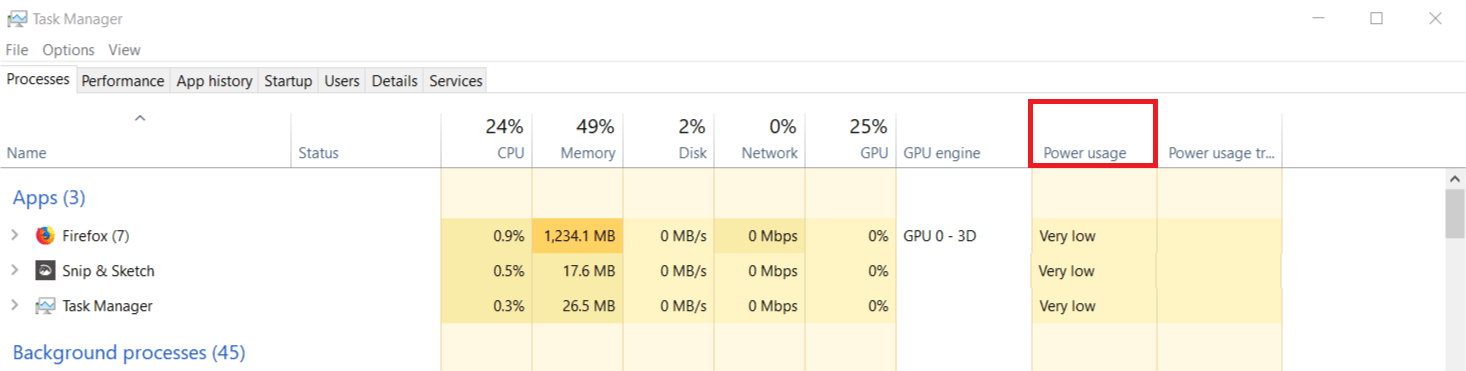
Task Manager provides details about the energy usage of your computer's processes
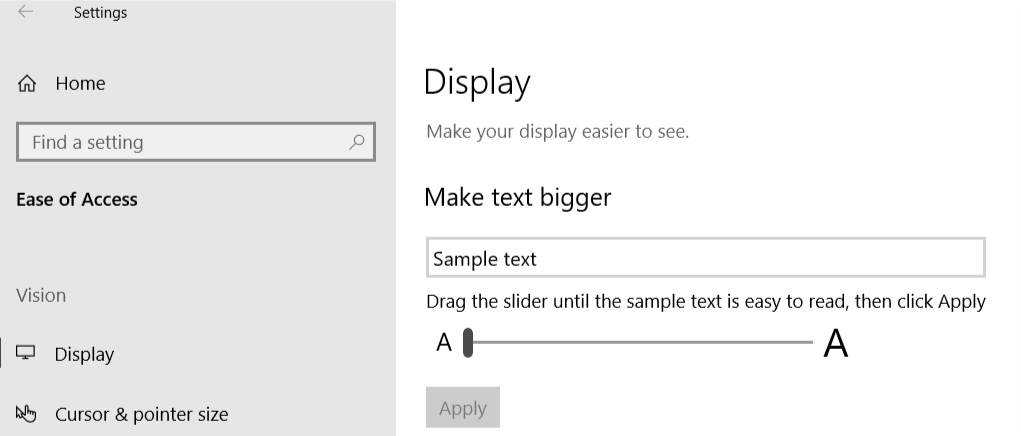
Vision problems? Make the text larger
Windows Update will guess when the best time is for a Restart
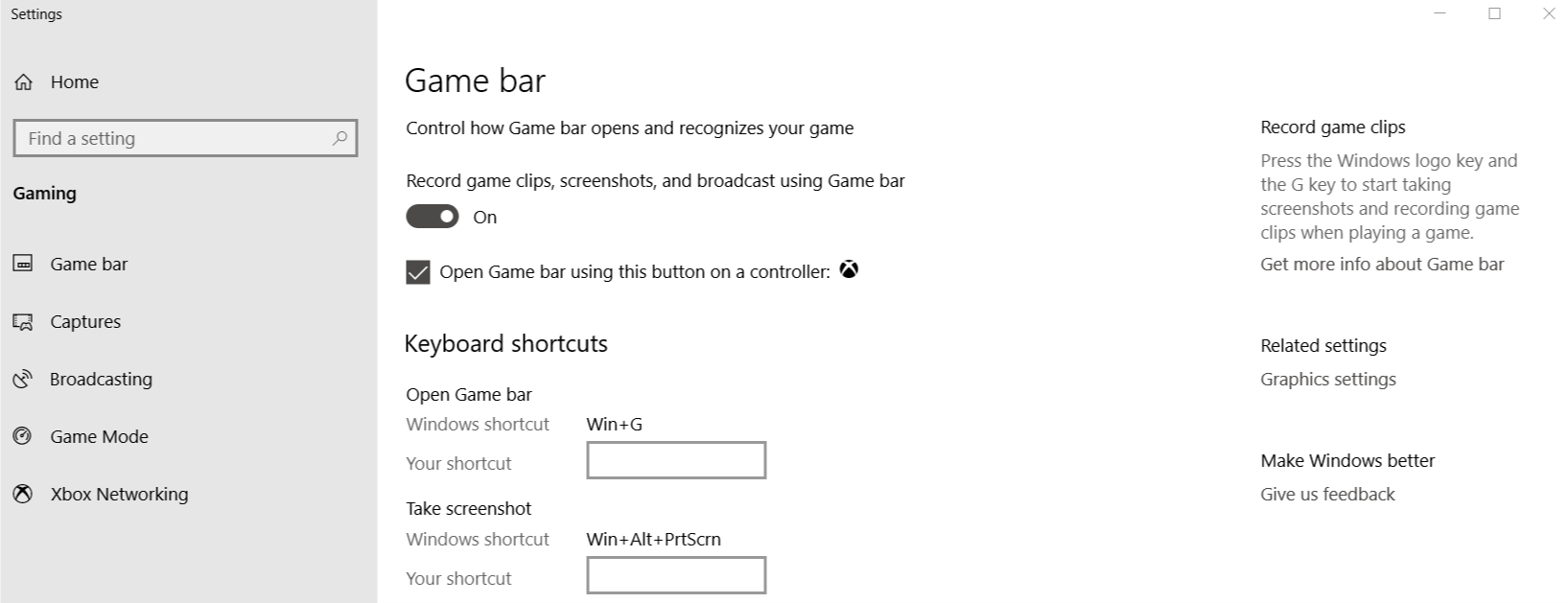
OR Microsoft added new features to the Game Bar
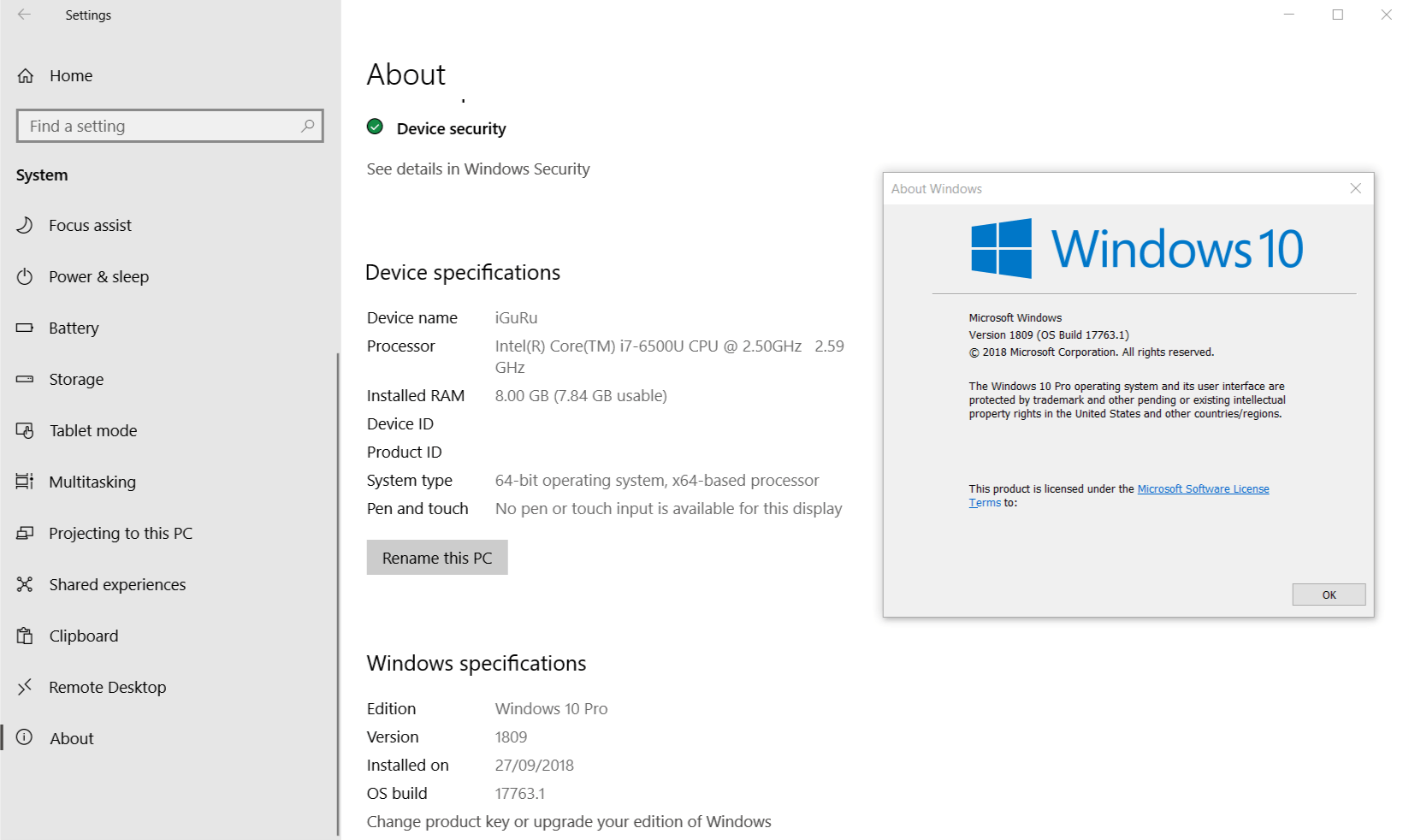
I should mention that the upgrade did not present any problems, and I am optimistic that I will not encounter any in the future. Below are the specifications of the computer on which I installed the new Windows 10 October 2018 Update
All that's fine, but I'll let you reboot into Linux..
__________________________
- Google Adsense 15 years on the internet: what it is and how it works
- S mode added to Windows 10 installation ISO
- Microsoft announces cumulative updates for .NET Framework
- Tails 3.9-RC1 download trial version
- KeePass 2.40 New update
- Chrome records your Google ID without you being signed in
📧
Subscribe to the SecNews Newsletter
