

The Google homepage has undergone its biggest change since its launch. It's no longer a clean, white webpage with a search box in the center.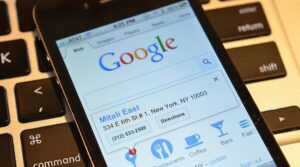
Google has begun rolling out the Discover Feed to Android and iOS users in the US. You can access it by opening Google.com and changing your location to the US. Just below the Google search box, you'll see the Google Feed, with topics and news presented according to your interests.
It's worth noting that Google already offers a similar feed in the Google search app and on the Chrome homepage. However, the desktop version remains unaffected by these changes. It makes sense for Google to focus more on mobile for obvious reasons.
Just like in the app, you can tell Google if you want to hide a specific story or ban stories from a specific source. You just need to tap the three-dot symbol on each card and select the appropriate option.
How to disable Discover Feed in the browser?
To turn off the Discover Feed feature on an Android phone or tablet, simply open Google.com and then tap on the menu bar. Now go to Settings > Discover and select Don't Show on Home and you're good to go.
