

New feature from Google: Note To Self is here. Yesterday, Google announced a new feature that lets you send messages to your Android device directly from a search box.
What the company didn't mention is that you can also use the new "note to self" feature to send a reminder directly to your notification center.
As Android Police reports, “note to self” works the same way “send directions” works. To send a text note to your phone, follow these steps:
Open Google.com on your computer and type “note to self” plus the text you want to send to your device into the website’s search box.

Press Enter.
Edit your note (if necessary) and select a device from the list.
Click the “Send Note to Your Phone” button.
Open your phone and the note should be in your notifications.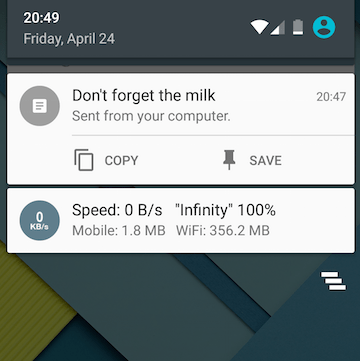
This feature requires the latest version of the Google App, and Google Now notifications must be turned on. Web & App Activity must also be turned on, and you must be signed in to your Google Account.
You can also use Google to send reminders to your phone.
