

Easy rooting with Kingo Android ROOT. Rooting for Android is the equivalent of jailbreaking on Apple mobile devices. It is a means of freeing up the operating system so that you can install non-Google-approved apps, update the operating system, replace the firmware, overclock (or underclock) the processor, and more.
Of course, for the average user, rooting sounds like a daunting task – and it can be a very difficult process. Of course, if there is a mistake in the basic software of your smartphone, you could be left without a device.
With a new Windows utility, rooting can be done in one click: The app is called Kingo Android ROOT. It's free, and it seems to work just fine. You should, of course, check the compatibility list before proceeding with rooting your device.
Enable USB debugging on your phone. If you're running Android 4.0 or 4.1, tap Settings, Developer options, then check the "USB debugging" box.
You may need to enable “Developer Options” (to On) to be able to do the above.
On Android 4.2, tap Settings, About phone, Developer options, and then select USB debugging. Then tap OK.
From Android 4.3 and above, go to Settings, About phone, then scroll down to Build Number. Tap on it seven times until you see the message, “You are now a developer!”
Again Settings, About phone, Developer options, and then select USB debugging. Then tap OK.
Run Kingo Android Root on your computer, then connect your phone with the USB cable.
Your device screen may display a pop-up “Allow USB debugging?” Tap “Always allow from this computer”, and then tap OK.
Click on Root, and wait until the process is complete.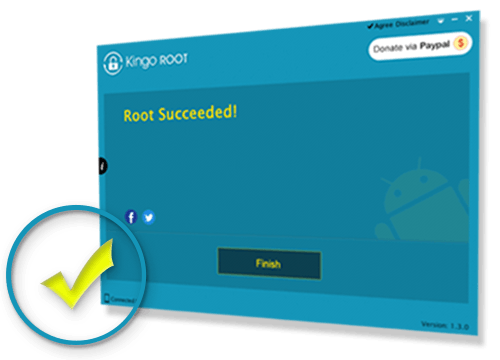
If at any point you decide that you no longer want Rooting on your device, simply run Kingo Android Root again, connect your phone, and click Unroot.
