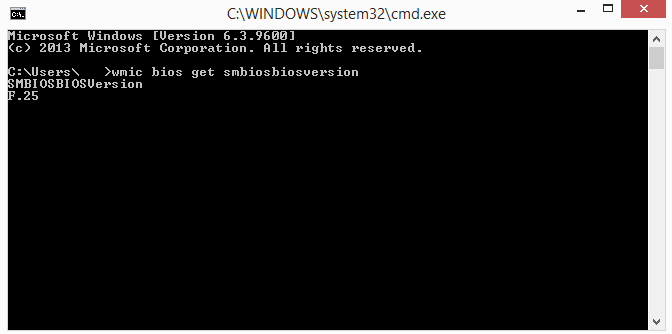
The next time you update your computer or try to troubleshoot compatibility issues, you may need to know your current BIOS .
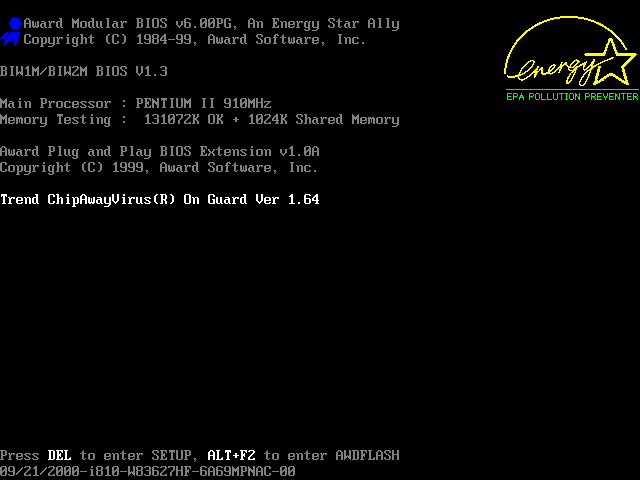
You can of course restart your computer and see which version is running, but it's much easier to use the Windows command line utility.
In the command prompt window, type and then immediately click enter:
wmic bios get smbiosbiosversionThe command will give you the BIOS version running on the computer without requiring a reboot.
📧Subscribe to the SecNews Newsletter