

As Steve Jobs once said, “Who wants a pop-up? […] blah.” If you frequently download apps to your iPhone, you’re probably annoyed by the number of pop-ups that pop up, asking if you’ll allow the app to “track your activity across third-party apps and websites.” You tap “Ask App Not to Track” and move on, but a few minutes later another app shows you the same message.
See also: iOS 27: Which iPhones are at risk of being left out of the upgrade

You'll be happy to know that there's a way for your iPhone to automatically dismiss these pop-ups and never see these messages again.
Behind the scenes, this is Apple’s App Tracking Transparency (ATT) framework in action. Introduced in iOS 14.5, when an app wants to access your device’s advertising identifier (IDFA) to track you across other apps and websites, it must first ask for permission. This was a huge blow to Facebook and Instagram, which even encouraged users to enable tracking so their apps would remain “free.”
The company lost an estimated $12.8 billion in 2022 alone from ATT's implementation of iOS 14.5.
More importantly, it was a major victory for user privacy. Previously, apps had free reign to collect your age, gender, location, usage patterns, purchases, browsing habits, ads you clicked on, and more. This data is valuable to advertisers who want to build a profile of you for targeted ads.
See also: Apple TV: Broadcast of MLS match that will be filmed entirely with iPhone 17 Pro
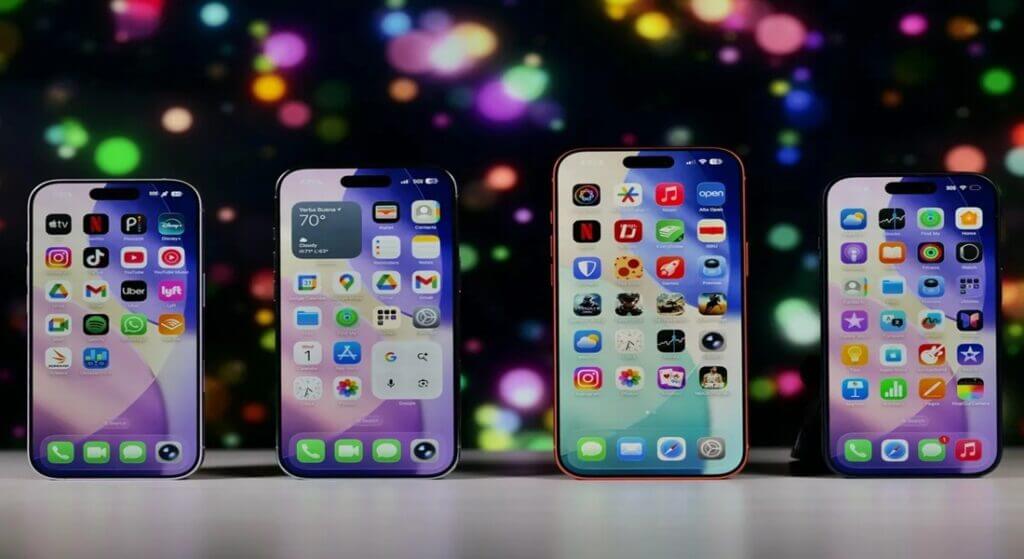
Today, device fingerprinting is the most widely used method, collecting details like your screen size, operating system version, time zone, and more. Apps have also shifted to contextual advertising, tracking what you do within their app rather than tracking you across other apps.
Overall, both methods are less desirable than obtaining IDFA , which is still sold to ad networks for significant profits. Protect your anonymity.
It's important to note that disabling this setting doesn't just hide the message. It tells the operating system to reject the request on your behalf automatically.
Go to Settings > Privacy & Security > Tracking and turn off the " Allow apps to request tracking " option .
See also: iPhone 19 Pro prototype reportedly has quad-curved display
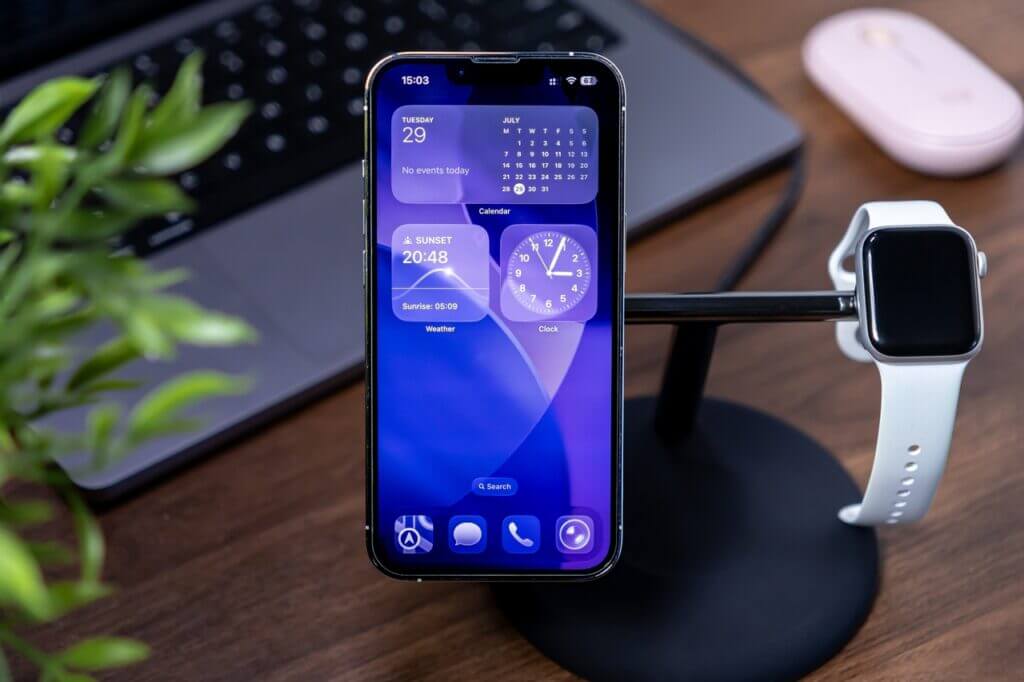
That's it. Now every app on your iPhone gets an automatic "no" the moment it tries to ask. For developers, the API returns a permission denied status. For users, the tracking is denied before the message appears. This is a pro tip for a quieter, more private experience on iPhone.
