

There's a new, even smaller e-reader out there. The Xteink X3 is smaller and thinner than the Xteink X4, while also improving on it with more refined (though still not great) software, simplified buttons, and an improved magnetic dock on the back. It's a better choice as a compact e-reader than the X4, but if ultimate portability is your priority, its slimmer design has one major drawback that might put many off. Instead of a USB-C port, the X3 charges via an unusual magnetic pogo-pin connection.
See also: MacBook Neo: macOS will notify about USB-C port limitation
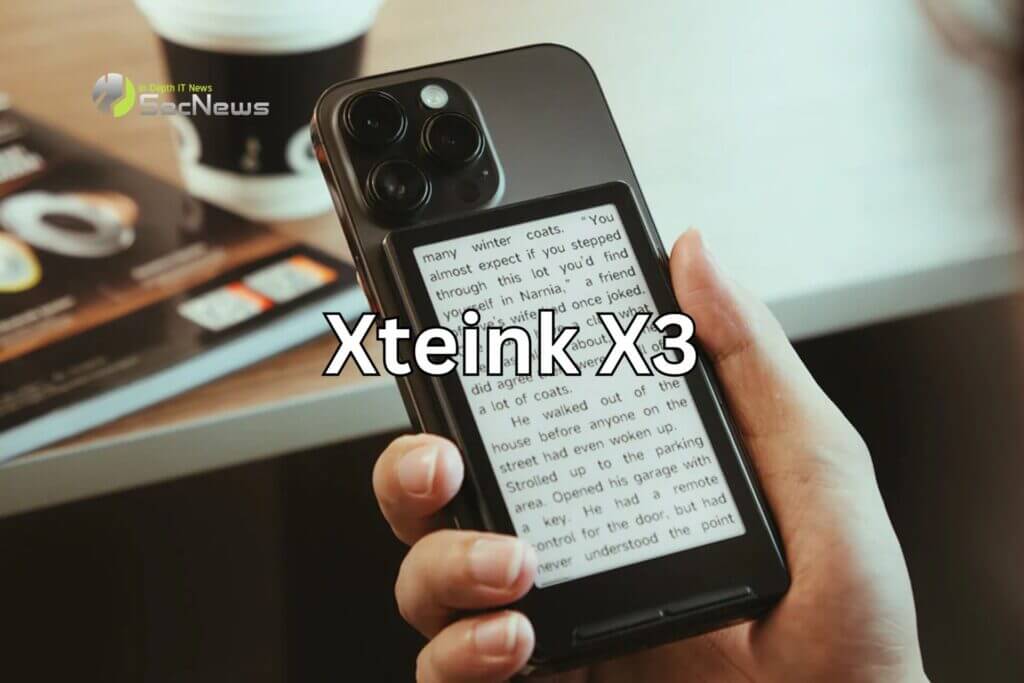
This was a disappointing discovery when unboxing the new X3, because it actually comes with several improvements that make it a worthwhile upgrade. The X3 is a millimeter thinner, a few millimeters narrower, and over half an inch shorter than the X4. Its dimensions are very close to those of a credit card, but while it's just a little too big to fit in a slim wallet, both can fit in a pocket without adding any extra bulk.
When the X4 debuted last December, it wasn't just its size that caught attention. Xteink promoted it with images of it attached to the back of a smartphone like a MagSafe-style battery, giving the impression of an e-reader that would go with your phone and act as a more versatile alternative to e-reader cases. However, the X4's odd placement of magnets on the back and its size meant it wouldn't fit properly on an iPhone 16 Pro unless you used adhesive metal rings, causing it to hang awkwardly from the bottom.
Magnetic accessories like PopSockets or the OhSnap Snap Grip snap into place with a satisfying "click" when you place them on your phone. In contrast, the X3 and the 16 Pro feel like the devices are exchanging a weak hug. They don't stay properly aligned when together, and on several occasions the X3 would fall off the phone when it was put in or out of a pocket.
See also: All of Amazon's Kindle children's editions on sale
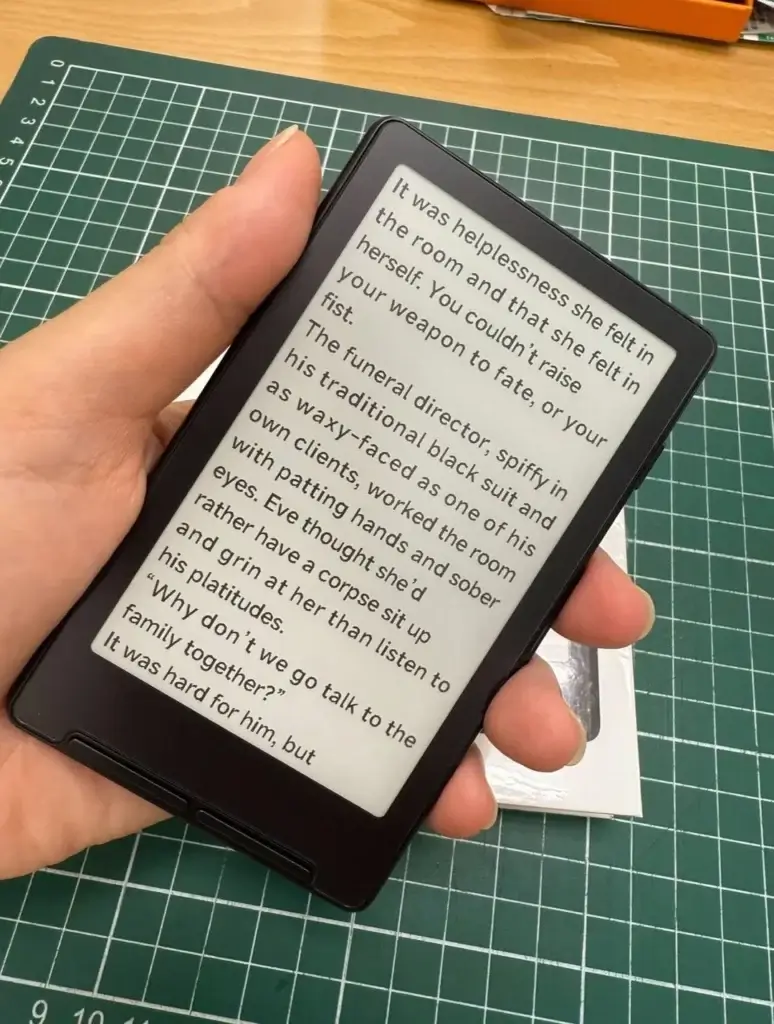
The X3 has a smaller 3.7-inch E Ink compared to the X4's 4.7-inch display, resulting in a slightly higher density at 250 ppi. However, the reading experience remains the same and depends on how comfortably you can focus on such a small screen.
There's still no backlighting or touch functionality, but the button layout on the X3 has been improved. There's now a single button on each side of the device for scrolling through menus and turning pages while reading (next or previous), while below the screen are two double buttons for navigating menus and the operating system.
There are a few other software improvements. There are more options for adjusting the spacing between lines, which helps fit more text on the screen, and there's a new feature where you can shake the X3 to turn pages. It works, but it feels a bit odd as an alternative to buttons. Wirelessly transferring books from your smartphone via an app now works, but the process is complicated and not particularly practical; it's still much easier to remove the e-reader's microSD card and transfer the files directly via a card reader.
See also: Sandisk's 1TB USB-C SSD: So small you don't have to remove it
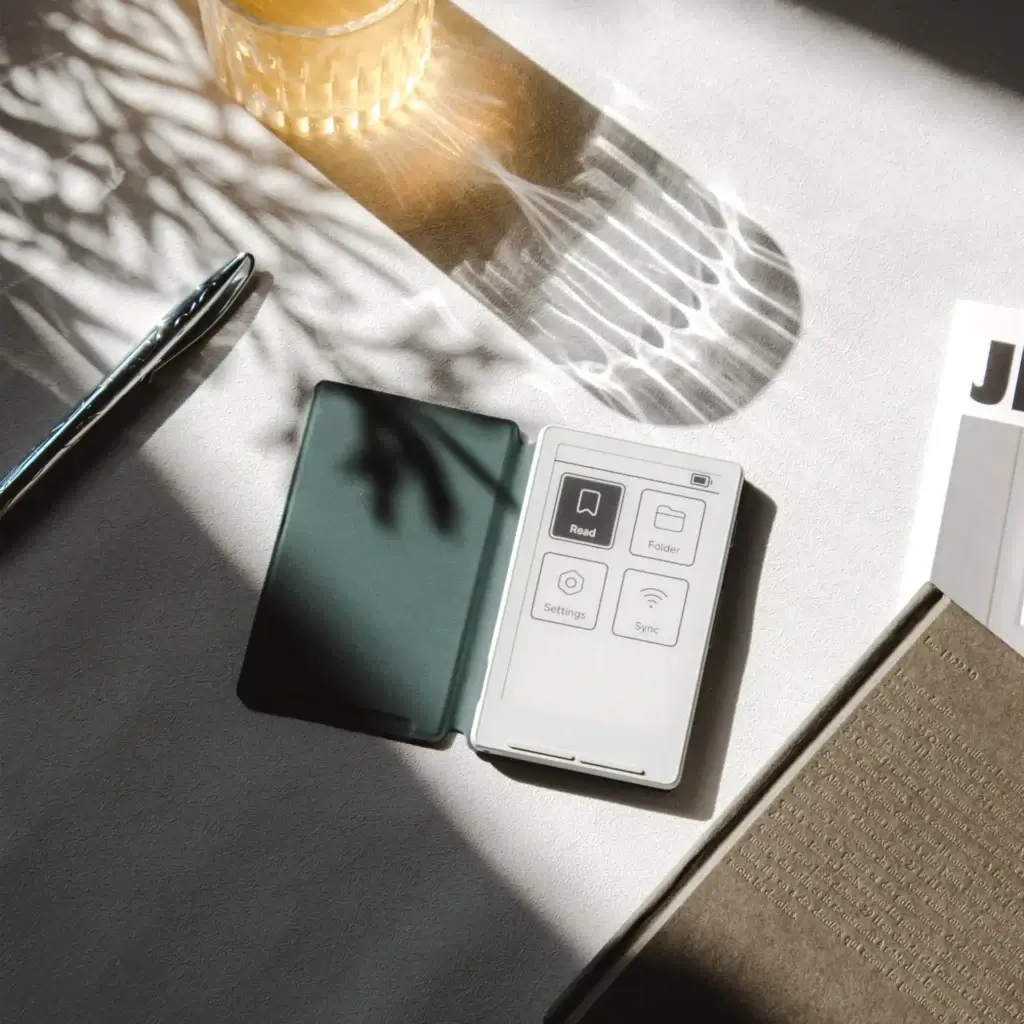
Most of the X4's software limitations are still present on the X3, such as the two font size options. This makes the device a bit difficult to learn, and it's certainly not an option I'd recommend to someone looking for the smooth, well-designed experience of a Kindle. The excellent CrossPoint Reader alternative firmware was a big draw for the X4, but it doesn't currently support the X3. Dave Allie, who led its initial development, says that support for the X3 is "essentially ready," but its release remains uncertain.
