

If you're using your laptop with an external monitor on a desk, you might want to use it with the lid closed to save space. The question is, however, whether the laptop was designed to function fully with the lid closed.
See also: Dell XPS 17 2022 review: The best 17-inch laptop
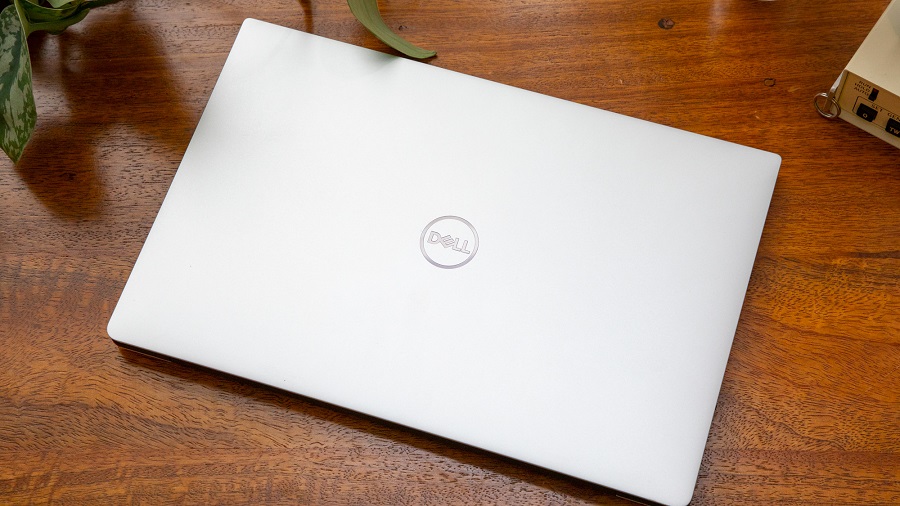
The main concern when using a laptop with the lid closed is adequate cooling. However, whether this is the case depends largely on the cooling design of the particular laptop. If we're talking about fanless, low-power M1 or M2 MacBook Airs , it's perfectly fine to run them this way. You can even buy special stands designed specifically for this use case.
On the other hand, if you have a workstation or gaming, there’s a good chance that the top of the laptop plays a role in ventilation. If you close the lid, it can interfere with airflow. Some laptops are designed to lift the bottom of the laptop off your desk surface when the display. With this type of design, operating the system with the lid closed is not a good idea.
If you are unsure, check whether or not the manufacturer recommends operating the system with the lid closed.
Even if your laptop can adequately ventilate CPU and GPU with the lid closed, another consideration is whether the LCD screen could be damaged if it is near the laptop's hot body during operation.
See also: Okta: Support engineer's laptop hacked
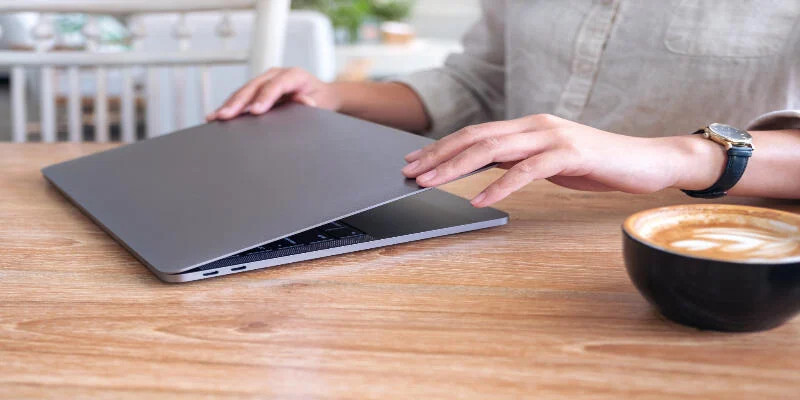
Cooling pads are popular as laptop stands with built-in cooling fans and vents. The idea is that they remove heat from the laptop through the vents and body so that the internal fans don't have to work as hard.
In theory, this isn't a bad idea, but a lot depends on the exact cooling design of your laptop and the cooling pad. Even then, cooling pads offer relatively small temperature drops and don't help directly reduce the gap between your laptop's screen and body.
If your laptop overheats or slows down when you have the lid closed, then this is clearly a problem and you should consider opening the lid to prevent this. If you are primarily concerned that heat will damage your laptop screen, there is no clear evidence that we could find that this is the case.
See also: Microsoft's Surface Laptop Go 2: Details leak
Ultimately, the only safe option is to operate your laptop with the lid open. Plus, it offers a second screen if you're using an external monitor, which is almost always more useful than having just one. Again, operating your laptop with the lid closed has serious aesthetic and space-saving advantages, so the trade-off depends on how much you value form over function or the specific work you need your laptop to do.
