

Gmail tracking: We don't respond to all emails. It goes without saying that we ignore some emails every week, and often the types of emails that are ignored are specific.
They may be trying to sell us something, or they may be trying to get us to sign up for some unrelated service. But apart from these harmless emails that we often ignore, there are also those that track our movements. Specifically, they track whether we open an email and report it to the sender.
This can be done very easily by adding an invisible code to the message. It won't cause any harm to your computer, but the sender will know if you opened the message they sent you.
If you use Gmail, with Chrome or Firefox browsers, you can try the Ugly Email extension. The extension will show you which senders want to spy on you, and will allow you to disable tracking in your Gmail.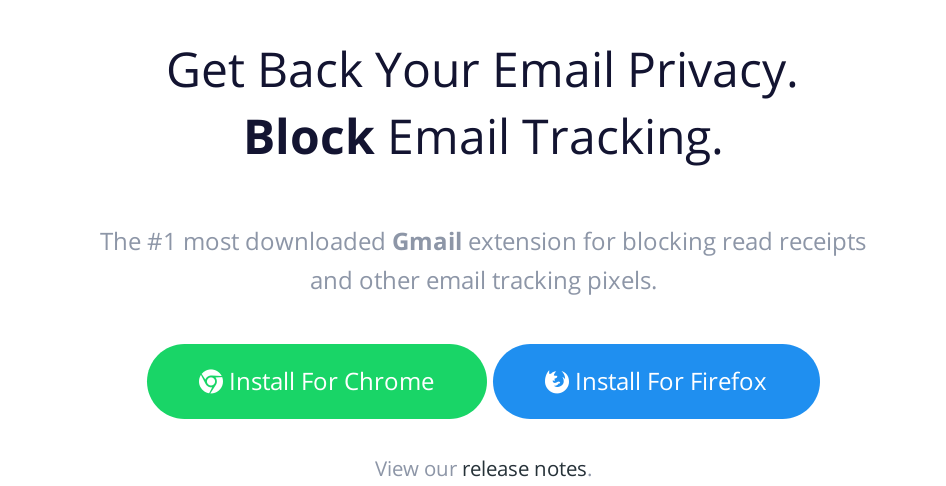
Simply install the Ugly Email extension on your browser. Once installed, it will automatically open Gmail in a new tab.
Every email in your Gmail inbox will display an icon, which represents the tracking status of that email. The eye icon next to a message's title, for example, contains a tracker that tells the sender whether you opened the message or not.
The extension not only detects messages that contain tracking trackers, but also automatically disables them. This way, you can open a message that contains a tracker and the sender won't know you opened it.
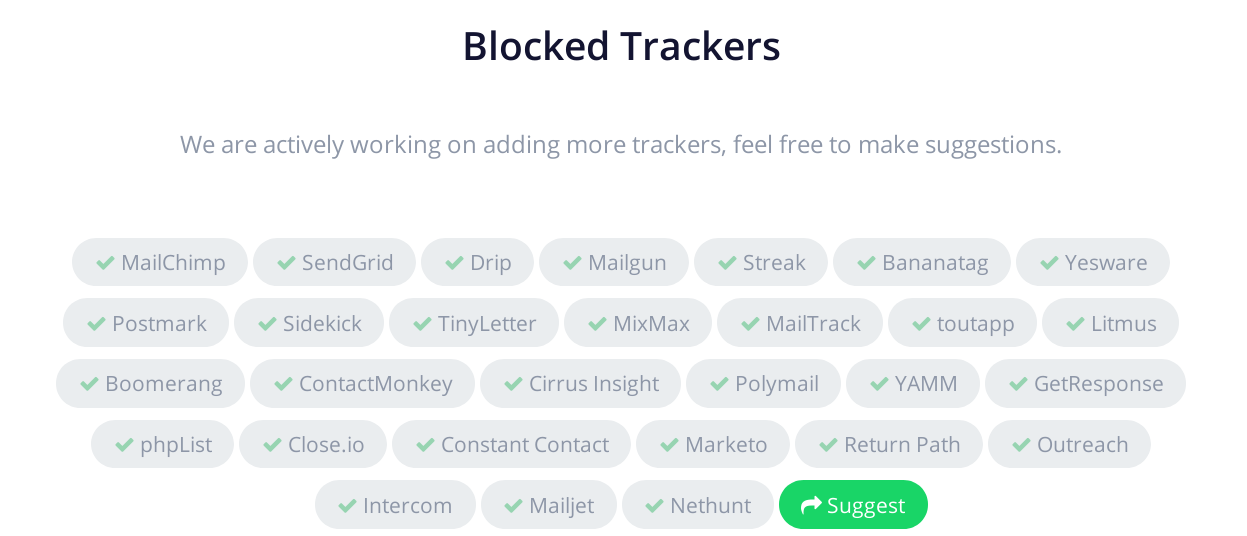
The Ugly Email extension manages to detect most email trackers, but it doesn't detect all of them. It's a project that's still under development, and its developers are adding more and more tracking services every day.
__________________
- Google Unlocked see hidden search results
- April 2019 Update When will we see the next Windows 10?
- MX Linux why Windows fans should try it
