

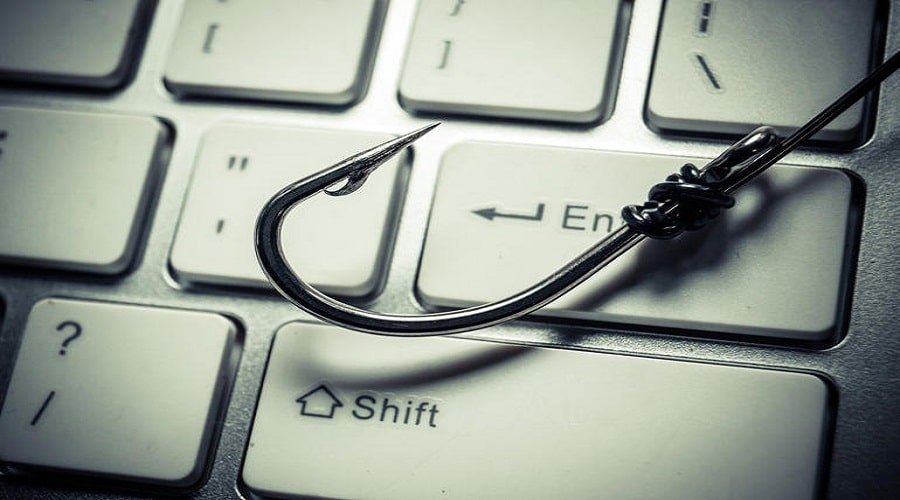
 Cybercriminals are constantly finding new ways to gain access to your systems and cause you harm. The methods they use are many and can have significant financial consequences. Some of them are: “phishing”, “smishing”, “vishing” and “pharming”. With these methods they obtain personal information through your computer or smartphone.
Criminals can then use this information to open bank accounts, rent apartments, and more.
Experts are trying to find ways to counter these attacks, but new methods of deception are constantly coming to light.
Some of the scams you should watch out for are the following:
Phishing
It is a method in which criminals send victims emailsthat supposedly come from a service, bank, company or other trusted source and ask users to provide some information, such as IDs and passwords. In this way, they "fish" for sensitive information. Everyone should know that such information is not requested through insecure means, such as emails.
Smishing (for “SMS”)
With this method, criminals send messages to the victim's mobile phone. You don't have to give out any personal information to be at risk. The response alone confirms the validity of your number. Your number can then be used by other criminals for other purposes.
Vishing (voice phishing)
Vishing refers to a phone call or automated voice message that deceives the victim by saying that it is from the bank and that there is a problem that needs to be addressed. Thus, the scammers ask for personal information or account information. It is a good idea to know the numbers of the banks or services you work with and contact them immediately when you receive such calls to confirm if they are true.
How to identify dangerous emails and messages?
- Legitimate services and companies never ask for personal information via email or text message, so never give out sensitive information when you receive such messages.
- The sender may appear to be a legitimate and reliable source but may have been altered by criminals (“spoofing”).
- The "subject" of the email usually mentions something important (e.g. something is happening with the bank account) to get the user to open it. So be wary when you see an email with such a subject.
- The lack of a personal greeting (e.g. “Dear Customer”) can also be considered suspicious.
- Check if the messages you receive have typographical and syntactic errors, incorrect punctuation, or anything else that seems strange.
- Before opening a link, hover your mouse over the link to see if there is a suspicious domain extension.
- Call the company to verify what the email or message says.
- Update your anti-virus and anti-spyware.
Pharming
It refers to the method in which hackers redirect victims to a website controlled by them and thus steal the user's data.
How to identify an unsafe website?
- First, don't open links sent to you via email. Type the specific link into your browser first.
- Check for contact information or any evidence that proves its legitimacy. Try contacting its administrators to make sure.
- Check the URL carefully .Often criminals make a very small change to the URL so that it is not easily noticed.
- Check the “properties” of the links. To check them, right-click on a link and select “Properties.” There you can see the actual destination of the link.
- In general, take advantage of the security tools your browser offers and keep it up to date. Browsers have special filters that help detect problems and warn you.
The methods used by hackers are many and you must always be on the lookout.
