

Social Engineering is the term used for a wide range of malicious activities accomplished through human interactions. It uses psychological manipulation to trick users into making security mistakes or revealing sensitive information.
Social engineering occur in one or more ways. An attacker first investigates the intended victim to gather the necessary information, such as potential entry points and weak security protocols, required to proceed with the attack. The hacker then attempts to gain the victim's trust and lead them to take actions that will make them vulnerable, such as revealing sensitive information or providing access to critical resources.
What makes social engineering particularly dangerous is that it relies on human error rather than vulnerabilities in software and operating systems. Mistakes made by legitimate users are much less predictable, making them harder to detect and prevent than a malware-based attack.

Social engineering attack techniques
Social engineering attacks come in many different forms and can be carried out anywhere human interaction is involved. The following are the five most common forms of digital social engineering attacks.
Baiting
attacks Baiting use a false promise to pique the victim's curiosity. They lure users into a trap that steals their personal information or infects their systems with malware.
The most dangerous form of Baiting uses physical means to distribute malware. For example, attackers send the bait (flash drives with infected software) to conspicuous areas where potential victims are sure to see it (e.g. bathrooms, elevators, parking lots of a targeted company). The bait will have something that usually catches the attention of victims, such as a label that says “company payroll.”
Victims take the bait out of curiosity and insert it into a work or home computer, resulting in the automatic installation of malware on the system.
Of course, baiting scams don't have to only take place in a physical location. There are also online baiting forms that consist of enticing advertisements that lead to malicious websites or encourage users to download an application infected with malware.
Scareware
Scareware is the bombardment of victims with false alarms and fictitious threats. Users are tricked into thinking their system is infected with malware, prompting them to install software that has no real benefit. Scareware is also referred to as scam software, rogue scanner software, or fraudware.
A common example of scareware is legitimately appearing pop-up banners that appear in browser while surfing, displaying text like “Your computer may be infected with harmful spyware.” It either offers to install the necessary tool for you (often infected with malware) or directs you to a malicious site where your computer will be infected.
Scareware is also distributed via spam emails.
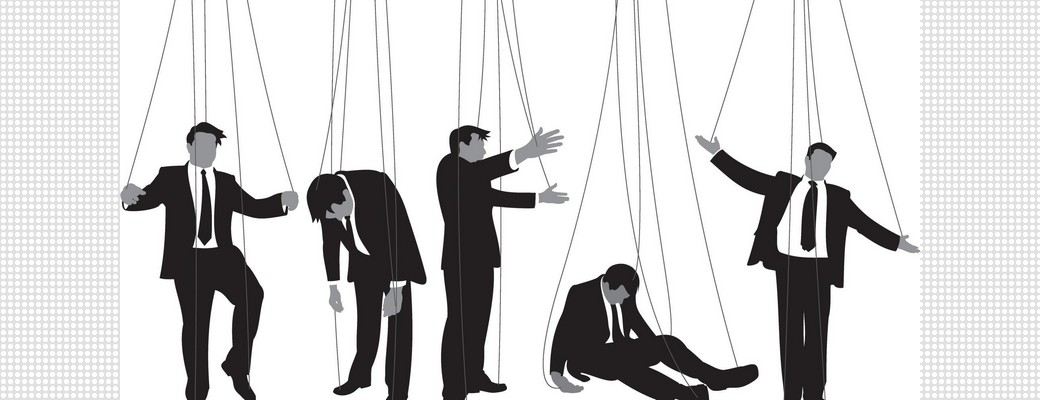
Pretexting
Here an attacker obtains information through a series of cleverly crafted lies. The scam is often perpetrated by an attacker pretending to need sensitive information from a victim to perform a critical task.
The attacker usually begins by establishing trust with their victim by impersonating colleagues, police officers, bank and tax officials, or other persons in legitimate authority. The pretexter asks questions seemingly required to confirm the victim's identity, through which they collect important personal data.
All necessary information and records are collected using this scam, such as social security numbers, personal addresses and phone numbers, phone records, employee vacation dates, bank records, and much more.
Phishing
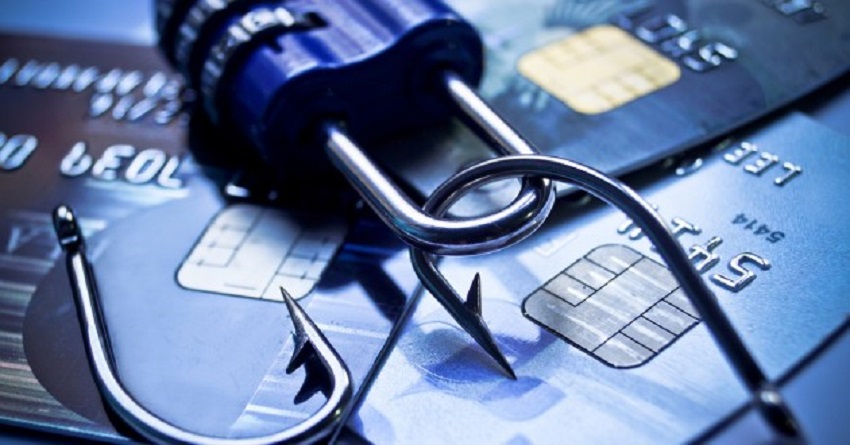
One of the most popular types of social engineering attacks, phishing scams are emails designed to get victims' attention, which then leads to them revealing sensitive information, clicking on links to malicious websites, or opening attachments containing malware.
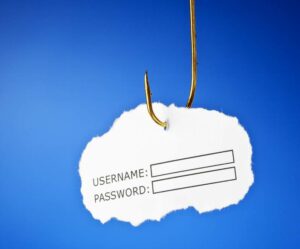
A typical example is an email sent to users of an online service notifying them of a policy violation that requires immediate action on their part, such as a password. It includes a link to a fraudulent website – almost identical to the legitimate version – prompting the unsuspecting user to enter their current credentials and a new password. Upon submitting the form, the information is sent to the attacker.
Since the same or nearly identical messages are sent to all users in phishing campaigns, detecting and blocking them is much easier for mail servers that have access to threat sharing platforms.
Spear phishing
This is a more targeted version of phishing scams in which an attacker targets specific individuals or businesses. They then tailor their messages based on the characteristics, jobs, and contacts of their victims to make their attack less obvious. Spear phishing requires much more effort on the part of the perpetrator and can take weeks and months to pull off. They are much harder to detect and have better success rates if done skillfully.
A spear phishing scenario might involve an attacker who, in the same manner as an IT consultant of an organization, sends an email message to one or more employees. It is worded and signed exactly as a consultant would, thus tricking recipients into believing that it is a genuine message. The message asks recipients to change their password and provides them with a link that redirects them to a malicious page where the attacker now captures their credentials.
Preventing Social Engineering
Social engineers manipulate human emotions, such as curiosity or fear, to achieve their goals. So be wary whenever you receive an email, message, or notification that seems a little strange.
Additionally, the following tips can help you improve your vigilance against social engineering hacks.
- Do not open emails and attachments from suspicious sources.
If you don't know the sender, you don't need to respond to an email. Even if you do know them and are suspicious of their message, check and confirm the news from other sources, such as by phone or directly from a service provider's website. Remember that all email addresses are hacked all the time. Even an email that appears to come from a trusted source may actually be from a hacker.
- Use multi-factor authentication
Using multi-factor authentication helps protect your account in the event of a compromised system.
- Be careful with tempting offers
If an offer sounds too tempting, think twice before clicking.
- Keep your antivirus/ anti-malware
Make sure you have automatic updates enabled. Check periodically to make sure updates have been applied and to scan your system for potential infections.
