

As you know, Microsoft has released a new beta version of Outlook.com – the company's email, calendar, and task management service. It comes with a new design, a smarter inbox, and better personalization.
Unfortunately, the service is not available to everyone at this time because it is still in beta and many features from the current version of Outlook.com are missing from it.
Below we will see a little trick that will allow you to participate in beta testing immediately.
If you don't see the UI toggle switch appearing in the top right corner of your inbox, below we'll see how you can use the new service. 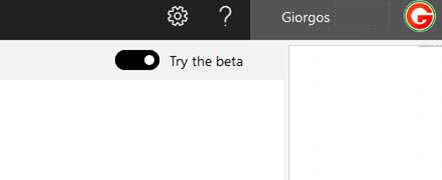
According to Microsoft, if you don't see it now, you will in the coming weeks. However, if you want to try the new experience right away, do the following:
Go to https://outlook.live.com/ and sign in to your account.
In the address bar, change the URL from https://outlook.live.com/owa/ to https://outlook.live.com/mail/
That was it!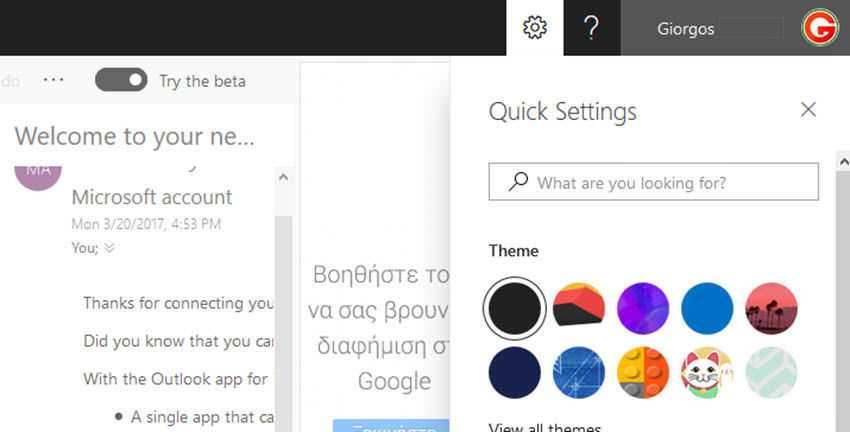
Note:
Some report that refreshing the page restores the old version of Outlook.com.
To resolve this, copy and paste the following directly into your browser's address bar:
https://outlook.live.com/mail/#/inbox
