

Enable MFA (Multi Factor Authentication) in Gmail
It may not be anything new as a title, but those of us who have MFA in Gmail , either for our personal account or for our professional account (via Google Apps), had to type a six-digit number every time we wanted to log into our account.
Google offers alternative ways to access your account for even greater convenience, while the 6-digit SMS remains the main authentication factor.
To make the change to enable Google Prompt, you must log into your Gmail account and select the security options (Sign-in & Security) as shown in the image below.
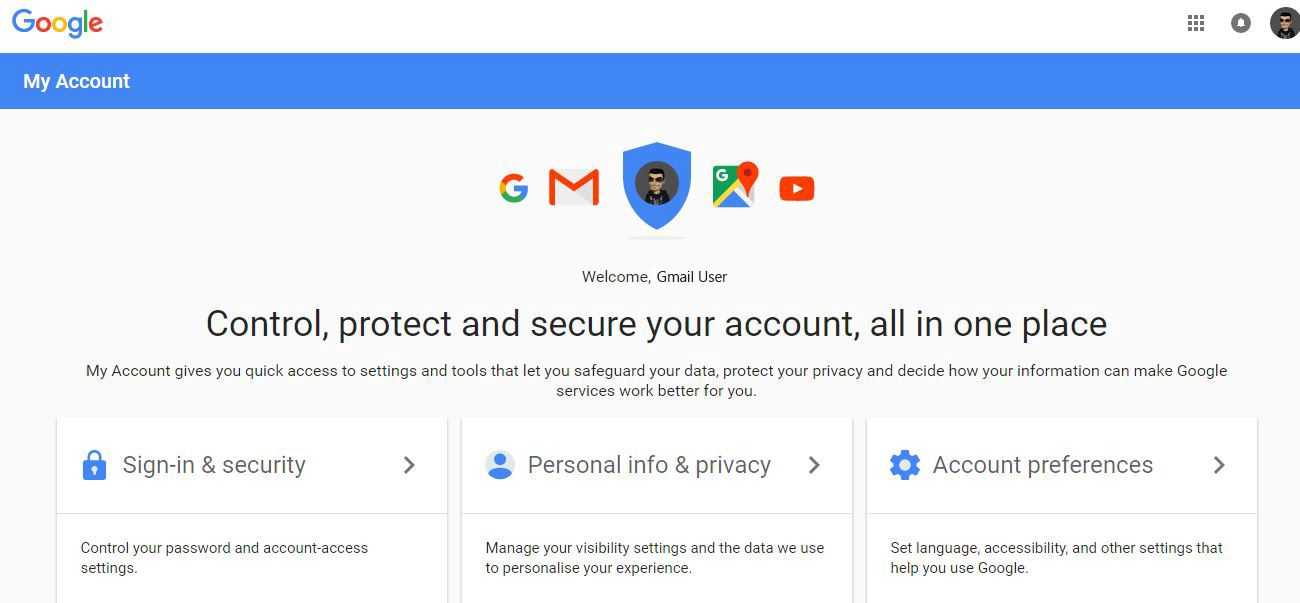
Clicking Sign-in & Security will display the option for 2-Step Verification, where it appears disabled (off)
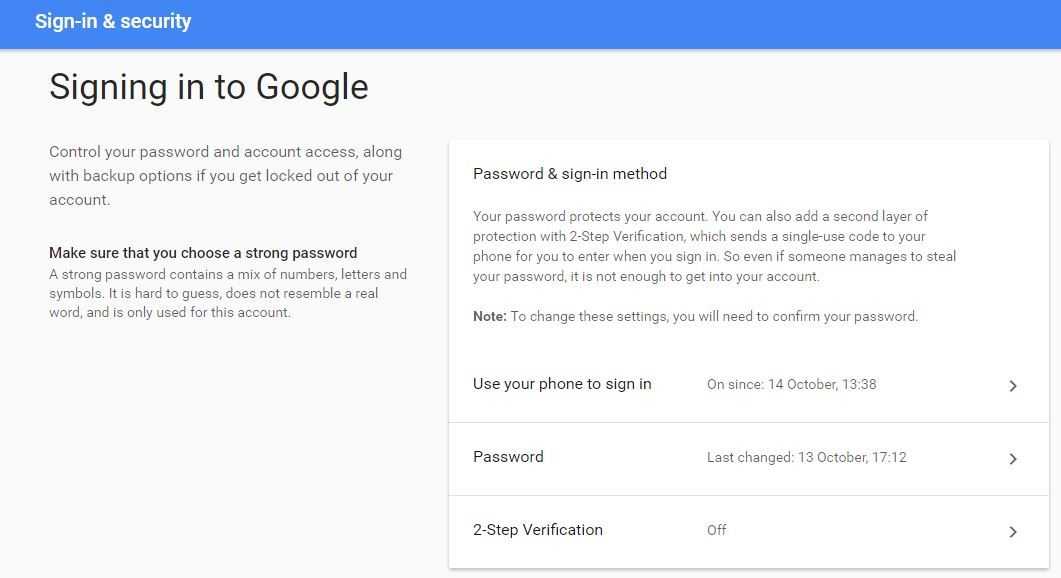
We start by clicking on 2-Step Verification and the following screen will appear
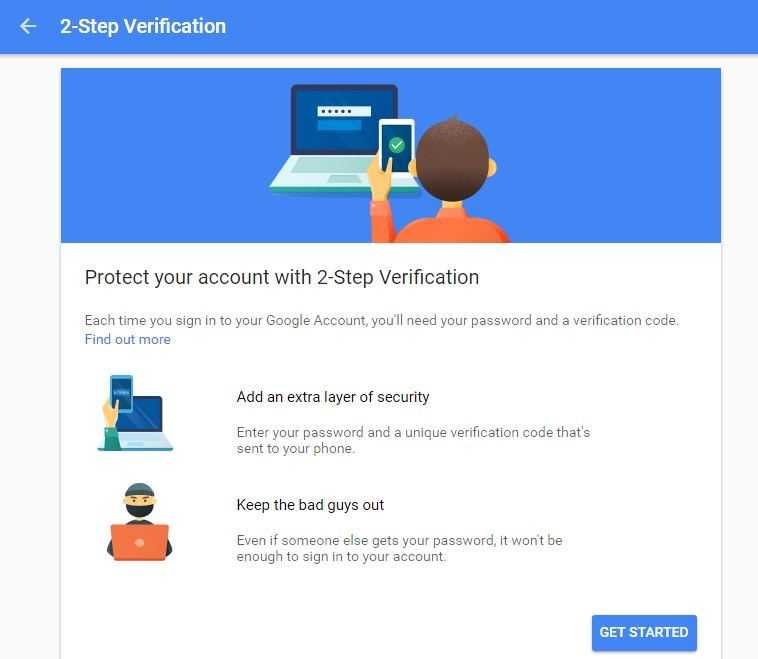
Clicking Get Started in 2-Step Verification will display the following options and we select Google Prompt (in this case). It goes without saying that we can use any of the other options we want and follow the suggested steps per case. The last option (Security Key) requires the purchase of a USB.
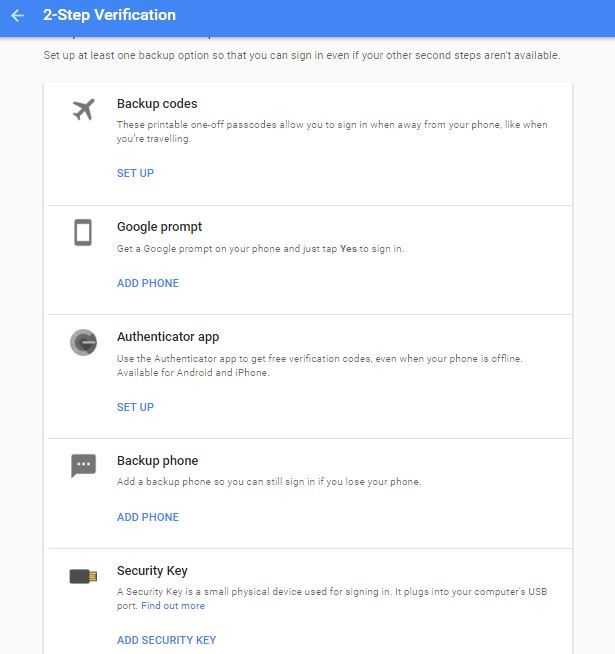
By pressing Google Prompt, an automatic search for our phone will begin and it will display it in the image below once our phone is found.
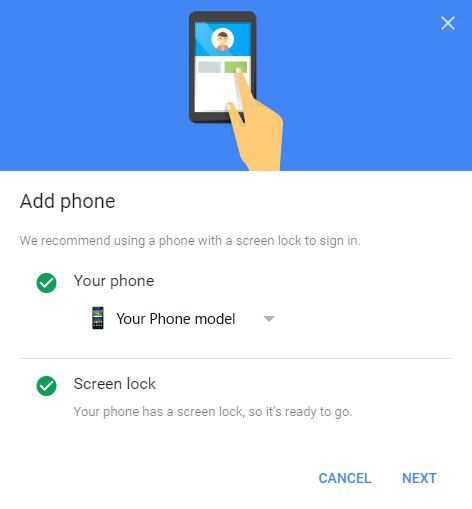
Pressing NEXT will proceed and ask us to unlock our phone and press Yes to complete the device Verification
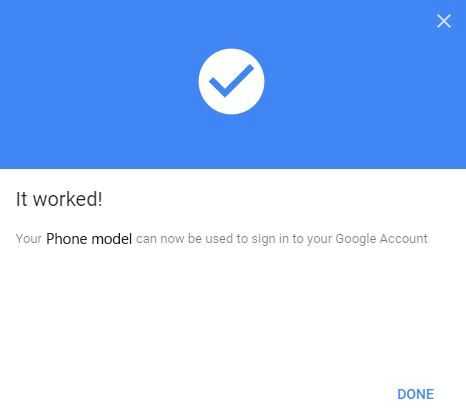
By activating the Google prompt, Google will stop sending SMS messages, while the option [YES] or [NO] will appear almost instantly on our phone and you will no longer need to enter the six-digit number in your explorer
