

Apple has released a minor iOS 26.4.1 update for iPhone 11 and newer models . Although the update notes only mention unspecified “ bug fixes ,” it appears to include two specific changes.
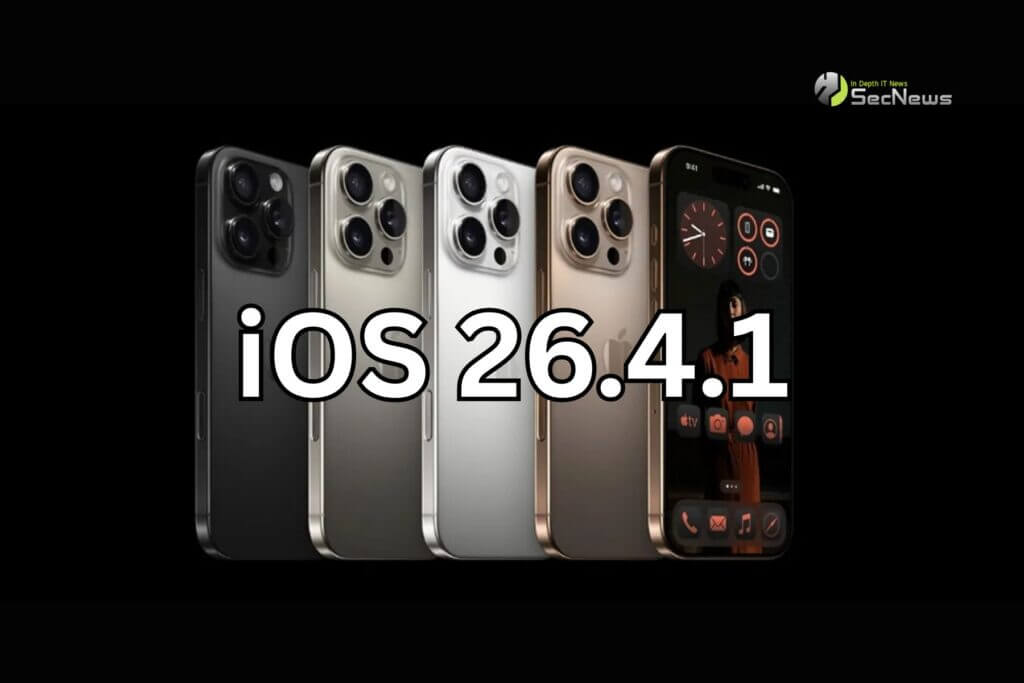
iOS 26.4.1: What changes are coming?
First, 9to5Mac spotted a thread on the Apple Developer Forums, suggesting that iOS 26.4.1 fixes a bug in iOS 26.4 that affected iCloud syncing in some apps.
Second, an Apple support document focused on businesses indicates that Stolen Device Protection will be automatically enabled on iPhones that upgrade from iOS 26.4 to iOS 26.4.1. This is likely the case for devices managed by a workplace/organization, as iOS 26.4 already had the feature enabled by default for regular users.
See also: Apple: iOS 26 and macOS 26 Liquid Glass with new Design Gallery
Stolen Device Protection to protect devices
Stolen Device Protection, introduced in iOS 17.3, adds an extra layer of security in case someone has stolen your iPhone and knows the device's passcode (e.g., you're in a public place and someone sees your passcode before stealing your iPhone).
When the feature is turned on, Face ID or Touch ID for more actions than usual, including viewing passwords or passcodes stored in iCloud Keychain, applying for a new Apple Card, turning off Lost Mode, erasing all content and settings, using payment methods stored in Safari, and more.
See also: Rumors of keyboard upgrade in iOS 27

There is no option to revert to the password if the user cannot complete identification with Face ID or Touch ID.
For particularly sensitive actions, including changing the password of the Apple ID account associated with the iPhone, the feature adds a security delay on top of biometric authentication. In these cases, the user must authenticate with Face ID or Touch ID, wait an hour, and authenticate again with Face ID or Touch ID. However, there is no delay when the iPhone is in familiar locations, such as at home or work.
See also: DarkSword: Apple to release rare iOS 18 software update
Prior to iOS 26.4, Stolen Device Protection was disabled by default on all iPhones. It can be enabled in the Settings under Face ID & Passcode.
