

If you've ever been on a plane, you've probably heard a flight attendant instruct passengers to switch all mobile devices to Airplane Mode or turn them off completely. Federal regulations from the FAA also support this request.
See also: Boost your signal: Tips for iPhone and Android
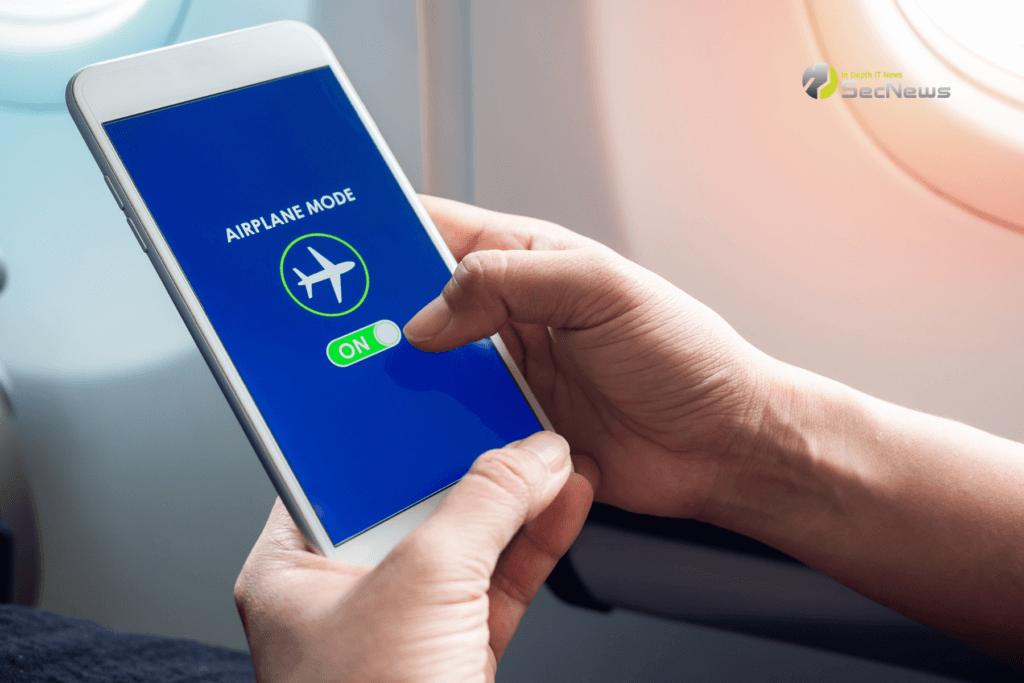
However, you may be wondering what Airplane Mode does on mobile phones and if there are other advantages to using it?
To answer some of these questions, we tapped the expertise of technology expert Michael Collins . Michael is a director at Sphere IT, a UK- based corporate technical support provider .
Almost every modern smartphone, tablet, and laptop has a small airplane icon that allows users to enable Airplane Mode, which essentially turns off wireless reception in order to avoid interference with navigation and communication equipment on the plane.
Collins says, “Airplane Mode is a feature used on most modern smartphones that turns off the phone’s radio and wireless hardware. This prevents the phone from sending and receiving calls, text messages, emails, and data over the cellular network.”
Some wireless devices won't connect to cellular or WiFi networks when in Airplane Mode. Other devices will also allow Bluetooth and WiFi connectivity to be re-enabled while technically remaining in Airplane Mode, but cellular service is always blocked.
See also: How to find a Wi-Fi password on a Mac
Regardless, your smart device will still be able to edit documents, display photos, and play any music or video media stored locally.
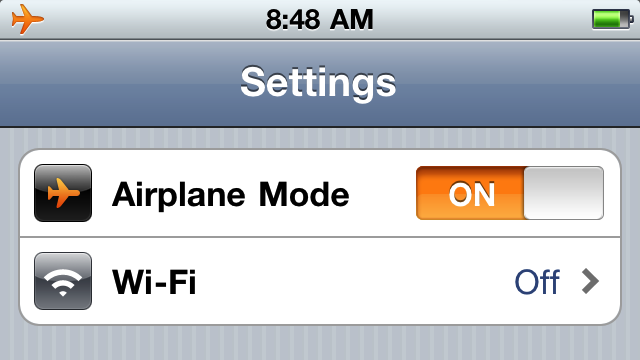
How to turn on Airplane Mode on an iPhone
- Open Control Center.
- Tap the airplane icon.
- To turn off Airplane Mode, return to Control Center and tap the airplane icon again.
How to enable airplane mode on an Android device
Switching to airplane mode on your Android is just as easy:
- Open the Settings app .
- Find and open the Network & Internet.
- Tap the airplane mode icon to turn it on/off.
See also: Android: How to restore apps you've deleted?
Does turning on airplane mode save battery?
“In addition to preventing interference, Airplane Mode also helps save your phone’s battery. Most phones use a lot of battery power when connected to the mobile network, so Airplane Mode can help battery last longer,” says Collins.
Source: electronics
