

Microsoft has released a fix for the Microsoft Edge 91 launch errors and nag screens that have been plaguing users since the release of the new version of the browser.

See also: Microsoft Edge 91 brings new bugs and annoying popup messages
Last week, Microsoft Edge 91 was released and users immediately started reporting that the browser was not opening to the configured start page and that the "Use recommended browser settings" nag screen was appearing very frequently.
Shortly after these errors were reported, Microsoft rolled out what appears to be a configuration change, and users are now saying that the errors were fixed after restarting the browser.
When Microsoft Edge launches, it will connect to Microsoft servers and download a configuration file specific to your device.
See also: Microsoft Edge: How to disable online shopping coupons
This configuration file contains various instructions regarding which features are enabled, which experiments you are enrolled in, and other settings.
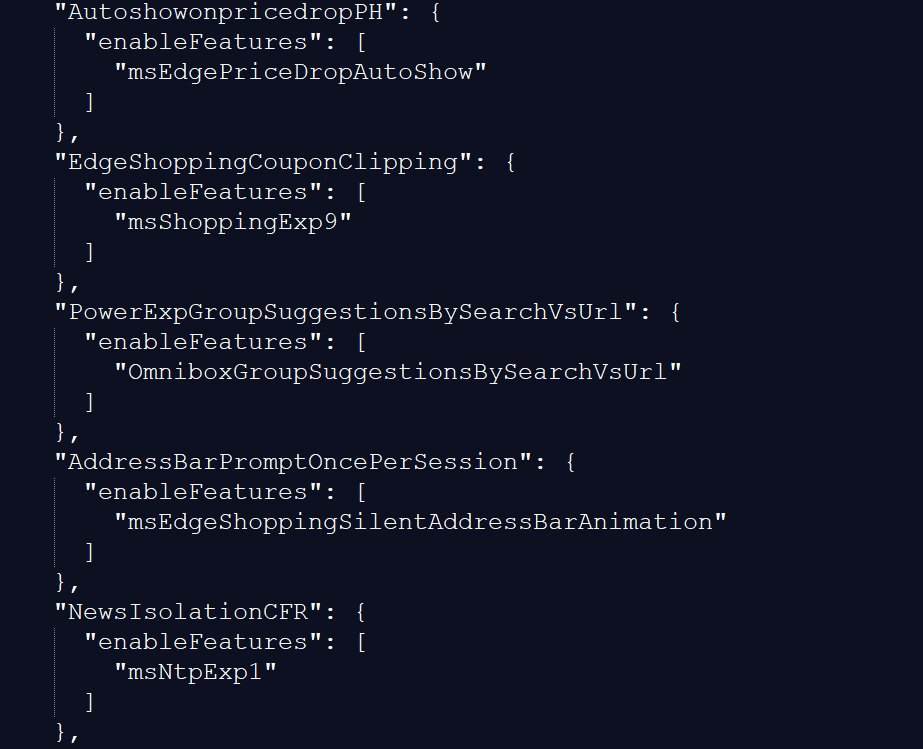
As we were also affected by the bugs in the Microsoft Edge 91 release, we were able to test the new configuration and the issues have indeed been resolved.
See also: Microsoft Edge Canary gets new Sharing Hub feature
While it's unclear what Microsoft to fix these issues, you can now close the browser and restart it again for the fix to take effect.
Information source: bleepingcomputer.com
