

Every time you add a profile picture on Telegram, the old one is not deleted. People who visit your profile will be able to see all the profile pictures you have uploaded since you opened the account. Here's how to delete old profile pictures on Telegram.

You can always hide your profile picture on Telegram, but the options there are limited. You can either show your profile picture to everyone or only to your contacts. There is no way to completely hide your profile picture on Telegram – your best bet is to remove the profile picture altogether.
See also: Telegram will launch group video calls next month
If you don't want to do this, you can quickly delete old profile photos. This will ensure that only your most recent profile photo is visible on Telegram.
Delete old profile pictures in Telegram on iPhone and iPad
Open Telegram on your iPhone or iPad and tap “Settings,” which is located on the bottom bar.

Tap the avatar photo at the top.
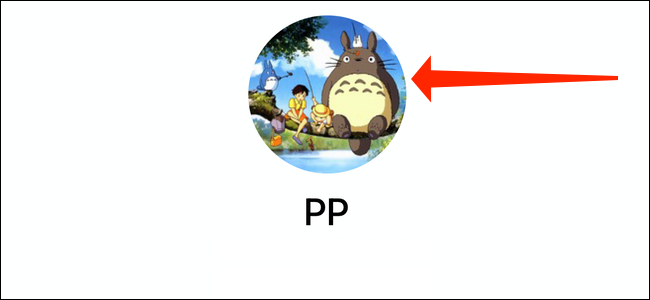
Now, select the “Edit” button in the top right corner.
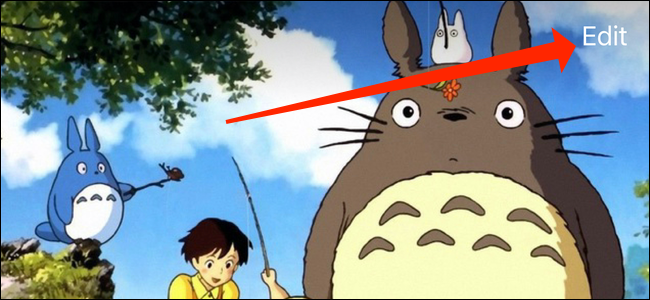
Tap your profile picture again.

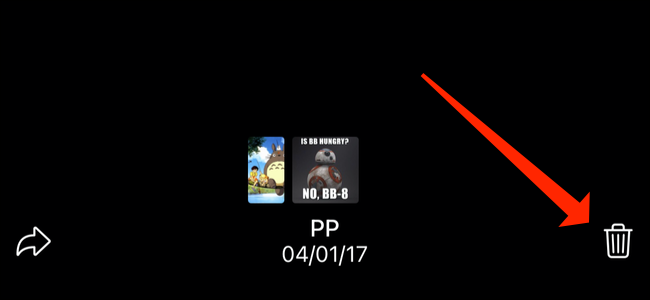
Now you will be able to see all the profile pictures you have uploaded. Keep swiping right to see them all. Now, go to any picture you want to delete and select the trash can icon located below the picture.
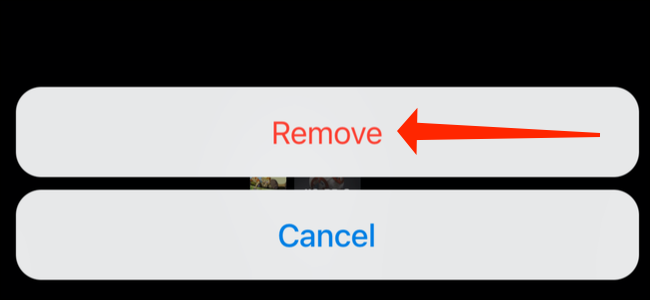
Select “Remove” to delete the image.
You can repeat these steps for all the images you want to remove.
See also: Hackers use Telegram as part of malware campaign
Delete old profile pictures in Telegram on Android
The steps for deleting old profile photos are slightly different on Android. Open Telegram on your Android smartphone or tablet and tap the menu icon in the top left corner.

Select your profile picture.
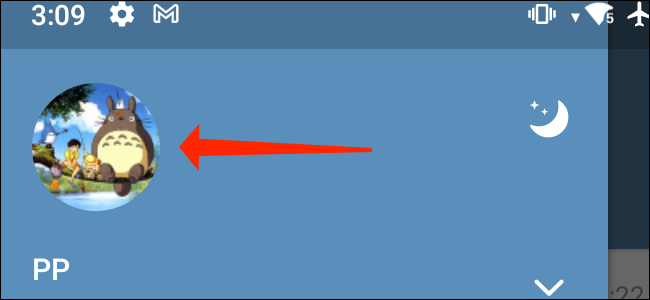
Now you can swipe right on the image to see all your old profile photos. When you find the one you want to delete, tap the menu icon in the top right corner.
See also: Hackers abuse Google Forms / Telegram to collect phished credentials
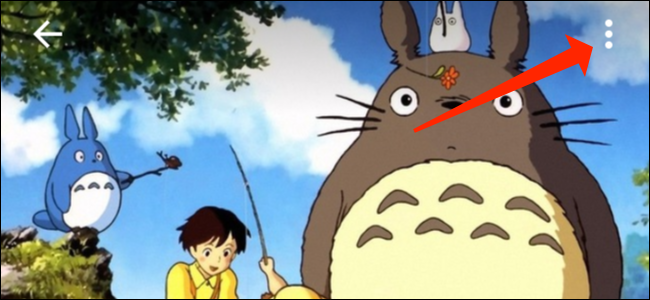
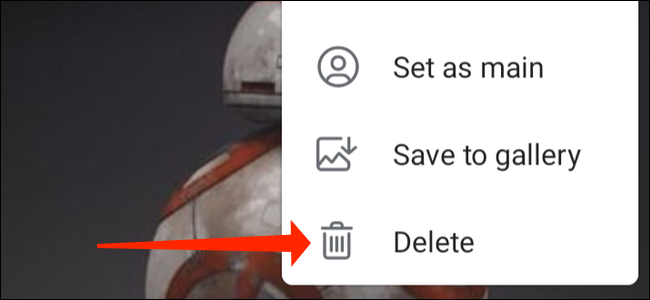
Select “Delete” from the drop-down menu.
For the second time, press “Delete” and you're done.
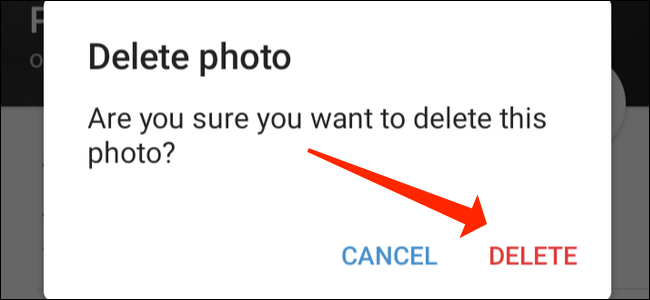
You can do the same thing for all profile pictures you want to delete.
Information source: howtogeek.com
