

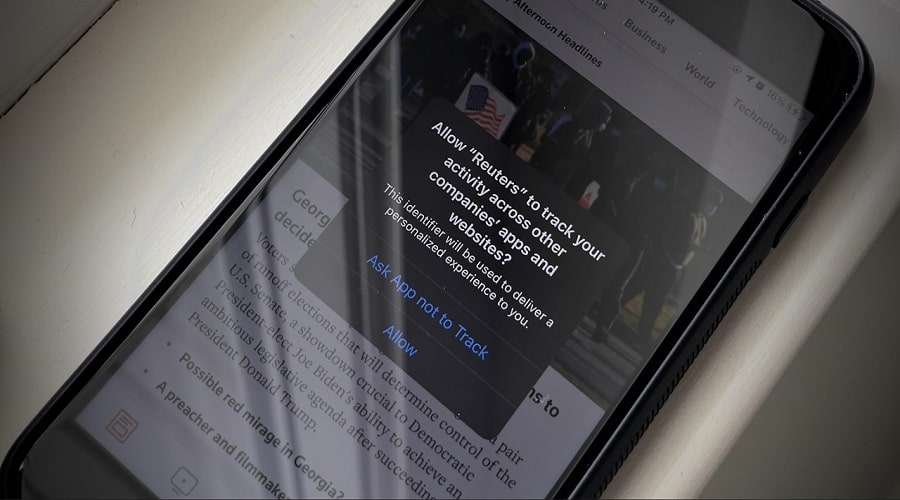
Apple is one of the companies that claims to place a high emphasis on the importance of user privacy and confidentiality . As part of a general effort to improve privacy, the company has brought a series of changes to iOS 14. According to these improvements, will apps have to send notifications and ask iPhone users before tracking their activity on apps and sites. third-party
If you want to get rid of the notifications that apps, but at the same time want to prohibit tracking, there is a way.
First, open Settings on your iPhone or iPad.
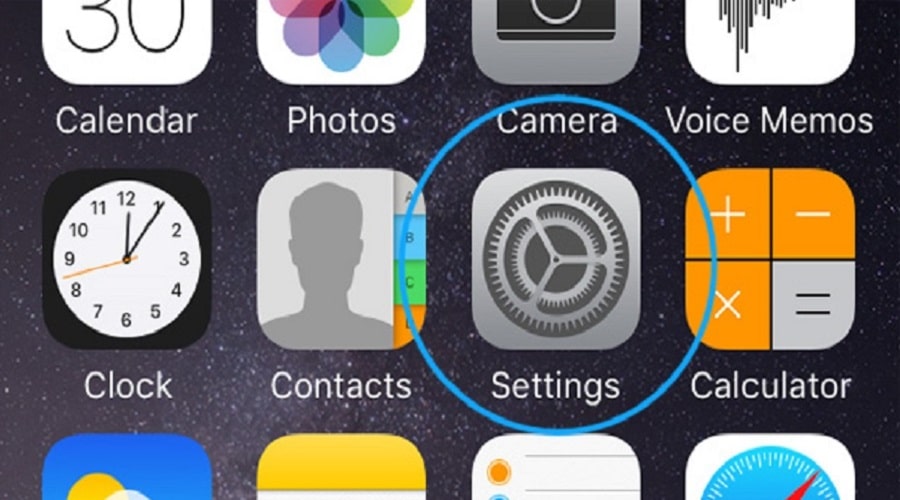
Next, click on “Privacy” (Privacy).
Select the “Tracking” (Tracking) option, which is located at the top of the Privacy screen.
Find the option that says “Allow Apps to Request to Track” and disable it.
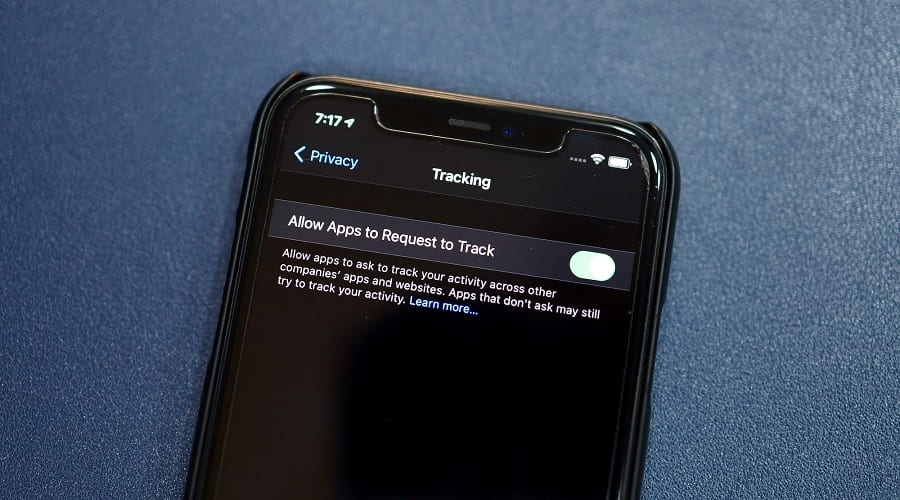
Once you've completed this quick and simple process, you can exit out of your iPhone's Settings. From now on, apps will no longer prompt you to ask if they can track your activity. By doing this, you're essentially telling all apps, by default, not to use information for targeted ads unless you've given them permission to do so.
If you want tracking to be allowed from certain specific apps, you can set it up. Go back to “Settings”, tap “Privacy”, “Tracking” and disable or enable the tracking option for each app, depending on what you want.
However, don't forget that your activity can be tracked in other ways as well. Despite Apple 's improvements to apps, using the web is risky. So you need to be careful what you visit!
Source: Howtogeek
