

If you bought a new Xbox One or PS4 in 2013, when those consoles, it would be seven years old today. And seven years is certainly a long time for a machine.

The good news is that there are ways to keep your PS4 or Xbox One in good condition and make it last for several years.
Keep it cool
These boxes feature CPUs and GPUs that can get very hot. Let's not forget that they're based on technology that's over seven years old, which means they've missed out on the latest generations of performance improvements. Follow these steps to keep them as cool as possible.
- Do not keep your console in a closed glass or wooden cabinet, especially when it is operating.
- Don't stack other devices on top of your console. For example, cables or other consoles.
- You can put a lifting set of legs so that it doesn't touch the ground and has better airflow.
- Regularly remove dust and any debris, especially from vents.
Upgrade the hard drive to an SSD
Every hard drive has an MTBF, for “mean time between failures.” And for these old-school drives, the first failure is the last. If a hard drive has spinningplatters, like the ones found in the Xbox One or PS4, it will eventually die.
It's also a bit slow compared to newer drives. Newer models, even the Xbox One X and PS4 Pro, still come with HDD, but the PS5 and Xbox Series X finally support SSDs.
Fortunately , replacing or upgrading storage is one of the easiest and most effective ways to give your Xbox or PlayStation a boost.
Luckily, both consoles now support external drives, so it might be easier to just plug one in for extra storage, with no tools required.
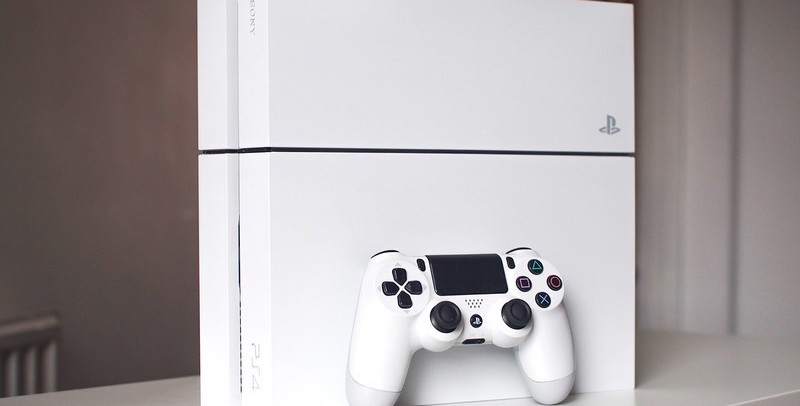
Replacethe optical drive
So many gamers use digital downloads now that you might not even notice if your PS4 or Xbox One's optical drive isn't working. If you don't have a game you need to play on a physical disc, you probably don't need to worry, as it's a more complicated task than replacing a storage drive.
You'll need to create a new drive that's supported by the PS4 motherboard. Or in the case of the Xbox One, change an internal circuit board.
Fix software and operating system problems
When something goes wrong, reboot. This is the most universally accepted maxim of tech support, and it applies to gaming consoles as well. Almost every cooling or software issue I've had on a console has been resolved by rebooting. Unfortunately, that's not always the case.
This step is not a "cure", but just as for a slow laptop the best way to refresh it is to reset it to factory settings, the same can be true for your PS4 or Xbox One.
Since all of your games are likely in the cloud, all you have to do after the reset is re-download any current games you're playing. This should clear a lot of old junk from your console's hard drive.
Xbox One
If you're having problems, first try a hard reboot, which is different from turning the system off and then back on. You can do this by pressing and holding the power button for 10 seconds.
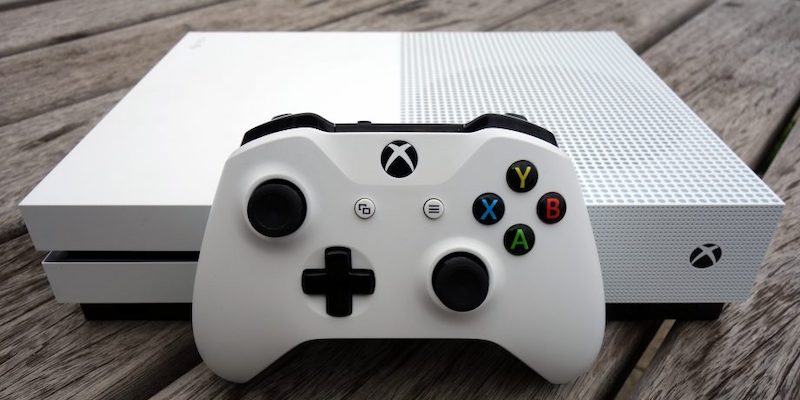
Go to the settings menu, then All Settings > System > Console Information > Reset Console . There will be an option to keep your games and apps installed, which will simply reset the console's firmware . The " Reset and remove everything " option will do a complete wipe and give you a fresh start.
PS4
Similar to the instructions above for Xbox One, follow for PS4. From the settings menu, go to PlayStation Network / Account Management > Activate as your primary PS4 > Change this option to Off (if it's currently on) > Return to Settings > Initialize > Choose either Restore Defaults, which preserves your game installations and saves, or Initialize PS4, which is a complete wipe.
It's a good idea to follow the PS4 and Xbox One tips above, and if you plan to sell any of your consoles, remove your personal account.
