

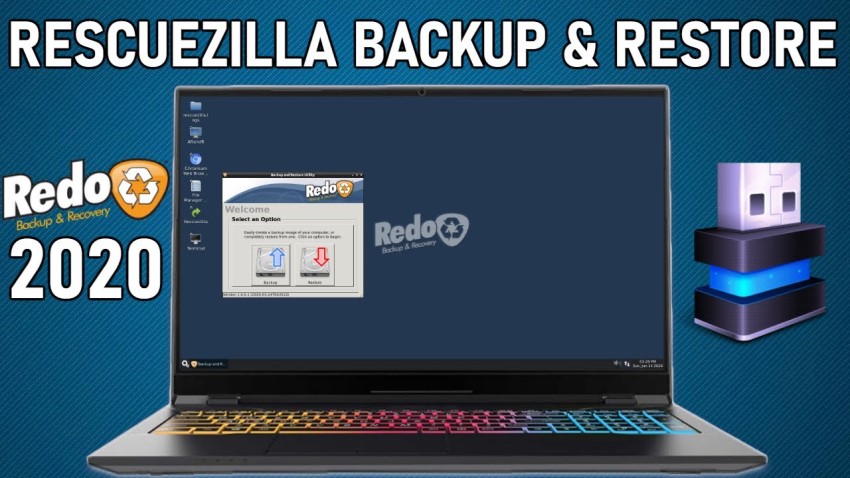
Rescuezilla 1.0.6 – The perfect solution for Recovery and Backups: Shashen Ediriweera, one of the developers of Rescuezilla, announced the new version of the operating system – Rescuezilla 1.0.6. The new version comes with some new features, such as EFI support, new 64bit distribution, etc.
For those who don't know, Rescuezilla is a Linux distribution based on Ubuntu and is a much improved version of the old Redo Backup & Restore application, which is no longer being developed. Rescuezilla is therefore a complete operating system, which offers various backup and recovery services, as well as some additional features, such as file restoring and web browsing.
What changes have been made in the latest version of the operating system?
As we mentioned earlier, one of the most important changes in the latest version is the new 64bit distribution, which is based on Ubuntu 20.04 LTS. However, this version of Ubuntu does not have 32bit distributions, which is why Rescuezilla 32bit is based on the older Ubuntu 18.04 LTS.
In addition to new distributions, Rescuezilla 1.0.6 also includes new support, one of which allows the operating system to boot on EFI-only computers. In addition, the 64bit version now includes a Secure Boot option. This means that you can now use the operating system regardless of whether your computer supports legacy boot.
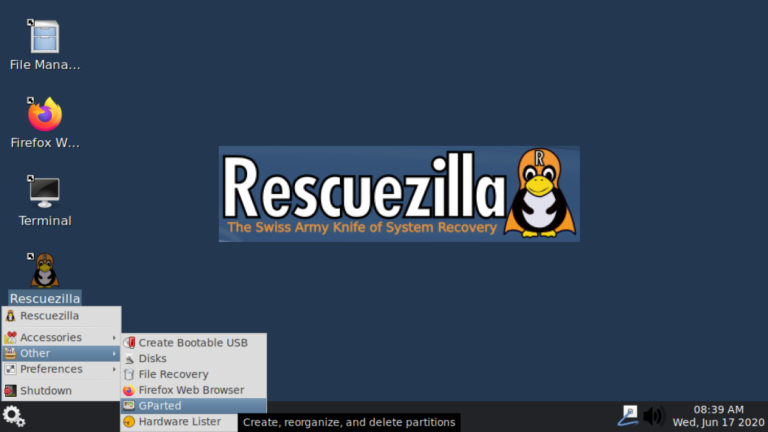
Continuing with the changes, we come to the system's new GRUB bootloader . Thanks to the packages contained in GRUB 1.0.6, the operating system can now also be used for GRUB repairs.
In addition to the support and bootloader changes, there are also some new applications. One of them is the new Mousepad text editor, which replaces Leafpad, which is no longer being developed. In addition to Leafpad, chromium has also been replaced, resulting in the operating system using Mozilla Firefox as the default browser.
Below, we also list the bugfixes that are available in the operating system:
- Fixed the bug with backup on partitions smaller than ~40MB.
- It is now possible to use non-standard characters in file names.
- The boot menu now also contains an option that leads to the BIOS firmware setup (only in EFI-boot).
- The Redo Backup logo was replaced with that of Rescuezilla.
- The ISO file names now contain rescuezilla-1.0.6 instead of redobackup-livecd.
- The 'maximus' package has been removed.
How to use the operating system?
Rescuezilla is a live operating system. This means that you can use it without installing anything. All you have to do is download the operating system and create a Bootable USB. Then, restart your computer and choose to boot from the USB device.
