

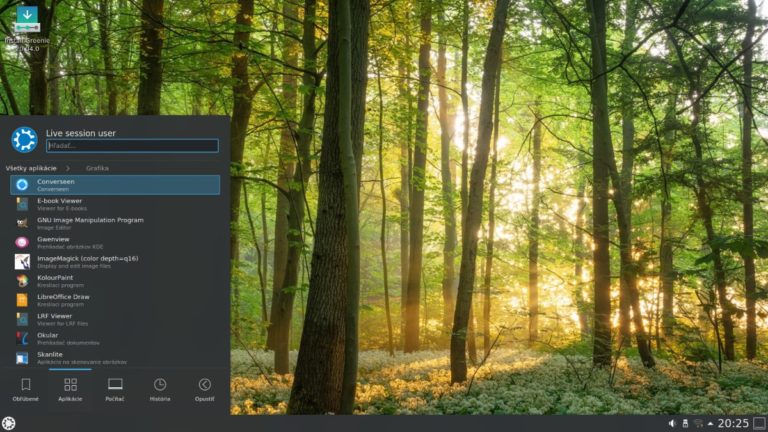
Greenie Linux is an Ubuntu -based operating system built specifically for users who read and write e-books. This distribution originates from Slovakia, so it is mainly aimed at users in the country, as well as users from the Czech Republic.
Recently, the new Greenie Linux 20.04 was released, which uses the Ubuntu 20.04 LTS repositories, while also coming with the KDE Plasma desktop 5.18. This is the most important change in this version.
As we already mentioned, the distribution is aimed at Slovak and Czech users, which is why new fonts for these languages have been added to the latest version. At the same time, the system's creator decided to remove some of the Asian languages.
In addition to language improvements, version 20.04 also offers new features. One of them is that it allows users to directly install some tools like Focuswriter and Calibre, which are useful for managing various books.
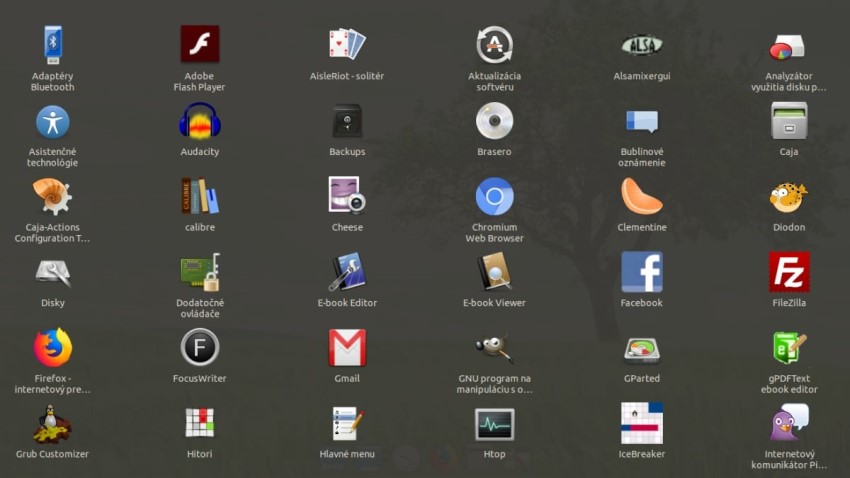
Another feature of version 20.04 is the replacement of Chromium with the Firefox browser. However, this does not mean that we can no longer use Chromium. The old Greenie Linux browser is still available to users through the snap packaging tool.
Unfortunately, however, the new version of the operating system also includes some changes that users may not like. One of them is the removal of custom graphical scripts. This was done in order to maintain the basic appearance of the system, which is similar to that of Kubuntu.
How to install Greenie Linux 20.04:
If you are already using the operating system , you can easily upgrade to the new version, after first updating the system packages. The process is simple, and can be done both in a graphical environment and with the terminal.
Otherwise, you can download the installation file, and then install the system using a bootable USB.
