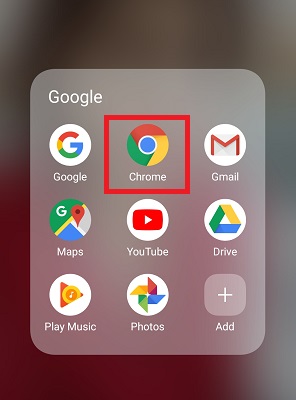
We all know that Google makes money by showing ads. It also has a very strict policy on how websites display ads. The Google has formulated very strict rules specifically for the mobile version. Sometimes, displaying too many ads hinders the user experience, which can lead to losing valuable customers/users. There is no doubt that ads on different websites help in increasing revenue. Google Chrome now has a built-in Ad-blocker. In this article, you will see how you can enable/disable Ad-blocker in Chrome Android.Advertising basically works like this: there are advertisers and publishers. Advertisers want to reach their desired audience both effectively and intelligently. There are millions of advertisers. Publishers want to finance their publication and use ads to generate revenue. There are millions of publishers as well. Advertisers will run ads directly on publishers' pages, which give them the best opportunity to reach their audience. In turn, publishers want to ensure that advertisers pay a fair price for their ad space.
How to enable the built-in Ad-blocker in Chrome Android?
The company knows that if there are too many ads on a website, the user experience is hindered. That’s why Google warns websites against putting so-called “Intrusive Ads.” In fact, Google also gives users a way to block Intrusive Ads on Chrome Android. So how do you enable the ad-blocker on Chrome Android?
Member of the Editorial Team of SecNews. He writes about cybersecurity, online fraud, privacy and technology. All articles follow the SecNews Editorial Policy.


 We all know that Google makes money by showing ads. It also has a very strict policy on how websites display ads. The Google has formulated very strict rules specifically for the mobile version. Sometimes, displaying too many ads hinders the user experience, which can lead to losing valuable customers/users. There is no doubt that ads on different websites help in increasing revenue. Google Chrome now has a built-in Ad-blocker. In this article, you will see how you can enable/disable Ad-blocker in Chrome Android.Advertising basically works like this: there are advertisers and publishers. Advertisers want to reach their desired audience both effectively and intelligently. There are millions of advertisers. Publishers want to finance their publication and use ads to generate revenue. There are millions of publishers as well. Advertisers will run ads directly on publishers' pages, which give them the best opportunity to reach their audience. In turn, publishers want to ensure that advertisers pay a fair price for their ad space.