

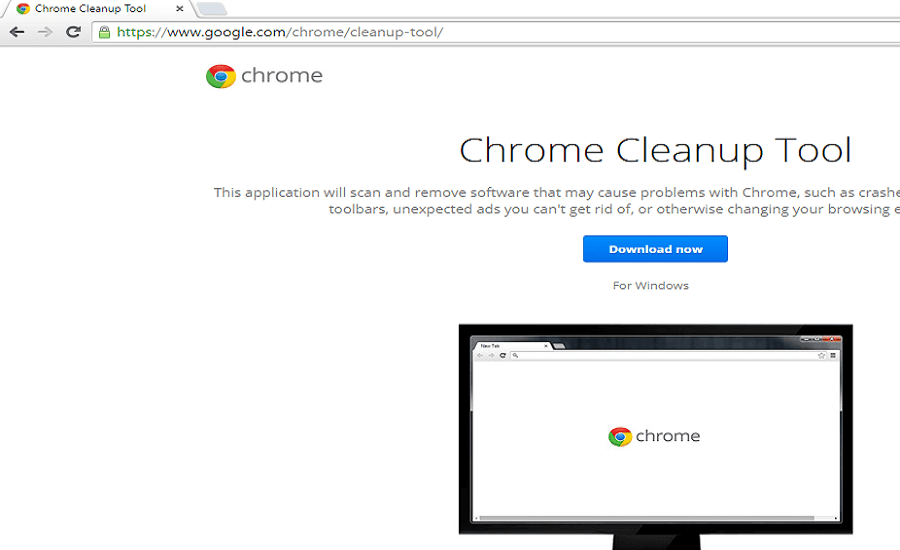
Many of you may not know that Google Chrome has its own malware cleaner tool. The tool is useful for removing unwanted programs, adware, and fake optimizers that pass through the browser on your computer.
Google Chrome Cleanup Toolwill now include the ability to remove Chrome extensions that are force-installed in the browser via Windows Group policies. The feature was not previously available in the tool.
The tool’s code describes the feature as “update chrome_cleaner / chrome_utils to remove Force-Installed extensions.” This means that the “Chrome Cleanup” tool will now be able to detect and remove extensions that have been Force-Installed. It will also have a number of Chrome extensions that are still installed in the browser.
For those who don't know, Force-Installed extensions are automatically installed in the browser without user interaction, with the help of Windows Group policies.
However, the same Windows policies can be used to install malware. Currently, Chrome does not remove these extensions, even if they are malicious software. The only option for users is to detect malware through the registry.
Until Google has the tool ready, you can go to “HKLMSOFTWARE > Policies > Google > Chrome > ExtensionInstallForcelist” in the Windows Registry Editor to find out if there are any Force-Installed Chrome extensions on your computer.
