

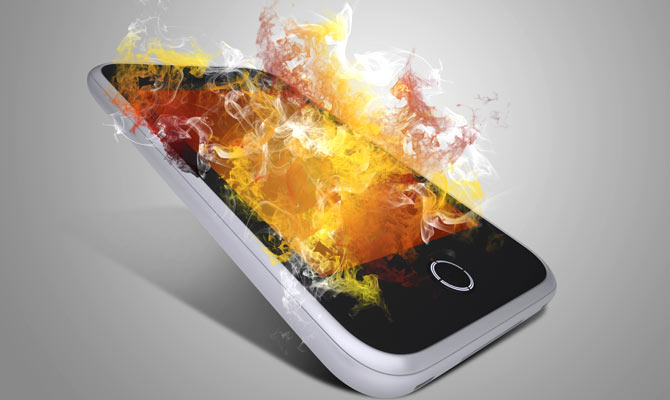
Everyone loves their smartphone, because it is essentially their “life partner.” But a phone that overheats after just a few minutes of use (or hours, as they pass like minutes when we forget), is never a good choice to carry around with us.
Not only is an overheated smartphone uncomfortable to use, but it also poses other threats, such as it suddenly exploding. So, in this article, we will discuss some common mistakes we make that contribute to our smartphone overheating. And how they can be prevented.
1.Bad battery
It is always recommended to change battery after a certain period of time. But most users continue to use their phone with the old battery until it is completely drained. An old battery provides slightly less power than it needs, but this difference is so small that it goes unnoticed. Your phone's processor tries to compensate for this difference, which leads to an increased load.
This load on the processor leads to increased load on the battery, and this cycle continues until a point where your phone is so hot that you could be cooking something and you are forced to pause.
2.Damage caused by water
Usually, we all listen to songs while taking a shower. Overheating and power issues are mainly caused by exposure to water. Locate the LDI (Liquid Damage Indicator) sticker on your phone to make sure it is not experiencing any moisture-related or water-damaged issues.
3. Improper ventilation
This is also a factor. Like any other device, your Smartphone also needs proper space to operate. Overheating is one of the consequences of unavailability of adequate ventilation. Up to a certain temperature, your smartphone heats up slowly, but after a threshold, the heating accelerates. A app will keep the temperature under control and you will know when to take a break to keep your phone cool.
4.Intense Use and Multitasking
Multiple processes running at the same time will do more harm than good. Leaving unnecessary processes running will not only slow down your smartphone, but also make it hotter. It is wise to use some RAM management apps, such as CCleaner.
5.Continuous use
Give your phone a break. Turn off your smartphone once in a while to prevent unnecessary things from accumulating and make your phone run smoothly. You can set your phone to turn off automatically. For this, go to settings >> Scheduled Power On & Off and set the times.
