

Nowadays, video conferencing is a key way for colleagues to communicate. Since the pandemic, digital tools like Google Meet, Zoom , and Microsoft Teams have become very popular. Video conferencing increased from 48% to 77% between 2020 and 2022. Surely, most of you have had to participate in a video conference and are probably familiar with the traditional method of raising your hand and clicking a button. However, Google Meet brings a change, integrating a gesture detection feature.
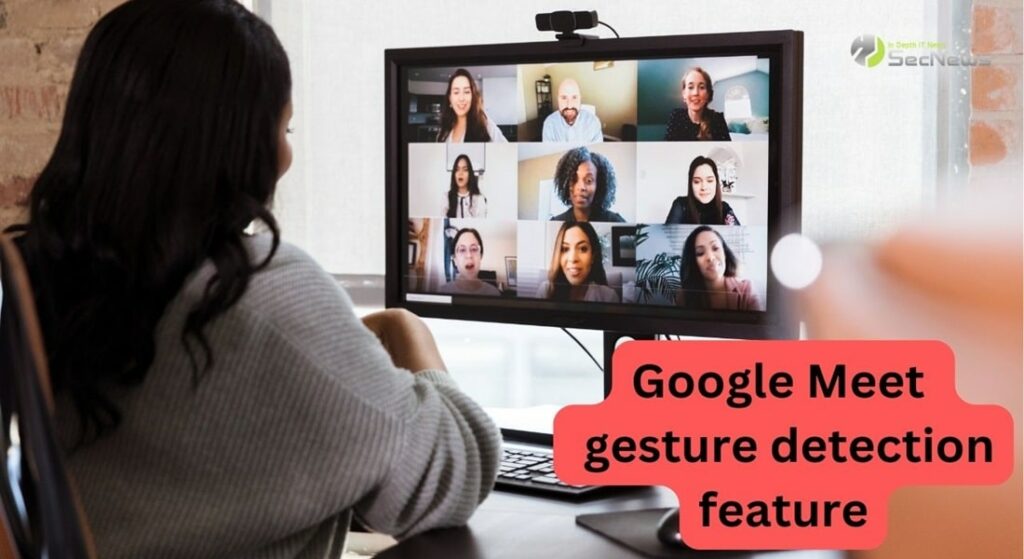
According to an official post, Google Meet can now detect when you physically raise your hand in front of the camera. This simple gesture, held for just a few seconds, will alert the meeting host and participants that you intend to speak. And you won't have to press any on-screen buttons.
See also: How to Video Lock in Google Meet
Gesture detection works similarly to clicking the hand-raise in the Google Meet control bar. Once you raise your hand, a new icon will appear above camera feed, visible to all meeting participants. This short-loading icon provides an opportunity to recall the gesture, but you need to be quick, as it disappears after a second or two.
To ensure accurate gesture detection, keep camera turned on and make sure your hand is clearly visible to the camera, away from your face and body. Google Meet's gesture detection feature will not activate while you are speaking. It activates when you are not actively speaking.
See also: Google Meet: How to lock the video during a meeting
Gesture detection is disabled by default and needs to be enabled manually. To enable the feature during a meeting, follow these steps:
- Click on “More Options“
- Select “Settings”
- On the left side, click on “Reactions“
- Enable “Hand Raise Gesture“
Gesture detection is currently rolling out to select users with Google Workspace business and education plans, including:
- Google Workspace Business Plus
- Business Standard
- Enterprise Essentials, Enterprise Plus, Enterprise Standard, Enterprise Starter
- Education Plus
- The Teaching and Learning Upgrade customers
- Google Workspace Individual subscribers
See also: How to conduct polls in Google Meet

The Hand Raise Gesture feature is rolling out gradually and may take a few weeks for some users.
One of the benefits of this feature in virtual meetings is the increased usability and comfort for participants. Instead of having to click a button to raise their hand, they can simply make a gesture and the motion detection will automatically recognize it.
Gesture detection also helps improve communication and collaboration in digital meetings. Participants can quickly and easily respond to questions or suggestions simply by raising their hand, without interrupting the flow of the conversation.
Another benefit of motion detection is that it prevents interruptions or disruptions to group dynamics. When participants can raise their hands without interrupting each other, communication and collaboration remain seamless and effective.
Source: www.phonearena.com
