

The first update for Final Fantasy 16 is available to download on PS5, bringing the Square Enix title to version 1,000,003. The patch adds a few new features to the game, including a motion blur toggle, three more control layouts, and more extensive camera sensitivity options. It's also said to improve the stability of some menus, while some text issues have been fixed. It's a 267.1MB download.
See also: Final Fantasy 16: How to get Excalibur?
Square Enix provided a full summary of the Final Fantasy 16 patch notes for patch 1.03 in a tweet .
Take a look at the full patch notes below to see what else is new.
The following items are added to the System tab of the main menu:
- Motion Blur Strength
- Allows the player to adjust the strength of the motion blur effect when the character or camera is in motion. The default setting is the maximum value of 5. This value can be decreased to reduce the strength of the motion blur effect or set to 0 to disable it completely.
- Player Tracking (Movement)
- Player Tracking (Attack)
- Disabling these settings prevents the player from automatically following the camera while moving and attacking respectively.
- Changes the maximum setting of Camera Sensitivity (Horizontal) and Camera Sensitivity (Vertical) from 10 to 20.
- It adds three new control layouts: types D, E, and F.
- Fixes an issue that affected the stability of some menus.
- Fixes some text issues.
- Adds the hashtag FF16 when sharing screenshots or video clips on Twitter or YouTube.
Suggestion: Final Fantasy 16: The producers want to regain your trust
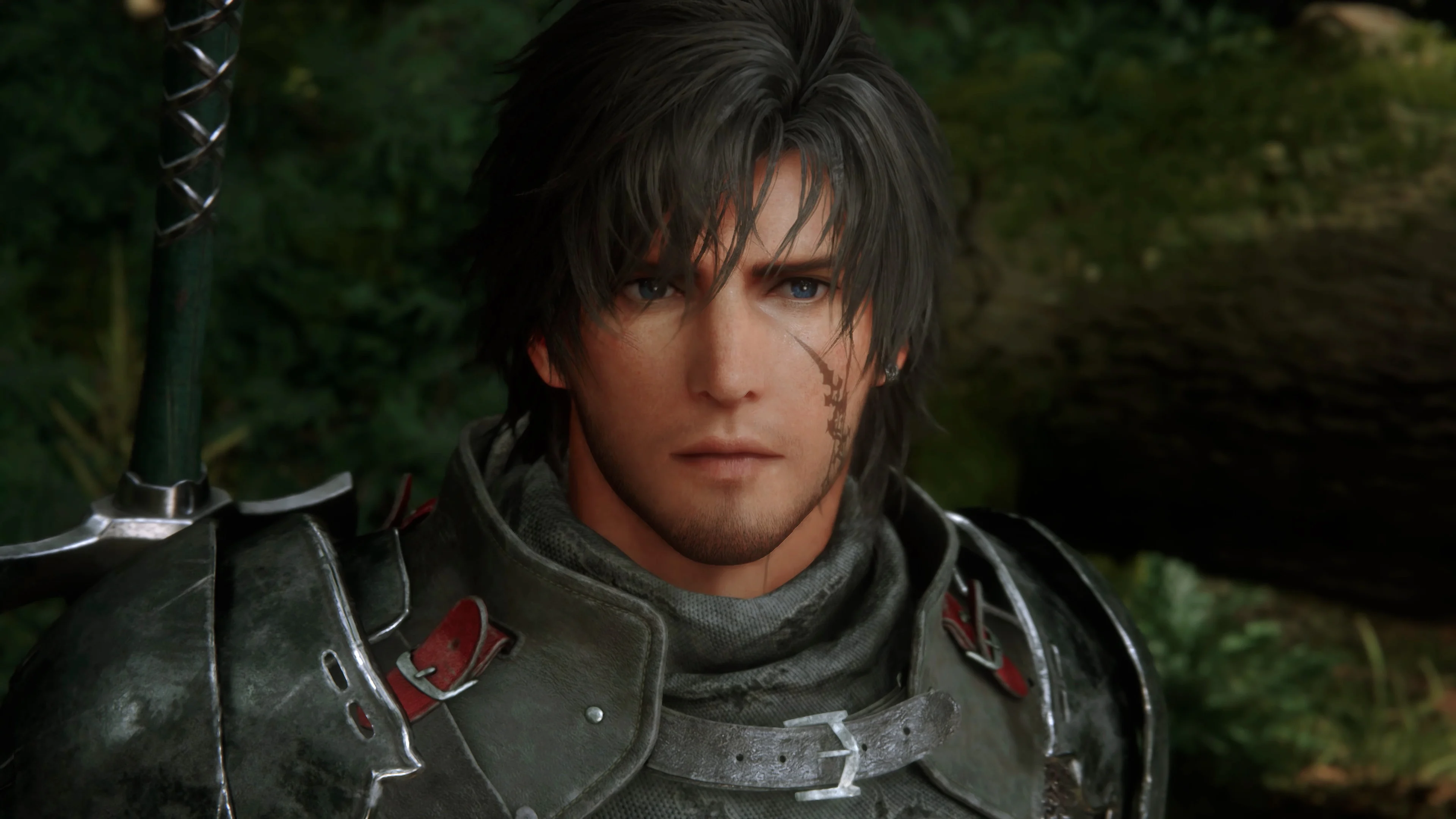
Since motion blur on PS5 was a bit annoying for many players and caused negative reactions, it's a welcome feature that you can now adjust.
Read also: Final Fantasy XVI: The battle director's personal masterpiece
information source: pushsquare.com
