

One of Apple's hottest and most talked-about products is definitely the $19 polishing cloth, which is intended for cleaning nano-textured screens and other devices . But as it stands, at some point you may notice that your cloth is not as clean as it was when you bought it, and as a result, it is not cleaning your screen as effectively. Fortunately, Apple has provided a guide on how to make your cloth look like new, and 9to5Mac has shared those instructions.

See also: Apple: Will require employees to provide proof of Covid-19 booster
According to the instructions, outlined on the Apple support page "How to clean the nano-texture glass on your Apple display", you need to follow these steps:
1. Wash the polishing cloth by hand with dish soap and water.
2. Rinse thoroughly with plenty of water.
3. Let the polishing cloth dry in a well-ventilated area for at least 24 hours.
See also: Apple is working to fix the new Safari bug
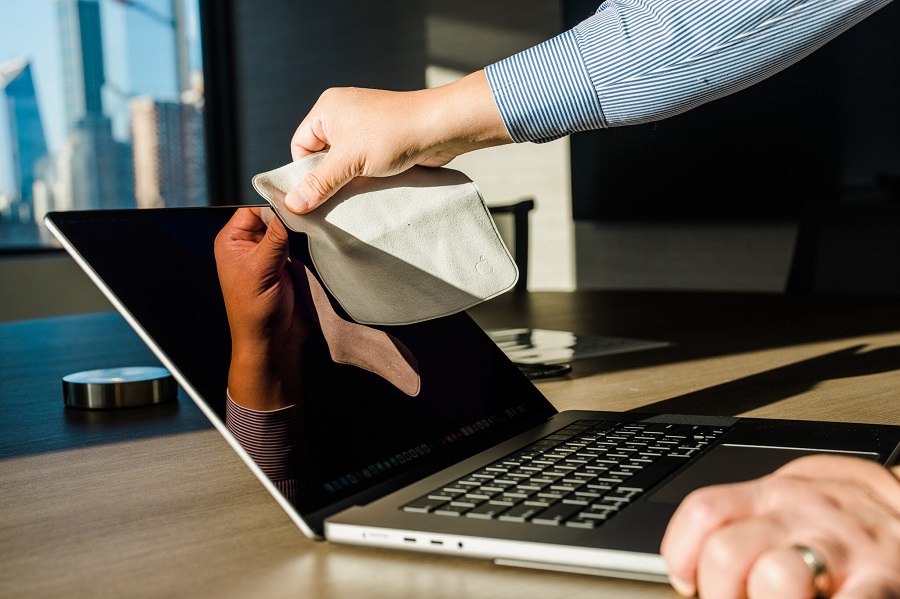
The instructions have been on Apple's website for several months, according to the WayBack Machine, but despite a few reviews or articles mentioning them, many users don't seem to be aware of them. That's a real shame, because a large number of people who haven't noticed the instructions might have thrown away their polishing cloth because of a little dirt, wasting $20 simply because the cleaning instructions are buried in a support page instead of being included on the label or embossed on the cloth itself.
See also: Apple: Fixes DoorLock bug that disables iPhones and iPads
The instructions themselves are also a bit disappointing, as it turns out that Apple is simply telling us to wash the polishing cloth like we would any other delicate fabric.
