

Signal is expanding encrypted chat backups to iPhone, iPad, and computers, offering local storage alongside its existing Secure Backups service. Version 8.30 brings a common format across platforms so users can keep and transfer their history when switching devices.
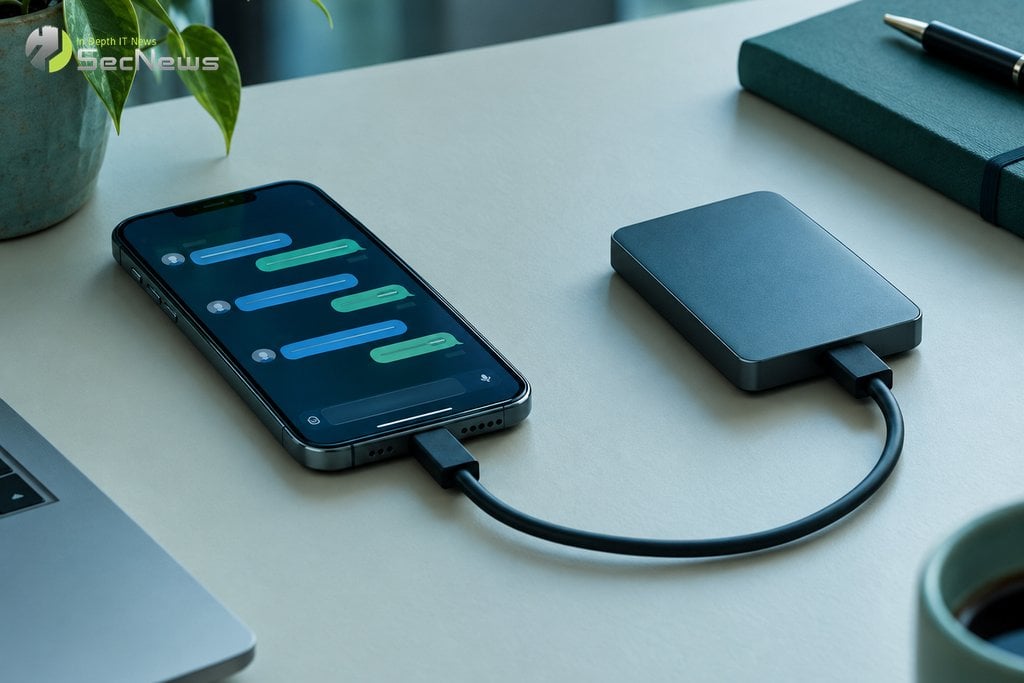
The change affects copies stored on the device or in a location of the user's choosing, not just those hosted by the service. According to the official announcement from Signal, local copies are now available on iOS and Signal Desktop, while the Android app has been updated to use the same format across platforms. Version 8.30 completes the first phase of the rollout, as reported by BleepingComputer.
How encrypted copies work
Encrypted copies are stored locally in a file folder and are protected end-to-end. The user can keep them in a storage space they control, such as an external drive or a storage server on the home network. They can also choose another storage service, without changing the way the data is encrypted.
The new format of encrypted copies separates media attachments from the rest of the data and stores duplicate files only once. This makes regular copying to a second drive or network storage more efficient. However, the available space still depends on the data and the media the user chooses.
To restore encrypted copies, you need the recovery key. Signal notes that this key can decrypt all previous local copies created with it, regardless of where they are stored. So anyone with the key and access to an old file can recover their data; keeping the key is part of the protection itself.
See also: Critical vulnerability in Nginx UI exposes backups
Local copy or Signal Secure Backups?
The two options serve different needs. Local encrypted backups give the user control over the folder and storage location, but require them to keep the file and key available. Signal Secure Backups is optional and creates a backup hosted by Signal, without making the content readable by the company.
Secure Backups’ free plan includes text messages and media from the last 45 days, while the paid plan covers up to 100 GB of media. These limits apply to the hosted service, not the space of a local copy. Users can choose one method or use both, depending on how they want to manage recovery.
The common format also makes it easier to move between different operating systems. The announcement mentions support for creating and restoring encrypted copies on Android, iOS, Linux, macOS, and Windows, so that history is not tied exclusively to one family of devices. For iPhone-to-iPhone transfers, the iOS version also includes device-to-device transfer over a local, encrypted wireless connection.
See also: What to do if your smartphone is stolen
What users should watch out for
The recovery key should not be stored with encrypted copies, nor should it be shared. Signal explains that the hosted service uses an additional, isolated environment to protect a regularly changing encryption key. Local copies do not use this mechanism, as they are designed to be stored on separate media. Because the same recovery key works for older files, users should delete copies that are no longer needed.
There is also a content limitation: messages set to disappear within 24 hours are not included in the backups. Furthermore, without the key, recovery is not possible. These points make it important to choose a secure location for the file and separate, protected storage of the key.
Version 8.30 completes the first phase of changes to Signal backups, bringing more flexible storage to mobile and desktop. The choice between locally encrypted backups and a hosted solution depends on whether you prioritize instant file control or automatic backups. In either case, recovery is based on secure key storage.
See also: Hackers target European officials via messaging apps
☁️ Keep safe copies with Proton Drive
Encrypted cloud storage from Proton — protect your files from ransomware, corruption, and data loss with end-to-end encryption.
- ✔ End-to-end encrypted files & backups
- ✔ Version history — recover files after ransomware
- ✔ Free space — sync across all devices
The link is an affiliate link — SecNews may receive a commission at no additional cost to you. It does not affect the independence of our article writing.
