

It is a fact that there are not many people today who want to replace their old PC with a new one. Even if the computer is so slow that in daily use it bothers them even for a simple movement. The reason is because we all get used to using a "disappointing" machine.
Computer companies may recommend that it should be replaced every two years, yet most people prefer to wait, for example, even 5 minutes for laptop .

But you have to keep in mind that a new laptop has twice the hard drive of an old desktop computer, three times the RAM, a sharper 17'' screen, and is 20 pounds lighter.
However, if you don't want to replace your existing PC yet, below you can find some tips on what you can do if you have problems with it:
1) Make sure you have reliable programs and that you regularly install the updates they offer.
2) Do a basic disk cleanup every few months. Navigate to your hard drive, right-click on drive: C, click Properties. This will open a screen containing a box labeled “Disc Cleanup.” Click on it and follow the instructions. This step allows you to get rid of all sorts of “junk” that can slow down your PC and eat up hard drive space. Disk cleanup is one of the simplest ways to reclaim lost space and speed up everything.
3) Make sure you install Windows updates and Microsoft security updates whenever they are available.
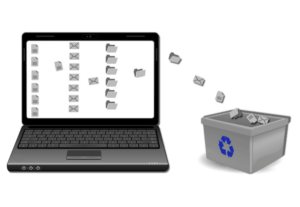
4) Type Control Panel in the search box usually located in the lower left corner of the start screen. Click on it and find Programs – Uninstall a program. Click on this link. Uninstall any software programs that you no longer use. Your computer will already be faster with this move.
5) Finally, most people forget this step, but it's essential if you have a desktop PC with the big box containing all the components on the floor. Dust kills computers.
