

Microsoft will start rolling out the Windows 10 Creators Update via a utility starting tomorrow. This means you'll be able to download and install the new version of the operating system on your computer without having to wait until April 11, when it will be available via Windows Update.
Of course, there are many interested parties, if Microsoft has explicitly stated that this method is aimed at experienced users, who can perform the additional steps that may be needed for a successful update.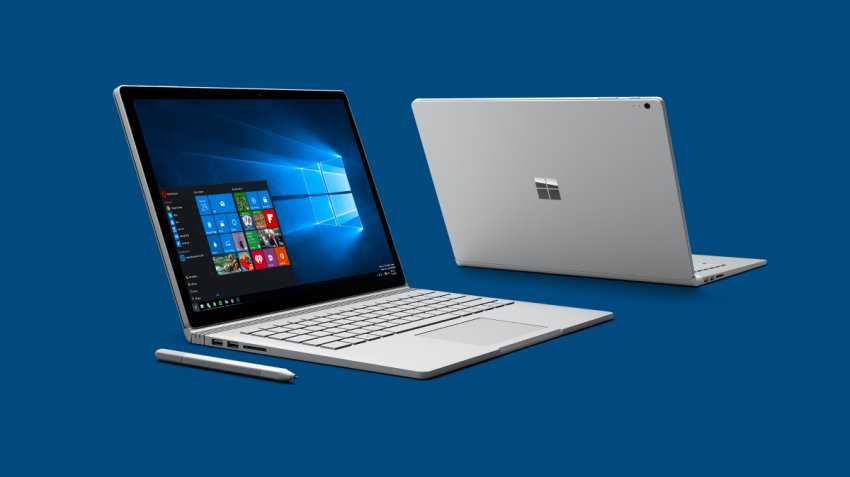
However, as we have already told you, to install the Windows 10 Creators Update via Microsoft's Update Assistant, you don't have to be a nuclear scientist, as if everything goes well, all you will need to do is click Next until your system upgrade is complete.
However, before you start, it would be a good idea to make sure you have done the following:
1. Fully upgrade your computer
First of all, make sure your computer is fully up to date with all the latest patches. This will ensure that the upgrade to Windows 10 Creators Update goes smoothly.
The easiest way to do this is to install the latest cumulative update, although we know it could be a challenge for some, as these updates often cause problems during installation.
Open Windows Update, click the Check for updates button, and install everything on your computer.
2. Free up space on your disk
The Windows Update Assistant will download the necessary files for the update and then extract them to update your system. So as you can imagine, if your computer doesn't have the necessary space, the process will get stuck.
So before you start, make sure your computer has enough storage space to perform the upgrade.
A clean install of Windows 10 requires 16GB for the 32-bit version and 20GB for the 64-bit version. However, since we are talking about a system upgrade and not a clean install, the 32-bit ISO is 3GB, while the 64-bit image is 4.1GB. So you will need twice as much as after the download and before the installation, the Microsoft assistant will have to decompress the ISO.
3. Update all installed programs
This step sounds a bit “inconvenient”, but you should pay attention to it. One of the common problems that Microsoft friends face during a Windows update is the compatibility of installed applications.
Security software plays the most important role, as very often antivirus programs or firewalls block the upgrade to another version of Windows.
The easiest way to avoid such an error is to update your security programs to the latest version. A more radical measure is to completely disable the software, but we wouldn't recommend it.
If you have read all of the above and are ready to upgrade your system, it would be a good idea to also read the following publication:
Don't install the Windows 10 Creators Update yet
