

Dropbox users who have a Google email address can use their Gmail to directly log into their account.
Dropbox users until now could only use the service's authentication system to create an account, log in, and use the apps, desktop clients, or the Web version.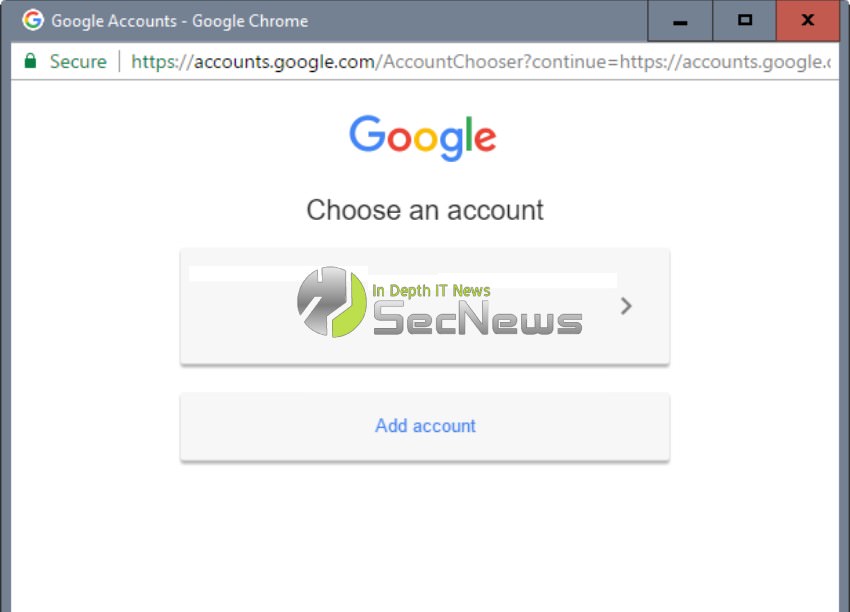
Starting today, the service also authenticates using Google accounts. This of course means that you can connect to your Dropbox account in two ways.
Users who are new to Dropbox can simply sign up for the service using their Google account. This simplifies registration, as there is no need to set a password for the account.
You're probably wondering what applies to Dropbox users who use an email from a different email provider to view their Dropbox account.
If you are one of them, you will not see it immediately. First, you will need to change the email address on your Dropbox account.
Let's see how it goes
Open the address https://www.dropbox.com/account/security#profile in the web browser of your choice.
You will need to log in to your old account.
Then look for the option: “change email” in the personal email tab on the main profile page.
Follow the steps outlined to change your address to a Google one.
Of course you will need to have a Gmail address as it will require verification. That was it.
The first time you try to log in you will be asked to add an account. Select your Gmail account on the page that opens, or click on the account to add the email if it is not on the page.
