

Google has introduced a new feature with the release of Chrome version 48. The Security Overview Panel in the Chrome browser is designed to provide you with detailed information about the status of a website's secure connection. 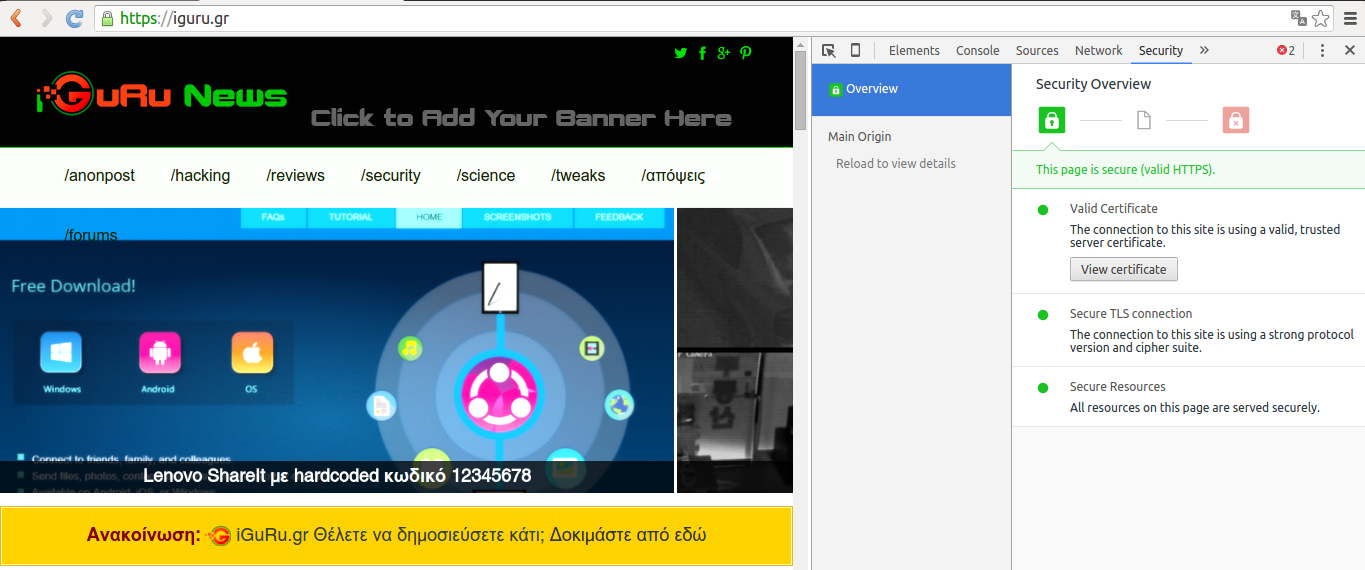
Although the new feature is designed for webmasters, it can be a useful tool for ordinary Internet users as well, as it reveals specific information about a website's connection. So anyone can see why a page doesn't appear with the "safe" green icon.
The Security Overview feature is located in the new Security tab in the browser's developer tools section.
You can open the new panel by pressing the three keys Ctrl-Shift-i together. The developer toolbar will open. From there, select the Security tab.
Google says the feature is starting to roll out now, which means it may not be available on all systems yet. If you can't see the feature, check to see if you have the latest version of Chrome. If you do and still can't see it, you'll have to wait until the company unlocks it.
