

Apple has just released its biggest software update since the release of iOS 9.0 last year.
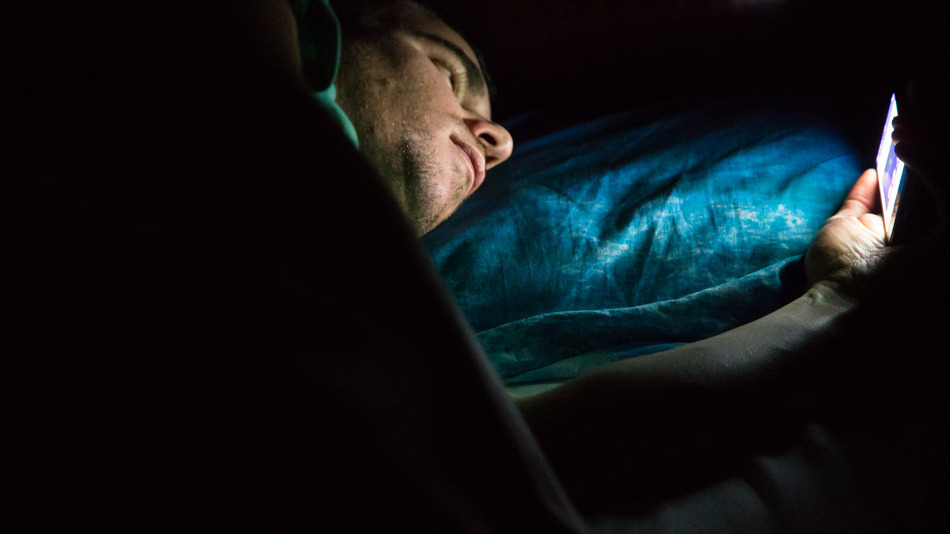
With this, Apple has made the long-awaited feature , which reduces the amount of blue light emitted by your screen, available to everyone.
Similar to f.lux, which makes desktop software, Night Shift changes the color temperature of your screen when it's dark outside. The slower and darker it gets, the higher the temperature.
You can find the settings for Apple's Night Shift in the main Settings app by going to Settings -> Display & Brightness -> Night Shift. From there, you can control when you want the setting to apply. You can also manually adjust the color temperature of your display.
Night Shift is set to be on between sunset and sunrise by default, but you can create a custom schedule for when you want it to go into effect by selecting the “From-To” option in the settings menu. From there, you can choose the times you want it to start and stop.
You can also quickly turn it on or off from the iOS Control Center with the new shortcut icon, which is useful for times when you might want to temporarily adjust the display (if you want to edit a photo, for example.)
If you've never used f.lux or similar software, it's hard to appreciate how much of a difference a change in lighting temperature will make. This not only reduces eye strain at night, but also makes nighttime browsing less disruptive to those around you
