

If you're running Windows 10 and using Google Chrome Canary, which is the newest version of the browser, you may have noticed that the latest update causes some kind of issue that crashes the application completely and leaves you staring at a window with the message "Aw, Snap!".
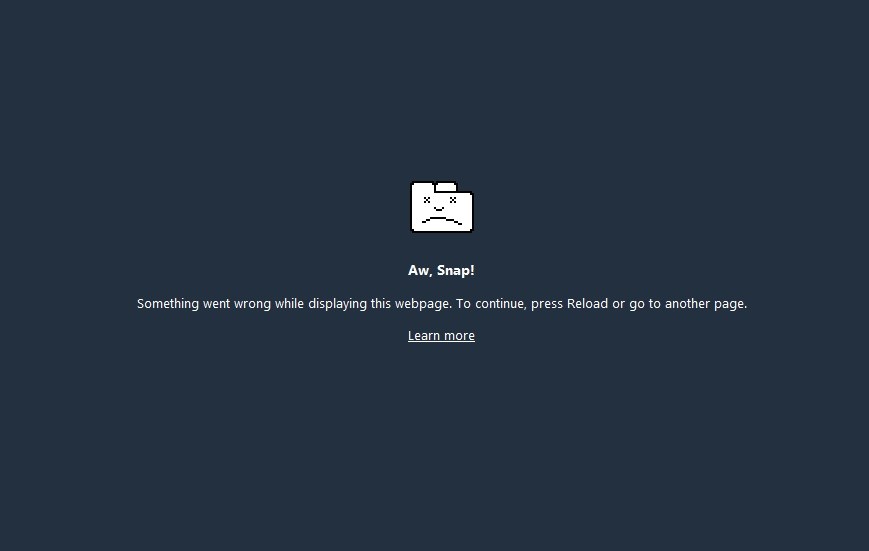
In case you're wondering what's going on with your browser, it's all happening because of a recent update that Google made to the Canary build (which, by the way, shouldn't be installed by regular users, but only by developers or those with more computer knowledge who want to look for bugs and report them to Google so they can fix them before the stable release).
The issue seems to only exist on Windows 10 and error reports from users confirm this.
"I changed my settings to 'open where I left off' and after closing and reopening the browser (which was previously set to open a blank tab). Now, every website gives me the message 'Aw, Snap, Something went wrong'. I can't turn it back on, because even the paths: chrome:/help or chrome://settings, show this message," explains one user.
"I can't retrieve the version number because I get the Aw, Snap page everywhere in settings. I downloaded the latest version on 07/10/15. My other browsers access the internet normally."
A solution is already on the way
Fortunately, the Google Chrome has already developed a solution and the next Canary release should bring it, so be sure to install the update once it's released and continue using the Windows 10 app.
In the meantime, all other versions of the app should work fine on Windows, so download Google Chrome until the aforementioned patch comes in. Alternatively, you can use the default Edgewhile you wait for the next code update.
