

Google has announced that it will enable technology by default for all users in the coming months. The company designed the technology to help people protect themselves and their families from inadvertently seeing inappropriate images in Google Search.

The setting will be on by default for everyone, even those who don't already have the SafeSearch filter turned on. With the filter turned on, Google will blur inappropriate images if they appear in search results. Inappropriate images include sexually explicit content, such as pornography, violence, and anger. Users will be able to adjust the setting at any time. Until now, the filter was on by default for registered users under 18.
See also: Google Chrome Blink: The changes that will annoy Apple
Once the setting is enabled by default for everyone, Google will notify you that it has enabled blurring of inappropriate images through SafeSearch. If you come across an inappropriate image, you can choose to view it by clicking the “view image” button. Alternatively, you can select the “manage settings” button to customize the filter or turn it off completely. As for customization, you can select the “filter” option, which helps you filter out inappropriate images, text, and links. Alternatively, you can select the “off” option, which means you will see all relevant results for your query, even if they are inappropriate.
See also: Google Chrome: Quick delete for the last 15 minutes of history
It's worth noting that SafeSearch only works on Google search results. It won't block inappropriate content on other search or websites you visit directly. Google emphasizes that SafeSearch isn't 100% accurate, but it helps filter out inappropriate content in Google search results for all image, video, and website queries.
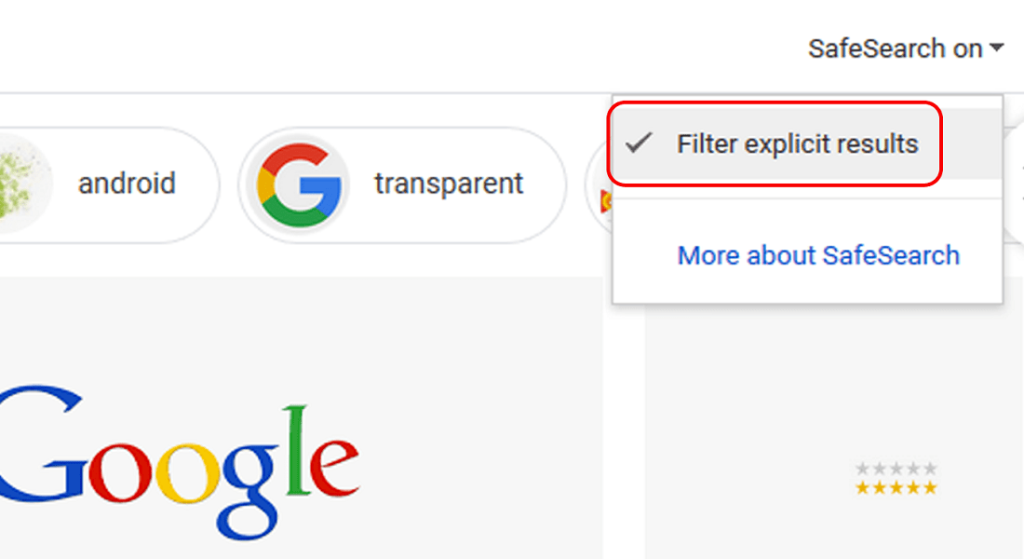
Google initially enabled SafeSearch by default for logged-in users under 18 in August 2021. By extending the filtering to all users, Google is ensuring that children and teens won't encounter inappropriate images, even if they're using an adult's account. Of course, as we mentioned, there's the option to turn off the filter at any time.
See also: Google holds AI event on February 8
You can tweak the SafeSearch filter by following instructions , but you'll have to wait a while before the blurring option rolls out to everyone. Google's SafeSearch filter is a great way to make sure the searches you make are free of inappropriate material.
Source: techcrunch.com
