

Choosing a good mouse pad makes using your computer much more enjoyable. However, like all things, they also need changing and below you will see the signs that indicate it is time to change yours.
See also: Razer's new Basilisk V3 mouse launched with many features
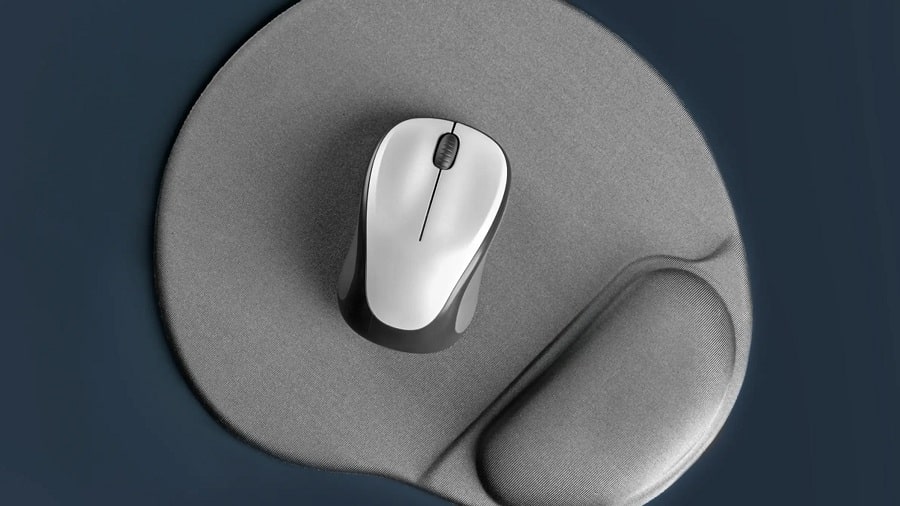
One of the most common signs that it's time for a new mouse pad is when its surface is no longer smooth. Pay close attention to the feel of your mouse when you move it across the mouse pad.
First, make sure you've tried cleaning the pad. See if that gets rid of the rough spots and makes the surface smoother again. If that doesn't work, you probably need to replace it.
Remember that a mouse pad can dramatically improve experience when using a mouse, especially gaming. It allows your mouse to glide smoothly and with greater precision.
See also: Xbox: How to connect a mouse and keyboard to the console?
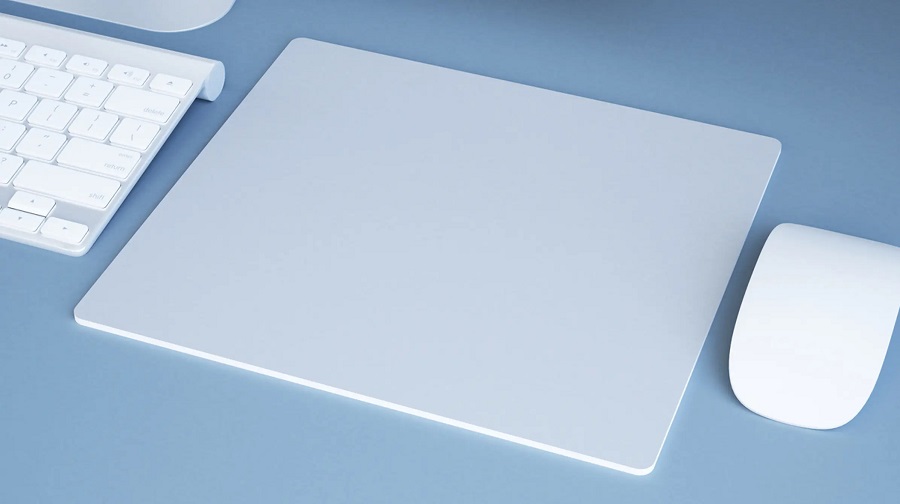
Another common sign that you need to replace your mouse pad is when there is visible damage to it. This includes tears, holes, rough scratches, peeling edges, or any other type of physical damage to the surface.
Using a nightmare. Doing so can even damage your mouse over time, so it’s not worth the risk. If you can see the base material under the top layer of your mouse pad, throw it away immediately! The good news is that most mouse pads are affordable, so you won’t have to spend a lot to get a new one. Remember that small tears, scratches, and holes may be almost invisible, but they can affect the movement of your mouse.
See also: How to quickly locate your mouse pointer in Windows 10
If there is damage but you don't really feel it while using your mouse, keep it for a while longer. Only replace it when the damage makes it difficult to use.
