

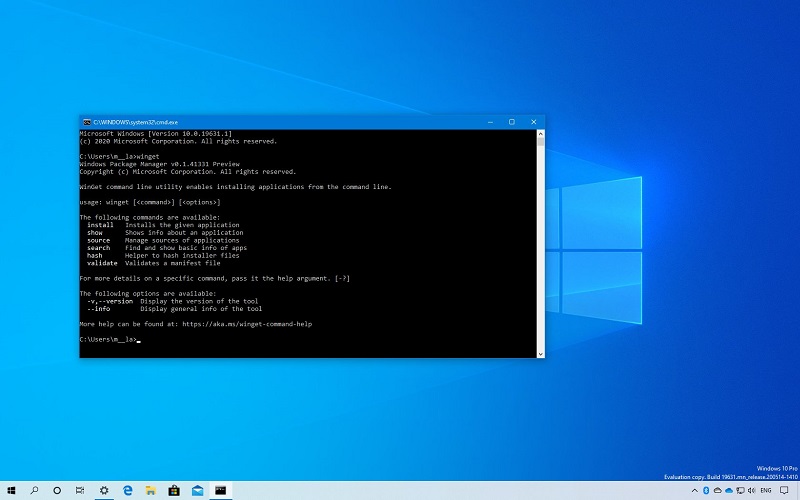
Microsoft has released a new version of the Windows 10 WinGet Package Manager that adds experimental features, such as the ability to install apps from the Microsoft Store and the ability to autocomplete commands.
Windows Package Manager (WinGet) was released in May 2020 during the Microsoft Build developer conference and allows you to install applications from the command line.
With this release, you can enable experimental features by modifying WinGet settings using the command “winget settings”. When executed, it will prompt you to open a JSON with your preferred text editor.
To enable the features, you can copy and paste the following configuration into your settings:
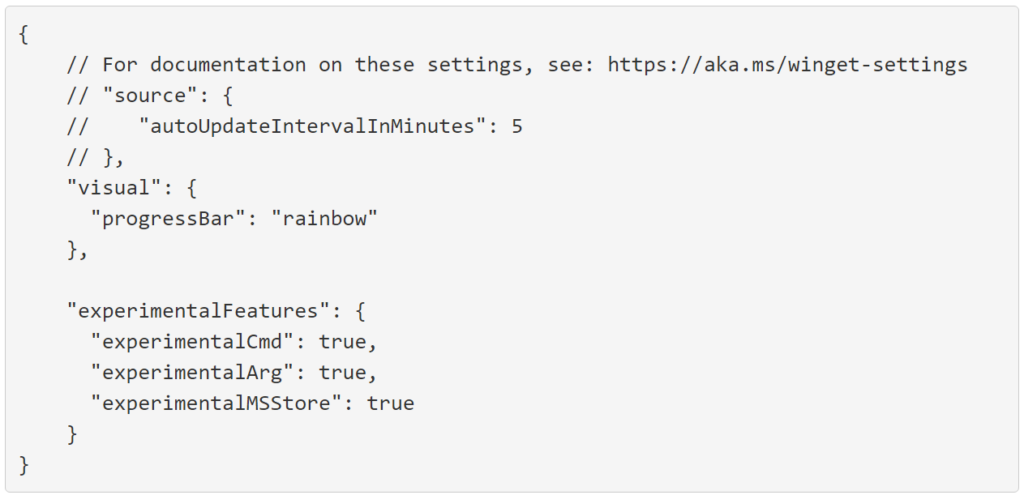
Once you add the “experimentalMSStore” option and save the configuration, WinGet will add a new repository called “msstore”, which you can view using the “winget source list” command.
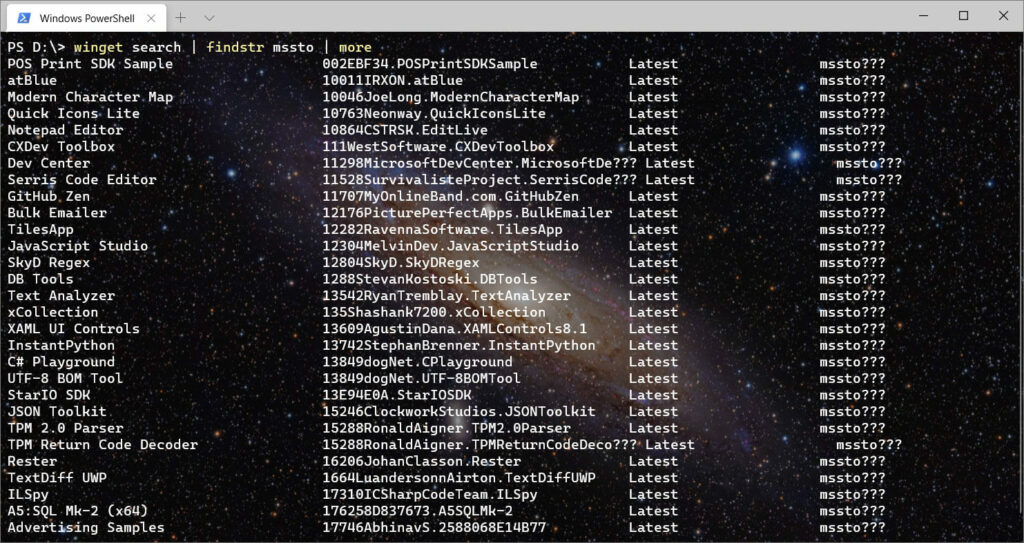
This new “msstore” repository currently contains a curated list of 289 apps related to programming, networking, and development that can be installed directly from the Microsoft Store.
As with any repository, you can install an application from the Microsoft Store repository using the “winget install” command, as shown below
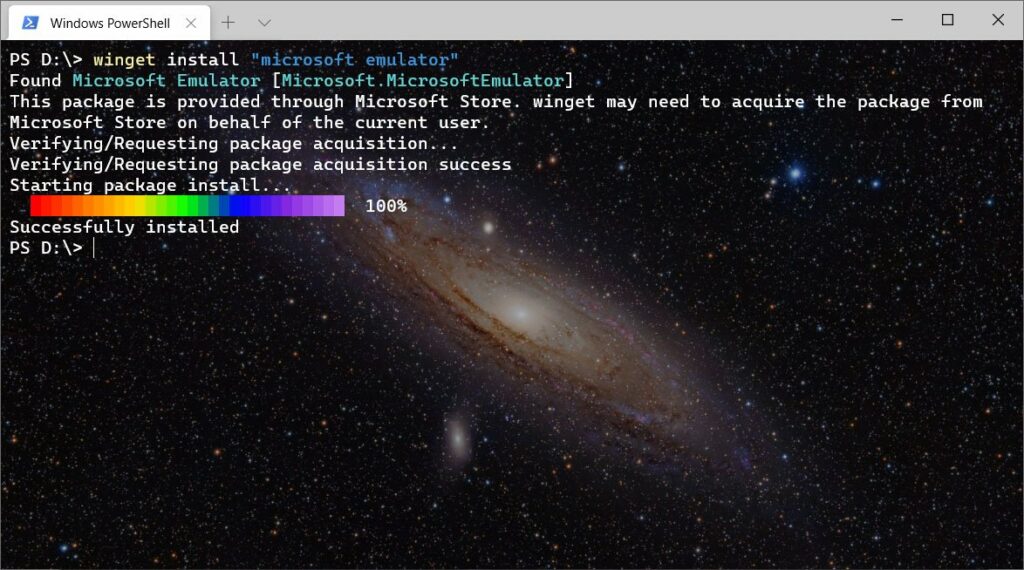
When installing apps from the MSStore repository, they will also appear directly in the Microsoft Store, where updates will be delivered as usual.
Unfortunately, Microsoft has not yet added the ability to uninstall or upgrade programs installed via WinGet, which is required for all of this to be truly useful.
Microsoft said that adding these two commands is its immediate focus, as well as an import/export feature that will allow you to export a list of packages and import it to a new machine.
